
R3D_Q8 - Minecraft Skins & Skin History
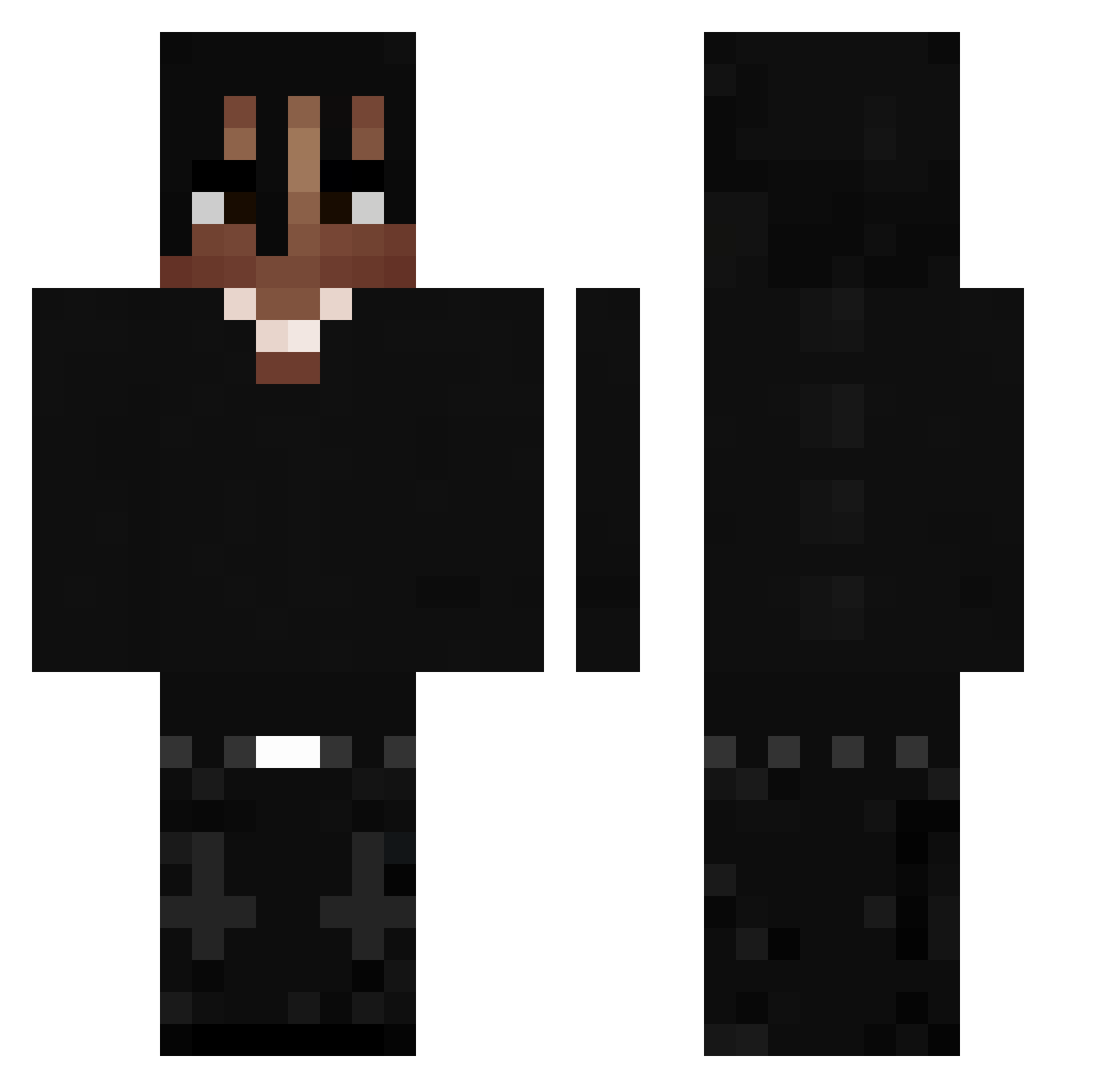
Current Minecraft skin of the player R3D_Q8, loaded from the official Mojang API. Rotate the 3D model with your mouse or finger, then download the skin as a PNG file and use it in Minecraft: Bedrock Edition or Java Edition for free. When R3D_Q8 changes their skin, this page updates automatically and the old skin stays in the history below.
Other players with this skin (532)
R3D_Q8 was the 469th player we have seen with this skin, first spotted on 29.10.2026. The same skin was seen on these players. Open a nickname to see their current skin and skin history.
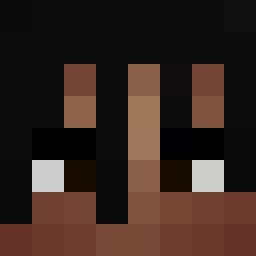 Farryn231 tjark6m Kapelek1 Soniks_x Batrean Guibas1490 aleeeeeee6436 skeptaV ssinberre _smoddi_ hugobaudienville rafaxs1 gianm1 kliks2014 KingTet010 dawidek0000 TheRealXp1N Keendoo PAKITO008 jamtopus meganf0xlover 23Alan23 SimonAsh00 Yungsin kvbussss__ GetBackHoe Crocko971 Dxo_91 jjdabest1031 Th3_Kr4t0s ITSYhael Thxm1_ MadeiraOG6 ppqoint Adamiqx0707 Tim0420 Uniqqqque IamDig_ TurqayNo1 Sweatsstar Yuka_x NotKapa qianlan123 asianyn Brown1592 0d_j3b4ny Pietru4cha LYNXLELYNX Abusaabuelas3800 poteha GodlySteals bobbyfruit Nineon Mi1k cubedblu Ney05 devid1020tech shakaha69140_710 zRenex3593 PlayboiCartiXO
More Dreadlocks Minecraft skins
How to install the R3D_Q8 skin
- Press the Download button above to save the skin as a PNG file.
- Minecraft: Bedrock Edition (PE): open the Dressing Room from the main menu (or tap your character → Edit Character), go to Classic Skins → Owned, press the + (new skin) button, choose the downloaded PNG and pick the Classic (Steve) model. Works on PC and mobile; consoles cannot import custom skins.
- Minecraft: Java Edition: open the Minecraft Launcher, go to the Skins tab, click New Skin, load the PNG, pick the Classic (Steve) model and press Save & Use. You can also upload it at minecraft.net → Profile → Change Skin.
The skin does not show up after import - what should I do?
Restart Minecraft and open the Dressing Room again - imported skins sometimes appear only after a restart. Also make sure you selected the imported skin and picked the Classic (Steve) model.
Which model should I choose, Classic or Slim?
This skin is designed for the Classic (Steve) model. If you pick the wrong model, the arms of the skin will look stretched or squeezed.
Is the skin of R3D_Q8 free to download?
Yes. Press Download, save the PNG file and use it in Minecraft: Bedrock Edition or Java Edition - no payment or registration needed. The skin also works on multiplayer servers and Realms.
More skins
Looking for more? Go back to all Minecraft skins and check the top skins of the week, month and all time, or find any player's skin by nickname.