
Poungie - Minecraft Skins & Skin History
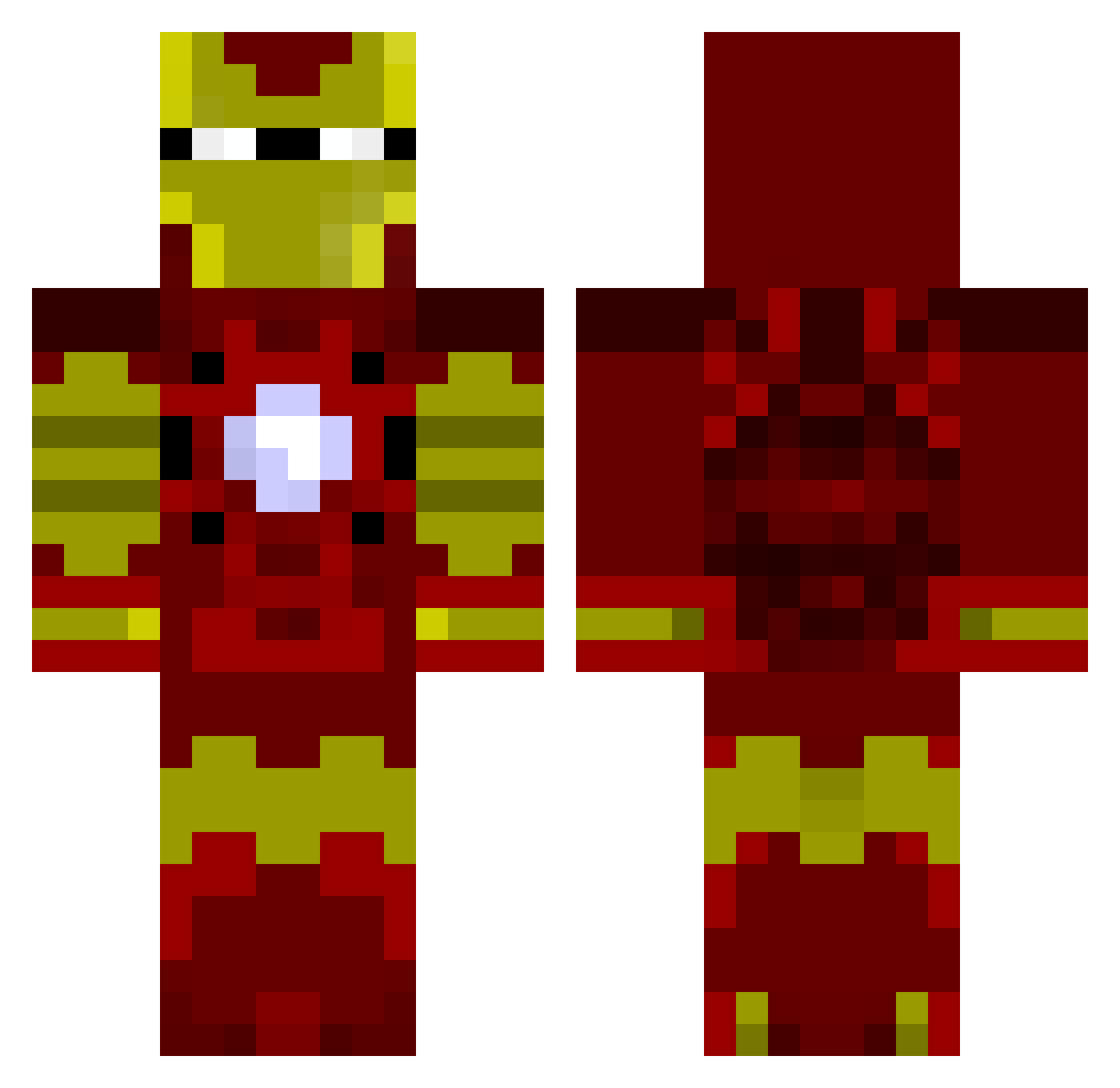
Current Minecraft skin of the player Poungie, loaded from the official Mojang API. Rotate the 3D model with your mouse or finger, then download the skin as a PNG file and use it in Minecraft: Bedrock Edition or Java Edition for free. When Poungie changes their skin, this page updates automatically and the old skin stays in the history below.
Other players with this skin (1031)
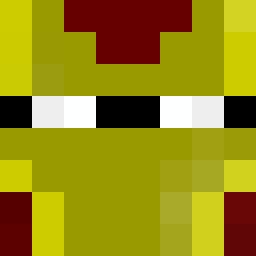
Poungie was the 819th player we have seen with this skin, first spotted on 23.10.2026. The same skin was seen on these players. Open a nickname to see their current skin and skin history.
 smallbotoboi elwombatto Vanillafrap EODboys sowers113 frederic52 RileyTheGreat mynameisdaddy69 mokemoke610 Powen54 SuperCalvinHD sakashiomno B4NTENG maxgaming71 Kuma68 EchoCharlie08 Tomarcher94 Ov3rfl0w Anike_Carpathain THEO_VLH 1peter101 ashsolo LegitBoss777 DRIFT_CRONICS jessie274 charlieman32 1creeper007 lindex_9008 Patpuddles petrusjka Connerr_1 ayySan enderslayer2297 jdog12499 eomi wycomb milanovitch_1 Mr_Westee risocrafter EnglishPaanda MrChubman ploptops DonMelchior jcuevas11 Challen36 wardyw ministubbs GWERCHA TSLMINNING MoonOneLR Crispy_Square MoeFukka Kaleb822 tskufifqtogwudkn eotvilling DTHOodmaN Minehooligan Dcrypt69 AnaiyaDominique ScaryTunnel
More Iron Man Minecraft skins
How to install the Poungie skin
- Press the Download button above to save the skin as a PNG file.
- Minecraft: Bedrock Edition (PE): open the Dressing Room from the main menu (or tap your character → Edit Character), go to Classic Skins → Owned, press the + (new skin) button, choose the downloaded PNG and pick the Classic (Steve) model. Works on PC and mobile; consoles cannot import custom skins.
- Minecraft: Java Edition: open the Minecraft Launcher, go to the Skins tab, click New Skin, load the PNG, pick the Classic (Steve) model and press Save & Use. You can also upload it at minecraft.net → Profile → Change Skin.
The skin does not show up after import - what should I do?
Restart Minecraft and open the Dressing Room again - imported skins sometimes appear only after a restart. Also make sure you selected the imported skin and picked the Classic (Steve) model.
Which model should I choose, Classic or Slim?
This skin is designed for the Classic (Steve) model. If you pick the wrong model, the arms of the skin will look stretched or squeezed.
Is the skin of Poungie free to download?
Yes. Press Download, save the PNG file and use it in Minecraft: Bedrock Edition or Java Edition - no payment or registration needed. The skin also works on multiplayer servers and Realms.
More skins
Looking for more? Go back to all Minecraft skins and check the top skins of the week, month and all time, or find any player's skin by nickname.