
PhoReels - Minecraft Skins & Skin History
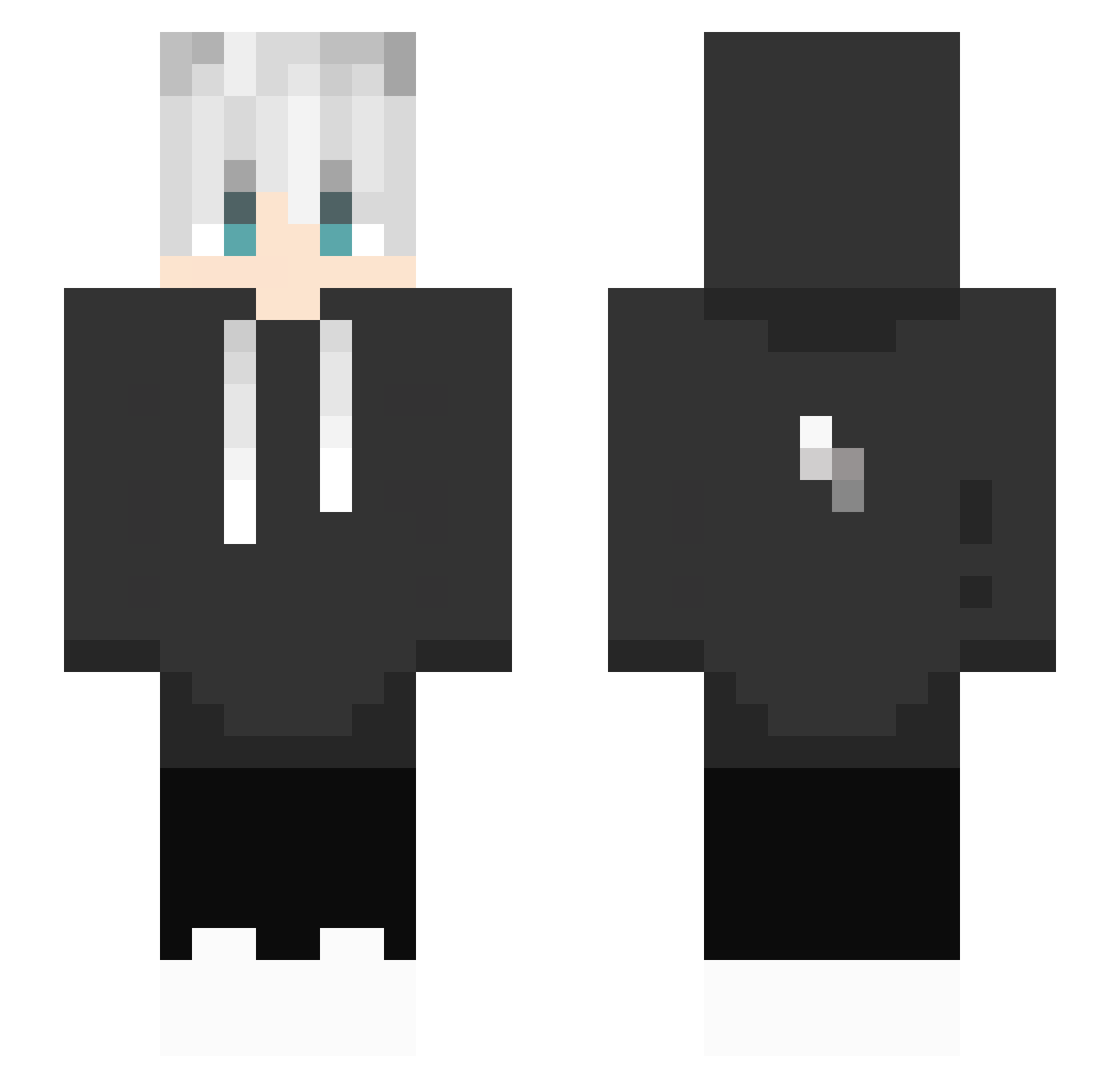
Current Minecraft skin of the player PhoReels, loaded from the official Mojang API. Rotate the 3D model with your mouse or finger, then download the skin as a PNG file and use it in Minecraft: Bedrock Edition or Java Edition for free. When PhoReels changes their skin, this page updates automatically and the old skin stays in the history below.
Other players with this skin (434)
PhoReels was the 297th player we have seen with this skin, first spotted on 10.10.2026. The same skin was seen on these players. Open a nickname to see their current skin and skin history.
 ___Daka___ jinwoo082 LiZhang1314 noble333 Mr_Ghos Qingshenyu dohaha2013 ZShiRan agames1712 day_haki manmanchi knodiod DeKris1 acasillas2002 rose_axf Orange0ne Bir_Krish LTH0719 Cheesein5 no1ce_dragon CHOFER_GAMINGYT Angel292008 bkugk itz_Day Destinyhhh SoloQSolis jezio21 jhk10145 hubrt360 bb8x2 AlwysLwk OxxyGeeen Dark1511 Dark404 efes35353509 Tsukki03 20adam09 __Dove Slippy_Jo windnine star_1230 Tominko123522 boomamu July_GM Darling298 Lucky_fv mutedgamerbro Nosagama09 CBW_0522 Belial_Bloodline Penge020 the_gamer351 Fallen_Snow01 Urstm_1234 Zhu_CN FELIPEGUINTER121 Tchipe AverageGinger13 D3r_Ringkoenig LuckyPig00
More Lightning Bolt Minecraft skins
See all 923 Lightning Bolt skins
How to install the PhoReels skin
- Press the Download button above to save the skin as a PNG file.
- Minecraft: Bedrock Edition (PE): open the Dressing Room from the main menu (or tap your character → Edit Character), go to Classic Skins → Owned, press the + (new skin) button, choose the downloaded PNG and pick the Slim (Alex) model. Works on PC and mobile; consoles cannot import custom skins.
- Minecraft: Java Edition: open the Minecraft Launcher, go to the Skins tab, click New Skin, load the PNG, pick the Slim (Alex) model and press Save & Use. You can also upload it at minecraft.net → Profile → Change Skin.
The skin does not show up after import - what should I do?
Restart Minecraft and open the Dressing Room again - imported skins sometimes appear only after a restart. Also make sure you selected the imported skin and picked the Slim (Alex) model.
Which model should I choose, Classic or Slim?
This skin is designed for the Slim (Alex) model. If you pick the wrong model, the arms of the skin will look stretched or squeezed.
Is the skin of PhoReels free to download?
Yes. Press Download, save the PNG file and use it in Minecraft: Bedrock Edition or Java Edition - no payment or registration needed. The skin also works on multiplayer servers and Realms.
More skins
Looking for more? Go back to all Minecraft skins and check the top skins of the week, month and all time, or find any player's skin by nickname.