
PetKifas - Minecraft Skins & Skin History
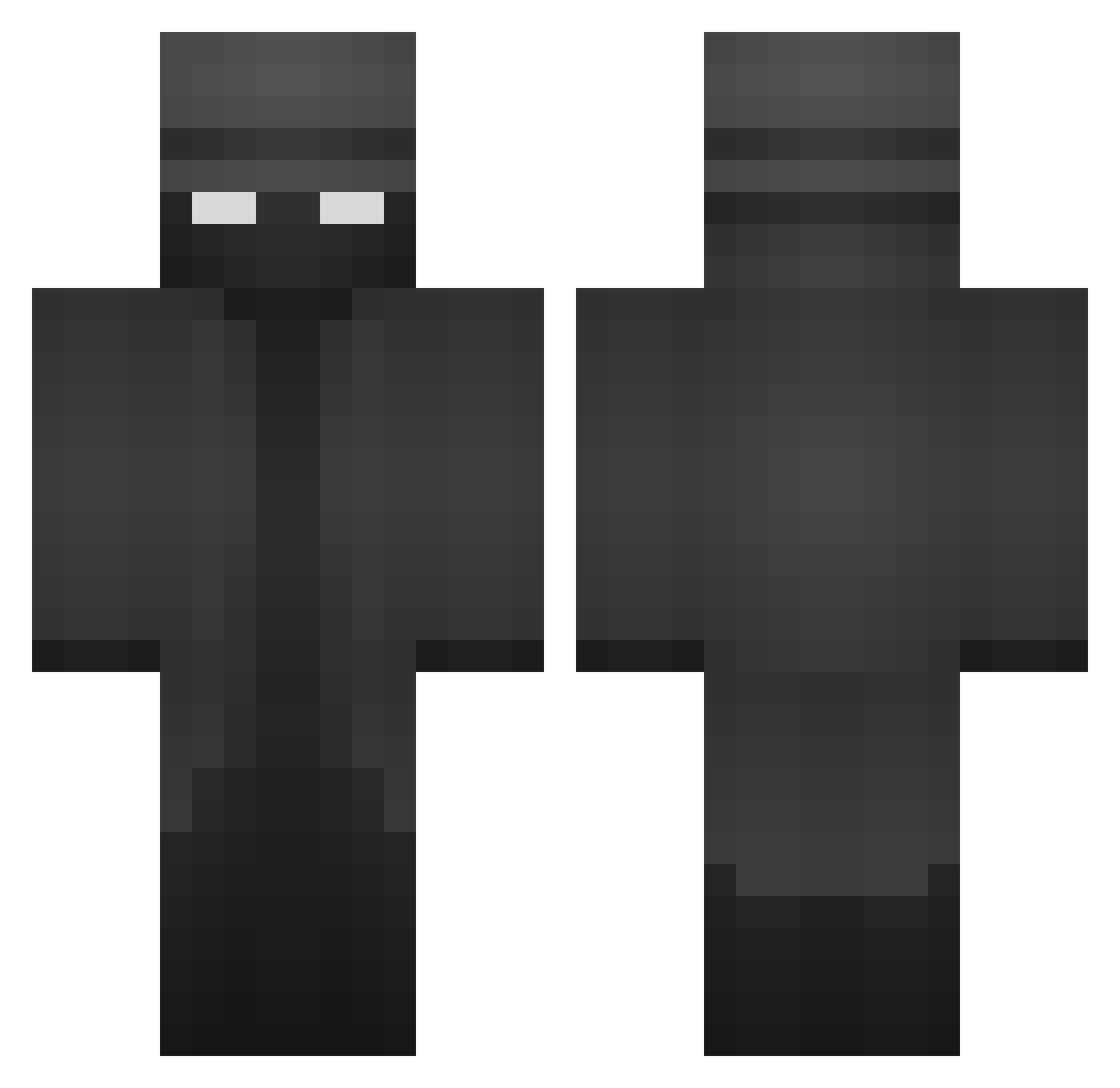
Current Minecraft skin of the player PetKifas, loaded from the official Mojang API. Rotate the 3D model with your mouse or finger, then download the skin as a PNG file and use it in Minecraft: Bedrock Edition or Java Edition for free. When PetKifas changes their skin, this page updates automatically and the old skin stays in the history below.
Other players with this skin (466)
PetKifas was the 391st player we have seen with this skin, first spotted on 25.10.2026. The same skin was seen on these players. Open a nickname to see their current skin and skin history.
 FrancescoLomi DonToniooo Foocss tybzi77 creamiboi Grimm14n zerosOreos ComeBackMix D4r3k_W1th3rwhy dhuw caleb_691 HappyEthan2 DubSuan14 AnasDgoat MJKJake1 RGYT Fxriouss TheEmil123 SpitFire316 moai_ptq_7x5 adamj288 Travisfan22 ElPeluquin08 FlyingGodBTW Karumata Captinlee123 Mailik_2312 IIOrin SB0302 End3r234 MrMan1500 HiBlitzy juk3b0xxx rrtr1112 CapyDBara Rand0m48 Watsxn DrewsMinecraft04 Fibbs_ TheM1ilkman JayCondale cvetkovich jobo700 BulkiestSkate39 Kingenbree numerik1871 Elbonet KOKOBEAN12 UzielMurillo Mark_eats_soap SpicyMeerkat86 PeanutPiglet ariyanaab OfficialSriracha Majezst MAVERICK8544 MantillaFisch67 speedytomato77 LuxuryPriceTag Maguuu0
More Detective Minecraft skins
How to install the PetKifas skin
- Press the Download button above to save the skin as a PNG file.
- Minecraft: Bedrock Edition (PE): open the Dressing Room from the main menu (or tap your character → Edit Character), go to Classic Skins → Owned, press the + (new skin) button, choose the downloaded PNG and pick the Classic (Steve) model. Works on PC and mobile; consoles cannot import custom skins.
- Minecraft: Java Edition: open the Minecraft Launcher, go to the Skins tab, click New Skin, load the PNG, pick the Classic (Steve) model and press Save & Use. You can also upload it at minecraft.net → Profile → Change Skin.
The skin does not show up after import - what should I do?
Restart Minecraft and open the Dressing Room again - imported skins sometimes appear only after a restart. Also make sure you selected the imported skin and picked the Classic (Steve) model.
Which model should I choose, Classic or Slim?
This skin is designed for the Classic (Steve) model. If you pick the wrong model, the arms of the skin will look stretched or squeezed.
Is the skin of PetKifas free to download?
Yes. Press Download, save the PNG file and use it in Minecraft: Bedrock Edition or Java Edition - no payment or registration needed. The skin also works on multiplayer servers and Realms.
More skins
Looking for more? Go back to all Minecraft skins and check the top skins of the week, month and all time, or find any player's skin by nickname.