
Pam1n_ixz - Minecraft Skins & Skin History
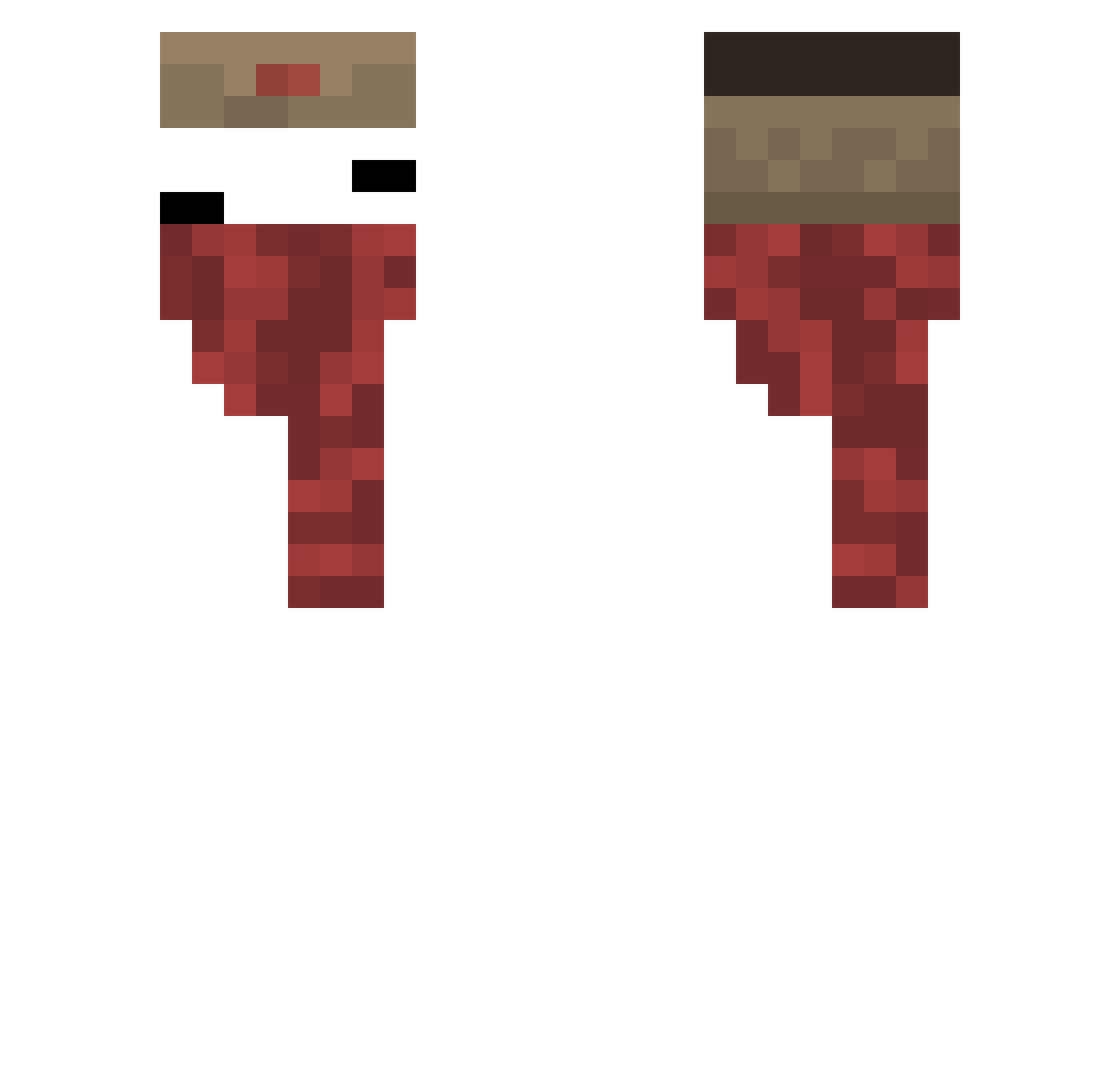
Current Minecraft skin of the player Pam1n_ixz, loaded from the official Mojang API. Rotate the 3D model with your mouse or finger, then download the skin as a PNG file and use it in Minecraft: Bedrock Edition or Java Edition for free. When Pam1n_ixz changes their skin, this page updates automatically and the old skin stays in the history below.
Other players with this skin (131)
Pam1n_ixz was the 98th player we have seen with this skin, first spotted on 14.10.2026. The same skin was seen on these players. Open a nickname to see their current skin and skin history.
 qhuybuxu tofu0222 BoixzMeoMeo maxtb2019 Mr_Flocky05 Galeo400 JosEnvys ZynnReal THEBREADMASTER13 _1pot Iq_Xaizen Saviance juanchotalarga3 PeanutLegend36 1ove_ww DhiRam09 Klei_56 blatp Nesc4uJTK brandvogel Leeyoungchan RyonIsHere vxxvvxvxvxvxvvxv sunwook0103 amareon2001 Edagg_ GoogleServices Yagi_z XENORY cocozeffy KOF5 4g4bzZ eicv frostflamek junsoo4040 SWS101 Duo312 _l_3 Dr_Kuriboh machylala MinimalInfo y0cks Sleepy2_ Markalov2305292 TilloKilloMC Itz_Plexz OveR_R_ I_HateApril arbuzek12 Felo_Bohemio flawless_42 Camikaze_14 Ha_ro0514 DobidLemax Black_Bear1123 KnoxySneezer peddrolino LentesWTF iagofragnani OnionAce
More Russian Minecraft skins
How to install the Pam1n_ixz skin
- Press the Download button above to save the skin as a PNG file.
- Minecraft: Bedrock Edition (PE): open the Dressing Room from the main menu (or tap your character → Edit Character), go to Classic Skins → Owned, press the + (new skin) button, choose the downloaded PNG and pick the Classic (Steve) model. Works on PC and mobile; consoles cannot import custom skins.
- Minecraft: Java Edition: open the Minecraft Launcher, go to the Skins tab, click New Skin, load the PNG, pick the Classic (Steve) model and press Save & Use. You can also upload it at minecraft.net → Profile → Change Skin.
The skin does not show up after import - what should I do?
Restart Minecraft and open the Dressing Room again - imported skins sometimes appear only after a restart. Also make sure you selected the imported skin and picked the Classic (Steve) model.
Which model should I choose, Classic or Slim?
This skin is designed for the Classic (Steve) model. If you pick the wrong model, the arms of the skin will look stretched or squeezed.
Is the skin of Pam1n_ixz free to download?
Yes. Press Download, save the PNG file and use it in Minecraft: Bedrock Edition or Java Edition - no payment or registration needed. The skin also works on multiplayer servers and Realms.
More skins
Looking for more? Go back to all Minecraft skins and check the top skins of the week, month and all time, or find any player's skin by nickname.