
Oleje4ka - Minecraft Skins & Skin History
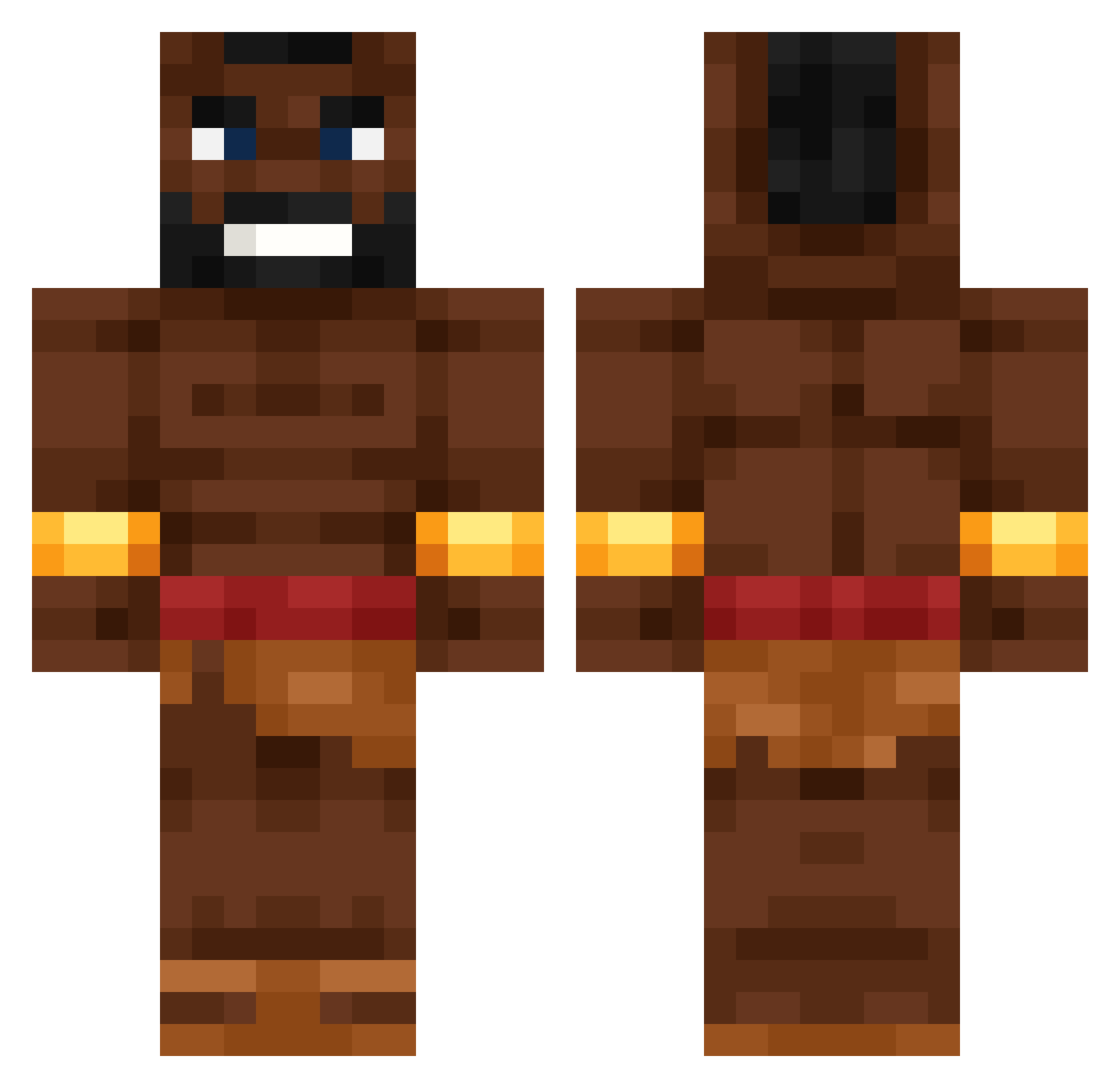
Current Minecraft skin of the player Oleje4ka, loaded from the official Mojang API. Rotate the 3D model with your mouse or finger, then download the skin as a PNG file and use it in Minecraft: Bedrock Edition or Java Edition for free. When Oleje4ka changes their skin, this page updates automatically and the old skin stays in the history below.
Other players with this skin (697)
Oleje4ka was the 664th player we have seen with this skin, first spotted on 06.11.2026. The same skin was seen on these players. Open a nickname to see their current skin and skin history.
 Ting_0w0 ulkucukaan Spudermensch1 Camiscool21 Mkhitarya Jwer Alexpro108 DetNielsTid MasPaiss Kritty_UwU Fjvink PepeGosling Pan_Krab woc_xNRSg_0728 THYSMASTIQUE AgentSRK Blog_6 boxo_ BugOnARug2364 joaodcm TheBest_est Welzo Td_juki Hogumexicanu1 MyPuhHurt DJFranky04 icespike4 Guppy1998 K3rmitsaur brky548 brudahhharmemann DynoSQT PaineCuPateu1 JFarmzz cmok69 79ol MnrSquid Nirvana08 O_leaver mydracoMBgay omer_mr_op AbbaGamer2 METAMIAOU Kraispard Tom24076 Midicre333 vegetableArHan bobthecat1020 69Hograider69 ItchyFawn1512344 DihoOrangutann Die123456 AcaciaDoors Zentrixen 1stBeda Babushka1 Ian8476 Lazaroid HewiBR Drouman69
More Actor Minecraft skins
How to install the Oleje4ka skin
- Press the Download button above to save the skin as a PNG file.
- Minecraft: Bedrock Edition (PE): open the Dressing Room from the main menu (or tap your character → Edit Character), go to Classic Skins → Owned, press the + (new skin) button, choose the downloaded PNG and pick the Classic (Steve) model. Works on PC and mobile; consoles cannot import custom skins.
- Minecraft: Java Edition: open the Minecraft Launcher, go to the Skins tab, click New Skin, load the PNG, pick the Classic (Steve) model and press Save & Use. You can also upload it at minecraft.net → Profile → Change Skin.
The skin does not show up after import - what should I do?
Restart Minecraft and open the Dressing Room again - imported skins sometimes appear only after a restart. Also make sure you selected the imported skin and picked the Classic (Steve) model.
Which model should I choose, Classic or Slim?
This skin is designed for the Classic (Steve) model. If you pick the wrong model, the arms of the skin will look stretched or squeezed.
Is the skin of Oleje4ka free to download?
Yes. Press Download, save the PNG file and use it in Minecraft: Bedrock Edition or Java Edition - no payment or registration needed. The skin also works on multiplayer servers and Realms.
More skins
Looking for more? Go back to all Minecraft skins and check the top skins of the week, month and all time, or find any player's skin by nickname.