
ObserverC - Minecraft Skins & Skin History
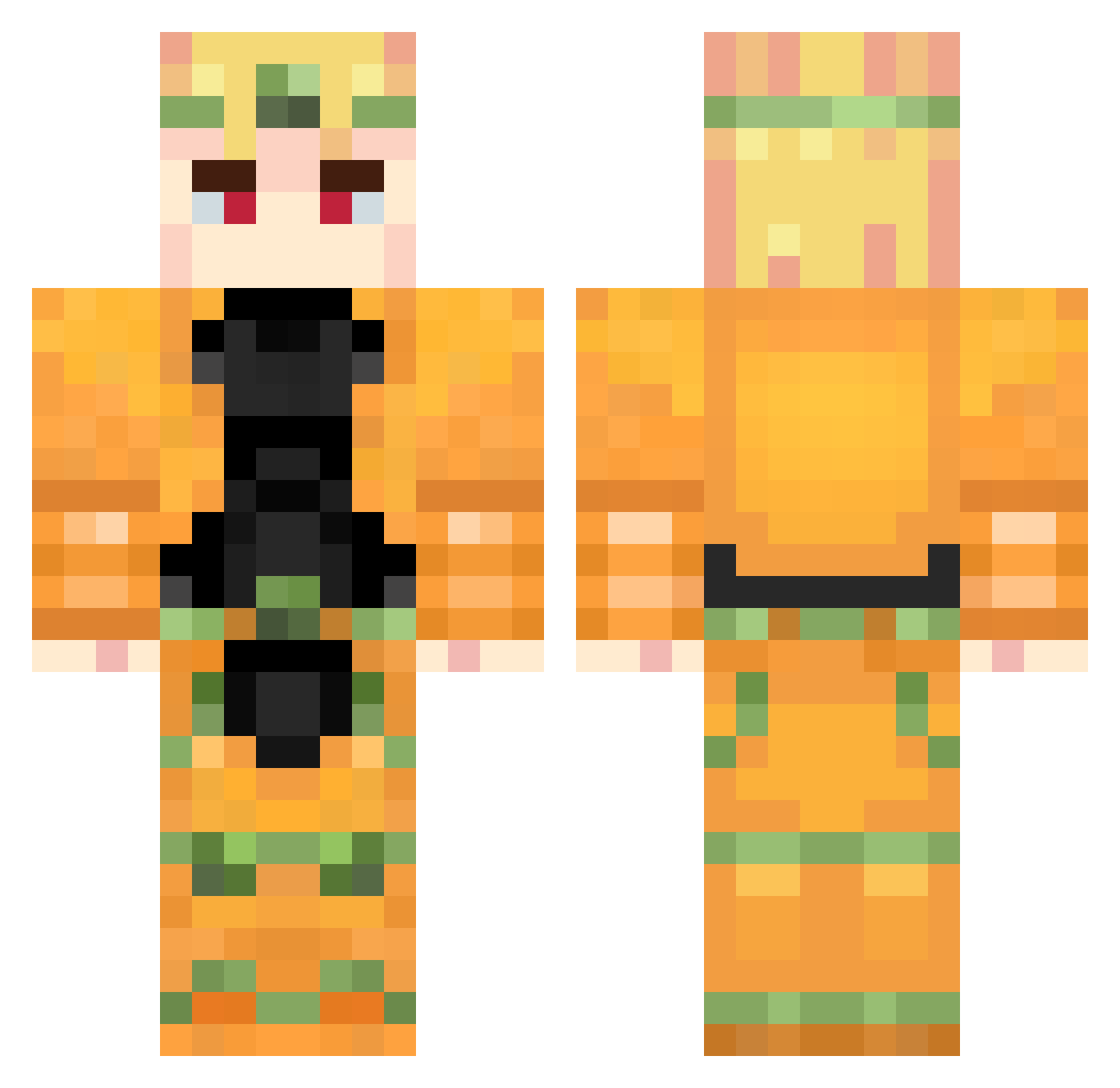
Current Minecraft skin of the player ObserverC, loaded from the official Mojang API. Rotate the 3D model with your mouse or finger, then download the skin as a PNG file and use it in Minecraft: Bedrock Edition or Java Edition for free. When ObserverC changes their skin, this page updates automatically and the old skin stays in the history below.
Other players with this skin (957)
ObserverC was the 805th player we have seen with this skin, first spotted on 25.10.2026. The same skin was seen on these players. Open a nickname to see their current skin and skin history.
 TheHalfwitSheep Lord_FizzR OhotaKrepkaya RIZA2631 KIlha_ sdaasdads Cani_15 k1llua15y Kimi_matias WillA_2020 Tobizin087 Wilhelm077 pablo006 M44YT muaddip lobix777 __Sonder Daniel_2564 Oyasumi_MaoMao Qirah NP2121 Dfoz Emin5144 sangminist AlphaAllah Nexgul moisesalenda Sammy_Lnt Destory1 Finn_ksh ichbinbertug aodjifi FromCCCP HughMungus27 Chri26_ TS_SiLaici gormitakuhodb Salad2Froui L0P0nyaa mamamiapizzaria1 SadSalaryMan 2wnty8ight StickyF1ngers ItalianBoy___ Callaloo SenZoR666 Lone_Shadoww Dio1169 bmreiii Matmat24 DIIIIIIOOOOOO Suleymanozgen199 iTzViquezD SettWolf Ryzu28 HeIIsing_man efekara12 NoSoup4You456 ZeGhostEx ArthurCNG
More Dio Brando Minecraft skins
How to install the ObserverC skin
- Press the Download button above to save the skin as a PNG file.
- Minecraft: Bedrock Edition (PE): open the Dressing Room from the main menu (or tap your character → Edit Character), go to Classic Skins → Owned, press the + (new skin) button, choose the downloaded PNG and pick the Classic (Steve) model. Works on PC and mobile; consoles cannot import custom skins.
- Minecraft: Java Edition: open the Minecraft Launcher, go to the Skins tab, click New Skin, load the PNG, pick the Classic (Steve) model and press Save & Use. You can also upload it at minecraft.net → Profile → Change Skin.
The skin does not show up after import - what should I do?
Restart Minecraft and open the Dressing Room again - imported skins sometimes appear only after a restart. Also make sure you selected the imported skin and picked the Classic (Steve) model.
Which model should I choose, Classic or Slim?
This skin is designed for the Classic (Steve) model. If you pick the wrong model, the arms of the skin will look stretched or squeezed.
Is the skin of ObserverC free to download?
Yes. Press Download, save the PNG file and use it in Minecraft: Bedrock Edition or Java Edition - no payment or registration needed. The skin also works on multiplayer servers and Realms.
More skins
Looking for more? Go back to all Minecraft skins and check the top skins of the week, month and all time, or find any player's skin by nickname.