
NotDanish_ - Minecraft Skins & Skin History
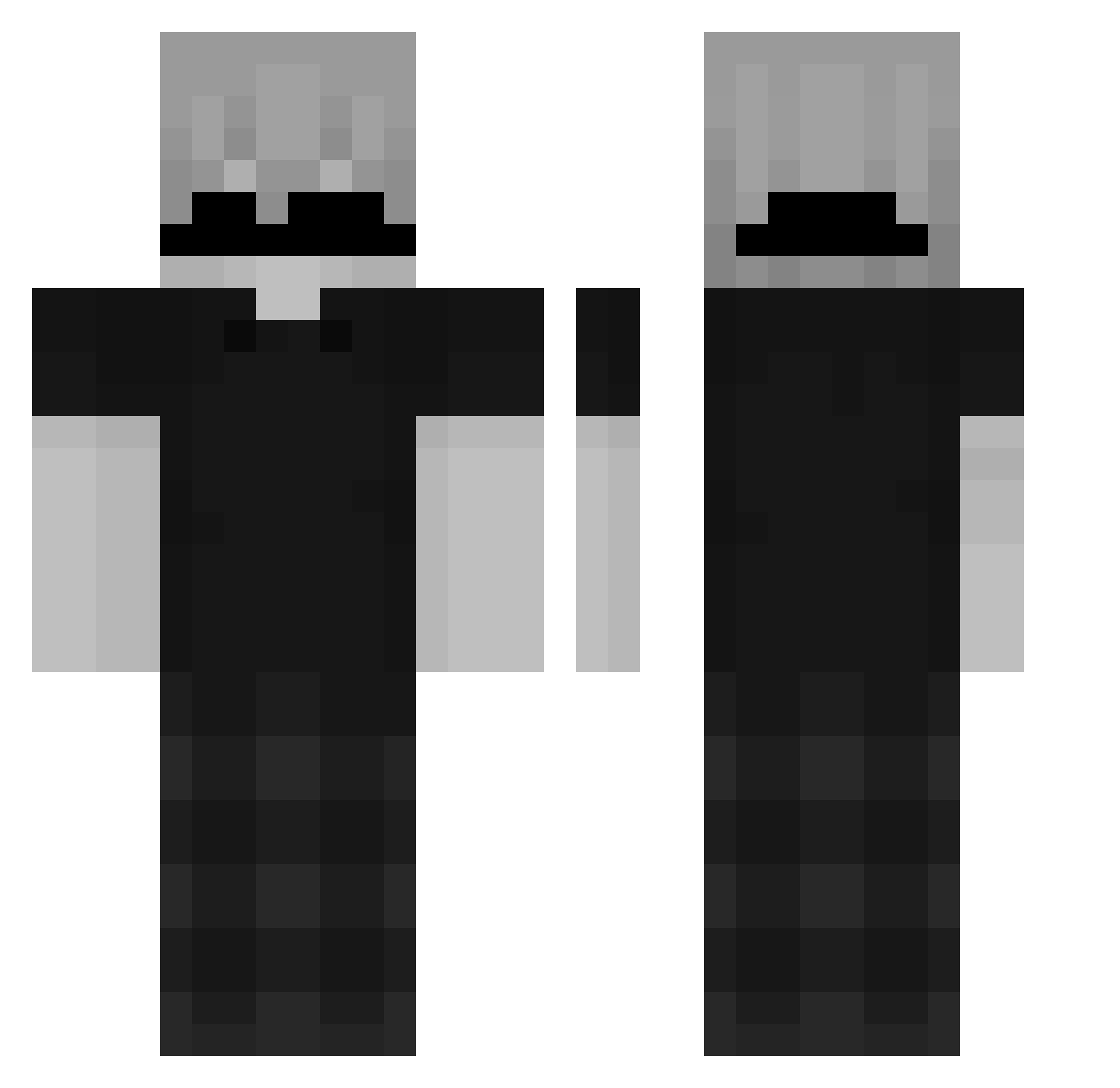
Current Minecraft skin of the player NotDanish_, loaded from the official Mojang API. Rotate the 3D model with your mouse or finger, then download the skin as a PNG file and use it in Minecraft: Bedrock Edition or Java Edition for free. When NotDanish_ changes their skin, this page updates automatically and the old skin stays in the history below.
Other players with this skin (163)
NotDanish_ was the 134th player we have seen with this skin, first spotted on 22.10.2026. The same skin was seen on these players. Open a nickname to see their current skin and skin history.
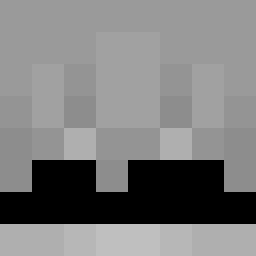 RealBenavides kolkoz Sv1lent kacperpro123456 hipezin Hiro_SZ _Flexiexx X4DA MufasaV12 Thecharge23 Sensitv011 josephffrr Bucklii wishy____ AIZEN_064 z3Flarrx freddiek5913 TatemX taang7 Sajako _AdixMC_ OskarTW speedyxx skazzyyy cubson72701 kszaszek Angeljshxbxkx _LT5_ SlateThrower872 spannermonkey DarkAmp105 ShadowedEnds35 RedishDean KennieCPVP jemjelee MenoRuimkkj yeet7099 PHYSICGEAR2025 valanl ReyRey1234 Daviforsador kreize Fbxzz_ egehantkGG Mr_Blaster18 NuLi_12 11iqq whymejasin tureconevida Miguel_Savoldi2 Aleksej777 sexy_viper LuizDKF Antoo33 dxnzy NunOKMU0523JK iTzPainn wg_GKC3t_04_25 Svartsjuka Alwhood
How to install the NotDanish_ skin
- Press the Download button above to save the skin as a PNG file.
- Minecraft: Bedrock Edition (PE): open the Dressing Room from the main menu (or tap your character → Edit Character), go to Classic Skins → Owned, press the + (new skin) button, choose the downloaded PNG and pick the Classic (Steve) model. Works on PC and mobile; consoles cannot import custom skins.
- Minecraft: Java Edition: open the Minecraft Launcher, go to the Skins tab, click New Skin, load the PNG, pick the Classic (Steve) model and press Save & Use. You can also upload it at minecraft.net → Profile → Change Skin.
The skin does not show up after import - what should I do?
Restart Minecraft and open the Dressing Room again - imported skins sometimes appear only after a restart. Also make sure you selected the imported skin and picked the Classic (Steve) model.
Which model should I choose, Classic or Slim?
This skin is designed for the Classic (Steve) model. If you pick the wrong model, the arms of the skin will look stretched or squeezed.
Is the skin of NotDanish_ free to download?
Yes. Press Download, save the PNG file and use it in Minecraft: Bedrock Edition or Java Edition - no payment or registration needed. The skin also works on multiplayer servers and Realms.
More skins
Looking for more? Go back to all Minecraft skins and check the top skins of the week, month and all time, or find any player's skin by nickname.