
Northernwolf08 - Minecraft Skins & Skin History
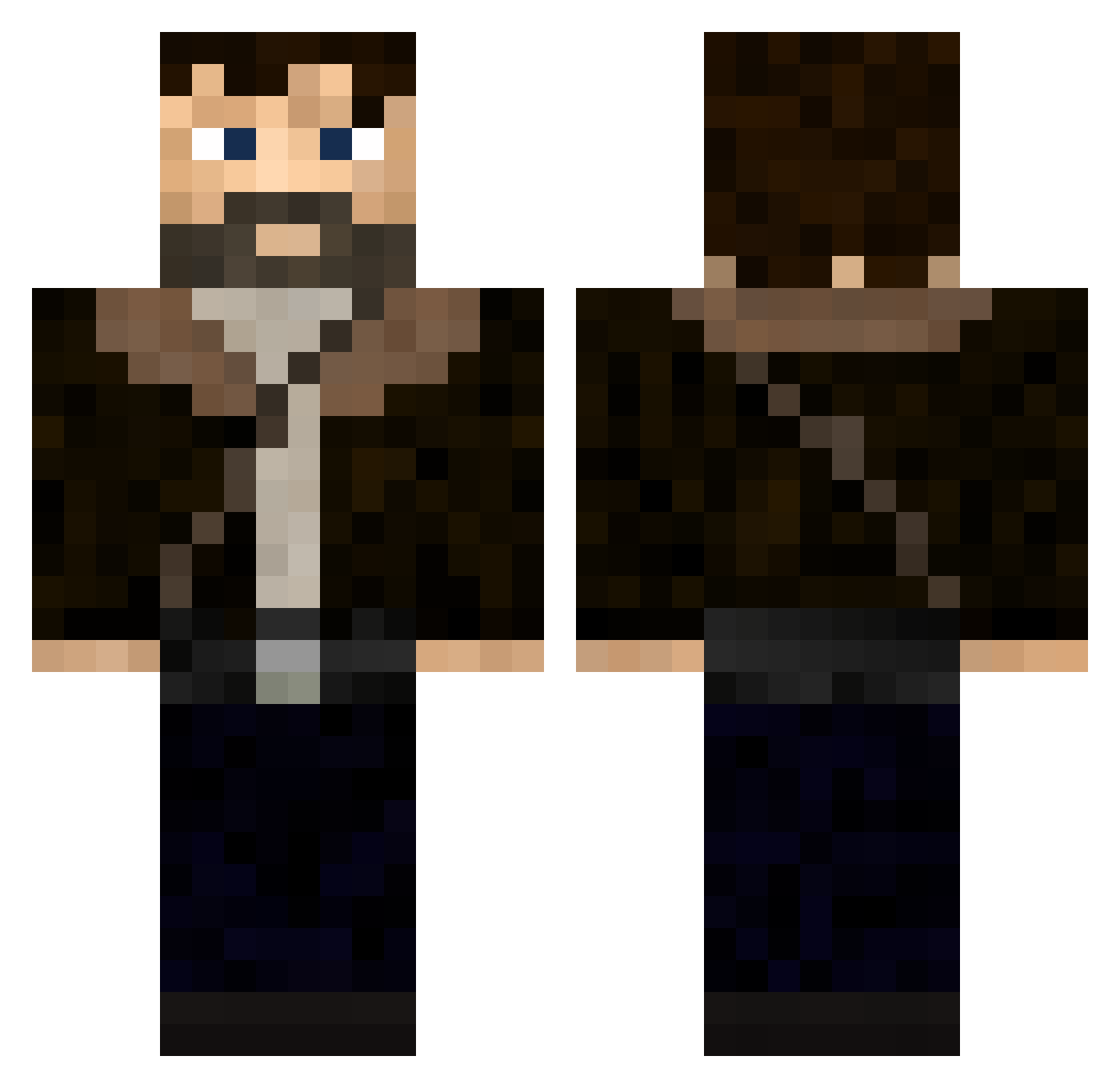
Current Minecraft skin of the player Northernwolf08, loaded from the official Mojang API. Rotate the 3D model with your mouse or finger, then download the skin as a PNG file and use it in Minecraft: Bedrock Edition or Java Edition for free. When Northernwolf08 changes their skin, this page updates automatically and the old skin stays in the history below.
Other players with this skin (346)
Northernwolf08 was the 315th player we have seen with this skin, first spotted on 28.10.2026. The same skin was seen on these players. Open a nickname to see their current skin and skin history.
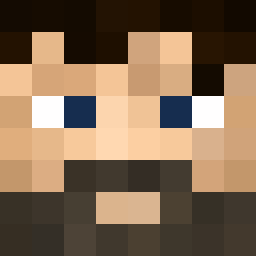 LautiAres episode1 Daantjooh OsasAmca Yannolo_xx sigal_s MachoThrower Rick_Grims P3ppe_ Bradsturr Colinsan05 RickkGrimess raizin8090 envybreaded MatagaYT Opoli Uncle_Lazzy92 Quidbersaa Twenty2D Bebann Callumbo27 Diggler2222 LOKAIIN infinit7 Blueghost101 Rabek thecagann Luca_Stone Reishin0822 JOU11ER Kevinplay54 natusw00 Cesarisbored atrx55 khol2801 Diablopulsar Petrovisk OhLoku osquerna Z87KL Tinchotincho MateusSemAga Sanyuke ahmediiiii TyroneFromKFC 2myst Bkaze0 andrewlover neithvz Thekittylover21 Rhum0ne Ian020306 isaaclemagnifiqu lielalie EliSanqarli MasterKeith117 KiddingSoup5836 Huanwen06 istiwow IQWA
More Joel Miller Minecraft skins
How to install the Northernwolf08 skin
- Press the Download button above to save the skin as a PNG file.
- Minecraft: Bedrock Edition (PE): open the Dressing Room from the main menu (or tap your character → Edit Character), go to Classic Skins → Owned, press the + (new skin) button, choose the downloaded PNG and pick the Classic (Steve) model. Works on PC and mobile; consoles cannot import custom skins.
- Minecraft: Java Edition: open the Minecraft Launcher, go to the Skins tab, click New Skin, load the PNG, pick the Classic (Steve) model and press Save & Use. You can also upload it at minecraft.net → Profile → Change Skin.
The skin does not show up after import - what should I do?
Restart Minecraft and open the Dressing Room again - imported skins sometimes appear only after a restart. Also make sure you selected the imported skin and picked the Classic (Steve) model.
Which model should I choose, Classic or Slim?
This skin is designed for the Classic (Steve) model. If you pick the wrong model, the arms of the skin will look stretched or squeezed.
Is the skin of Northernwolf08 free to download?
Yes. Press Download, save the PNG file and use it in Minecraft: Bedrock Edition or Java Edition - no payment or registration needed. The skin also works on multiplayer servers and Realms.
More skins
Looking for more? Go back to all Minecraft skins and check the top skins of the week, month and all time, or find any player's skin by nickname.