
NijimaZero - Minecraft Skins & Skin History
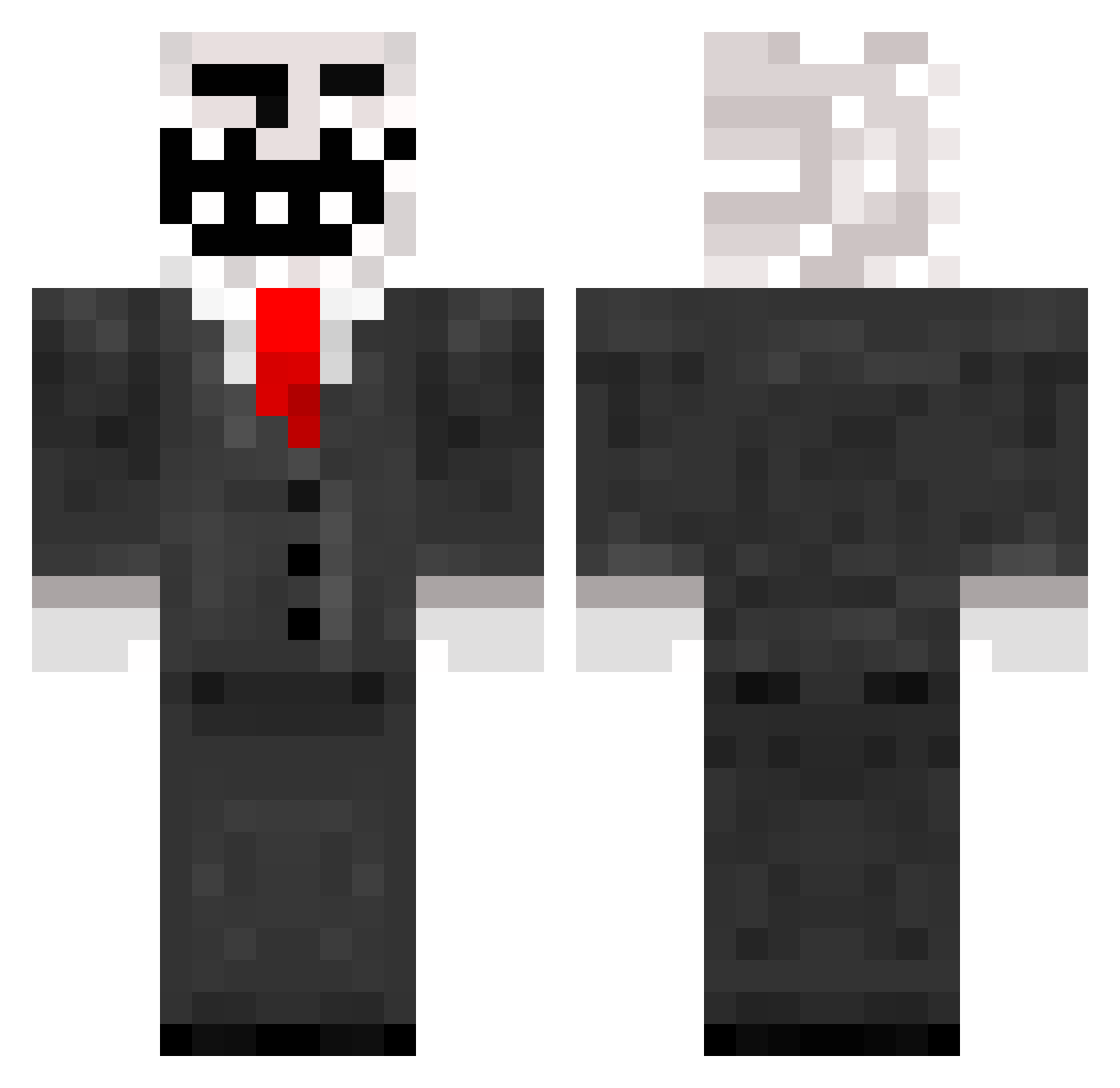
Current Minecraft skin of the player NijimaZero, loaded from the official Mojang API. Rotate the 3D model with your mouse or finger, then download the skin as a PNG file and use it in Minecraft: Bedrock Edition or Java Edition for free. When NijimaZero changes their skin, this page updates automatically and the old skin stays in the history below.
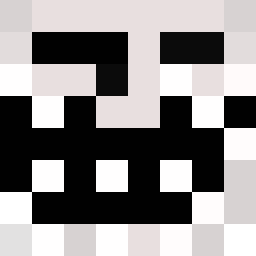
Other players with this skin (137)
NijimaZero was the 111th player we have seen with this skin, first spotted on 15.10.2026. The same skin was seen on these players. Open a nickname to see their current skin and skin history.
 malachituffboi mart_hus TheIgnaz hahiaha gobleanbbc Broccoli__03 NaikoFLG wIm_zELf_ Troalmanno mewosumi lucy_hw oberstja vyfeee K1SlinKa BLT_Kozv Kasahu MAXBUILDS8 JING950814 TomDerCrafter ryus3n vendorenault byfrankie4 UnstableSoup618 carlos_sm99 ReeaZVz ishowmrtin Pulga_PT swagtheftauto ProPlayer_777 Mr_Killface Belyaw IGuGolf SuperMarioBro609 Destiny3726 Shabe7 KenjiMercury Master_Jess iijj Jumpstreams Omarzian0 VICTOR_GAMER2202 up6 posthumous WokusPokus OptSpeed Zetor7341_2 Julian389 h8n_06 StoneLu TenDiagram9743 Paranormal_pug skvllmaid Wootuh _FreDD3y_ supercoinman0 dejavyy EL0_8ENC Polenta_PVP codymoolin Strel0kCZ
More Trollface Minecraft skins
How to install the NijimaZero skin
- Press the Download button above to save the skin as a PNG file.
- Minecraft: Bedrock Edition (PE): open the Dressing Room from the main menu (or tap your character → Edit Character), go to Classic Skins → Owned, press the + (new skin) button, choose the downloaded PNG and pick the Classic (Steve) model. Works on PC and mobile; consoles cannot import custom skins.
- Minecraft: Java Edition: open the Minecraft Launcher, go to the Skins tab, click New Skin, load the PNG, pick the Classic (Steve) model and press Save & Use. You can also upload it at minecraft.net → Profile → Change Skin.
The skin does not show up after import - what should I do?
Restart Minecraft and open the Dressing Room again - imported skins sometimes appear only after a restart. Also make sure you selected the imported skin and picked the Classic (Steve) model.
Which model should I choose, Classic or Slim?
This skin is designed for the Classic (Steve) model. If you pick the wrong model, the arms of the skin will look stretched or squeezed.
Is the skin of NijimaZero free to download?
Yes. Press Download, save the PNG file and use it in Minecraft: Bedrock Edition or Java Edition - no payment or registration needed. The skin also works on multiplayer servers and Realms.
More skins
Looking for more? Go back to all Minecraft skins and check the top skins of the week, month and all time, or find any player's skin by nickname.