
MisterGomez - Minecraft Skins & Skin History
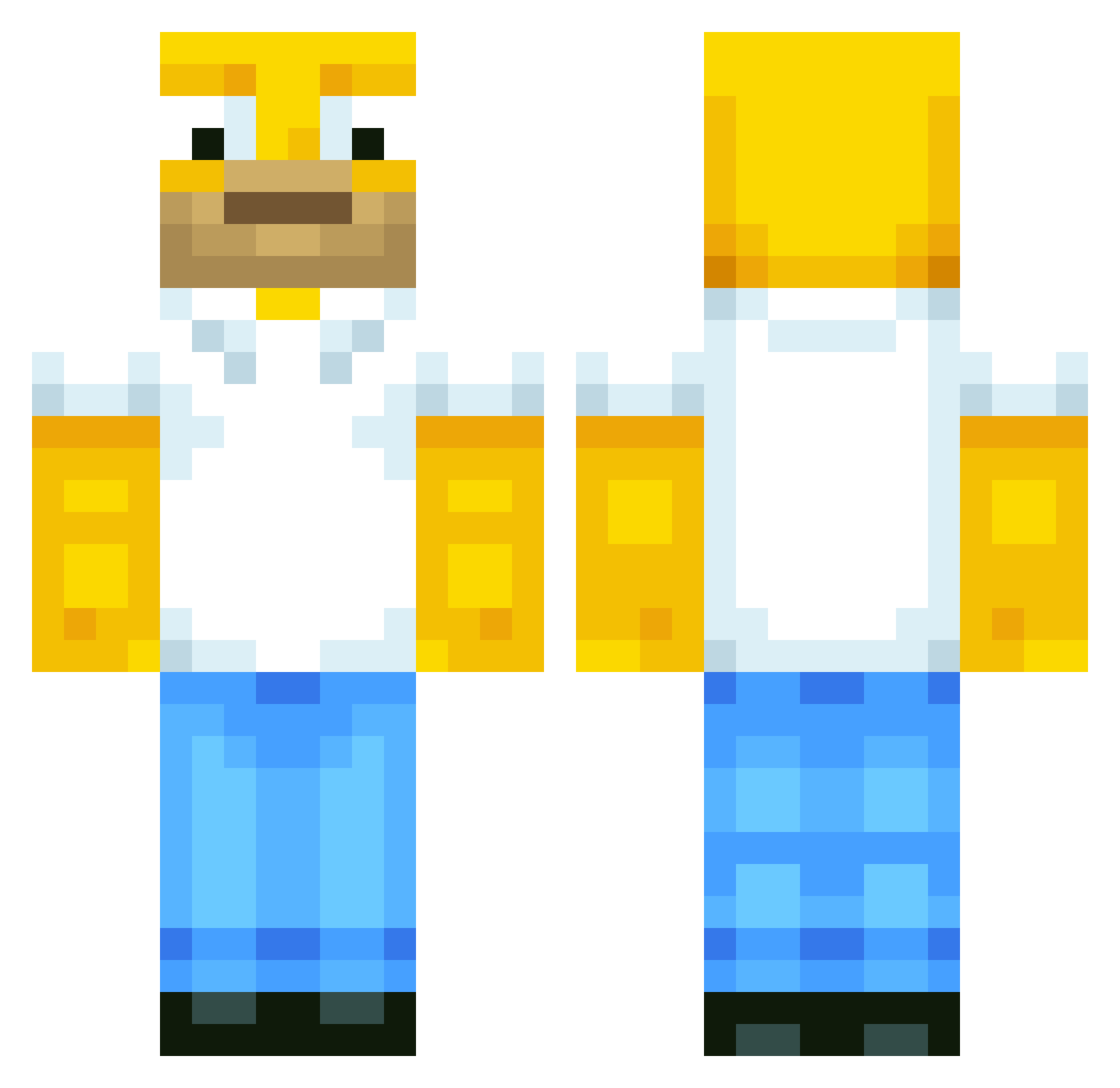
Current Minecraft skin of the player MisterGomez, loaded from the official Mojang API. Rotate the 3D model with your mouse or finger, then download the skin as a PNG file and use it in Minecraft: Bedrock Edition or Java Edition for free. When MisterGomez changes their skin, this page updates automatically and the old skin stays in the history below.
Other players with this skin (658)
MisterGomez was the 520th player we have seen with this skin, first spotted on 22.10.2026. The same skin was seen on these players. Open a nickname to see their current skin and skin history.
 Southpavv grise1 MoodyMule GuusZilla Nico_246 SgtCalimero jamesm10007 Alexdu35780 LeoSoteARG caspere cjmon96 itamarzu Homer_2_2 lcubnt megator2000 Leg0l KolinxGaming xboxboy19 lephoenixdu13 roos1975 ch_girl RedWingECP daddygrossner Dunktron MentalShockwave shadowarcher20 vadim133one jackmorris1 __Asuma__ tomdrfc 33Fraise33 x_Sly_x TickleMeJoey dovahswag FIuminator Amir_HCSS iKiiLz mo30mo8 ukwtd2 ThaBuG totoRL max081103 DCGY fullgayt superluigi0999 marcusmonster3 torpedow53 Konra192837465 Babasjiles Albertinobj mathieu12344321 pacific_motion wendytai Patschi1 BuilderPhil Markosnimo JSando4831 yentevh Vauvenal90 SteveWolf
More Homer Simpson Minecraft skins
See all 335 Homer Simpson skins
How to install the MisterGomez skin
- Press the Download button above to save the skin as a PNG file.
- Minecraft: Bedrock Edition (PE): open the Dressing Room from the main menu (or tap your character → Edit Character), go to Classic Skins → Owned, press the + (new skin) button, choose the downloaded PNG and pick the Classic (Steve) model. Works on PC and mobile; consoles cannot import custom skins.
- Minecraft: Java Edition: open the Minecraft Launcher, go to the Skins tab, click New Skin, load the PNG, pick the Classic (Steve) model and press Save & Use. You can also upload it at minecraft.net → Profile → Change Skin.
The skin does not show up after import - what should I do?
Restart Minecraft and open the Dressing Room again - imported skins sometimes appear only after a restart. Also make sure you selected the imported skin and picked the Classic (Steve) model.
Which model should I choose, Classic or Slim?
This skin is designed for the Classic (Steve) model. If you pick the wrong model, the arms of the skin will look stretched or squeezed.
Is the skin of MisterGomez free to download?
Yes. Press Download, save the PNG file and use it in Minecraft: Bedrock Edition or Java Edition - no payment or registration needed. The skin also works on multiplayer servers and Realms.
More skins
Looking for more? Go back to all Minecraft skins and check the top skins of the week, month and all time, or find any player's skin by nickname.