
MinionMasher4 - Minecraft Skins & Skin History
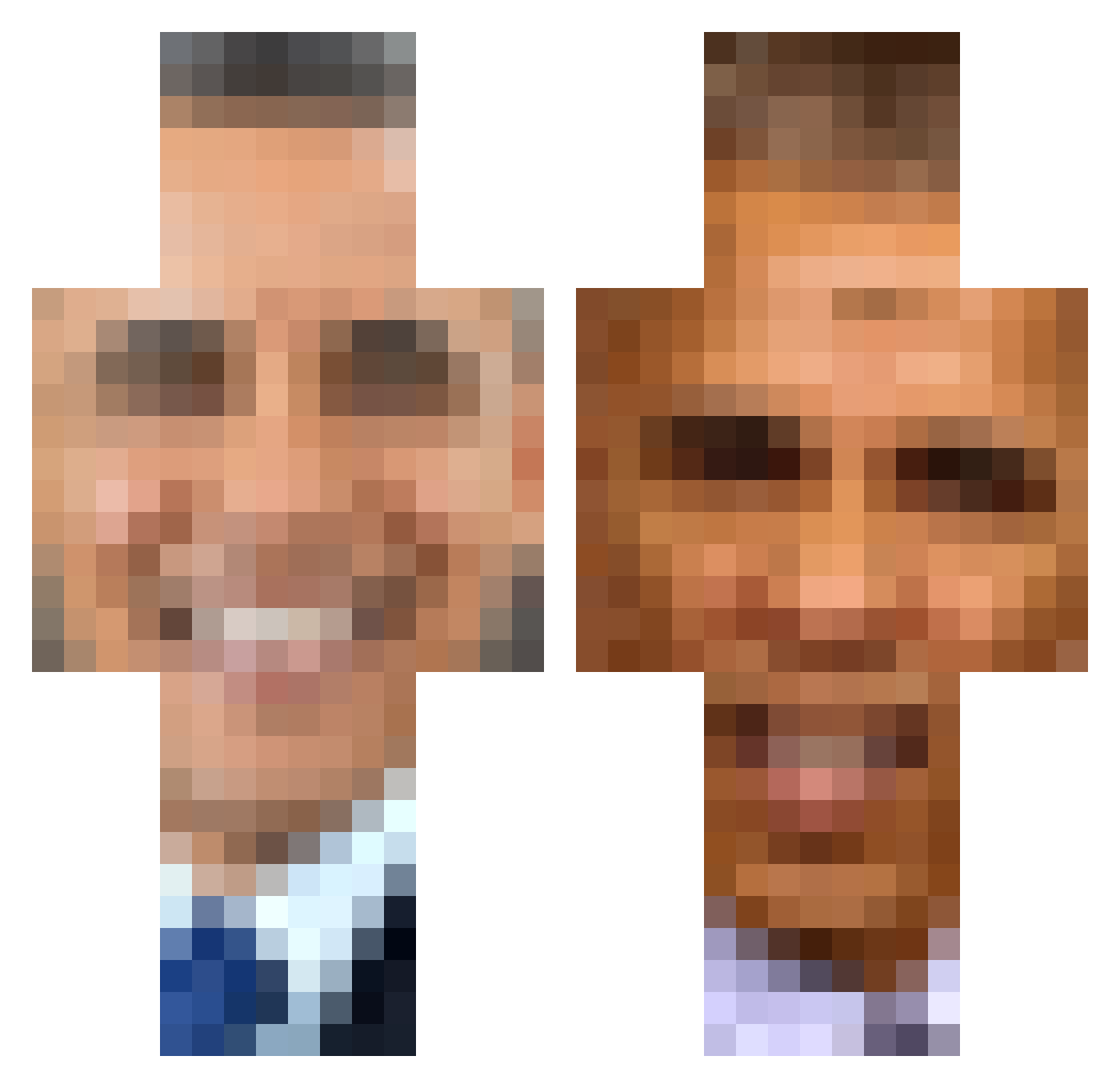
Current Minecraft skin of the player MinionMasher4, loaded from the official Mojang API. Rotate the 3D model with your mouse or finger, then download the skin as a PNG file and use it in Minecraft: Bedrock Edition or Java Edition for free. When MinionMasher4 changes their skin, this page updates automatically and the old skin stays in the history below.
Other players with this skin (389)
MinionMasher4 was the 349th player we have seen with this skin, first spotted on 27.10.2026. The same skin was seen on these players. Open a nickname to see their current skin and skin history.
 mangodoggo MikeDrxp fuzzray_ Monkey_S1ave JamesMac2915 Bad_Ingegrity GangtaHolden John_Craft_ jayosorio lazzaritoz Pilbus djLurre GolfingChristian Thunderitch MaxIsIdiot Stonerbrothers Paws_of_two Pig0n trollfaceLOL5678 YENZO101 as_salt pumpkins_scream jac0114 finnez68 CycloneX250 zombz1 woptor123 berkayhawks Kansas_Kracker MiLKMAN9770 Dilom33 Isaaciel KneeGerss jobesmellsbad12 TheMisterBear Waveee1085 Givinghawk KnugFuPanda ericdestroyer12 Apollo4044 Hansi379 lukemc42 Caullite Harry4403 NotGroot guavas1230 Bonejanglez SithLordObama confayerbelt Obamawar69 DLake narwhal_s IcyGridlock14 emil2000c ItsMeObama_ sike888 JasmineCK 1MarzSlave01 Nusshure1 BiGbOrisS
More Barack Obama Minecraft skins
See all 259 Barack Obama skins
How to install the MinionMasher4 skin
- Press the Download button above to save the skin as a PNG file.
- Minecraft: Bedrock Edition (PE): open the Dressing Room from the main menu (or tap your character → Edit Character), go to Classic Skins → Owned, press the + (new skin) button, choose the downloaded PNG and pick the Classic (Steve) model. Works on PC and mobile; consoles cannot import custom skins.
- Minecraft: Java Edition: open the Minecraft Launcher, go to the Skins tab, click New Skin, load the PNG, pick the Classic (Steve) model and press Save & Use. You can also upload it at minecraft.net → Profile → Change Skin.
The skin does not show up after import - what should I do?
Restart Minecraft and open the Dressing Room again - imported skins sometimes appear only after a restart. Also make sure you selected the imported skin and picked the Classic (Steve) model.
Which model should I choose, Classic or Slim?
This skin is designed for the Classic (Steve) model. If you pick the wrong model, the arms of the skin will look stretched or squeezed.
Is the skin of MinionMasher4 free to download?
Yes. Press Download, save the PNG file and use it in Minecraft: Bedrock Edition or Java Edition - no payment or registration needed. The skin also works on multiplayer servers and Realms.
More skins
Looking for more? Go back to all Minecraft skins and check the top skins of the week, month and all time, or find any player's skin by nickname.