
MinimalistGuy - Minecraft Skins & Skin History
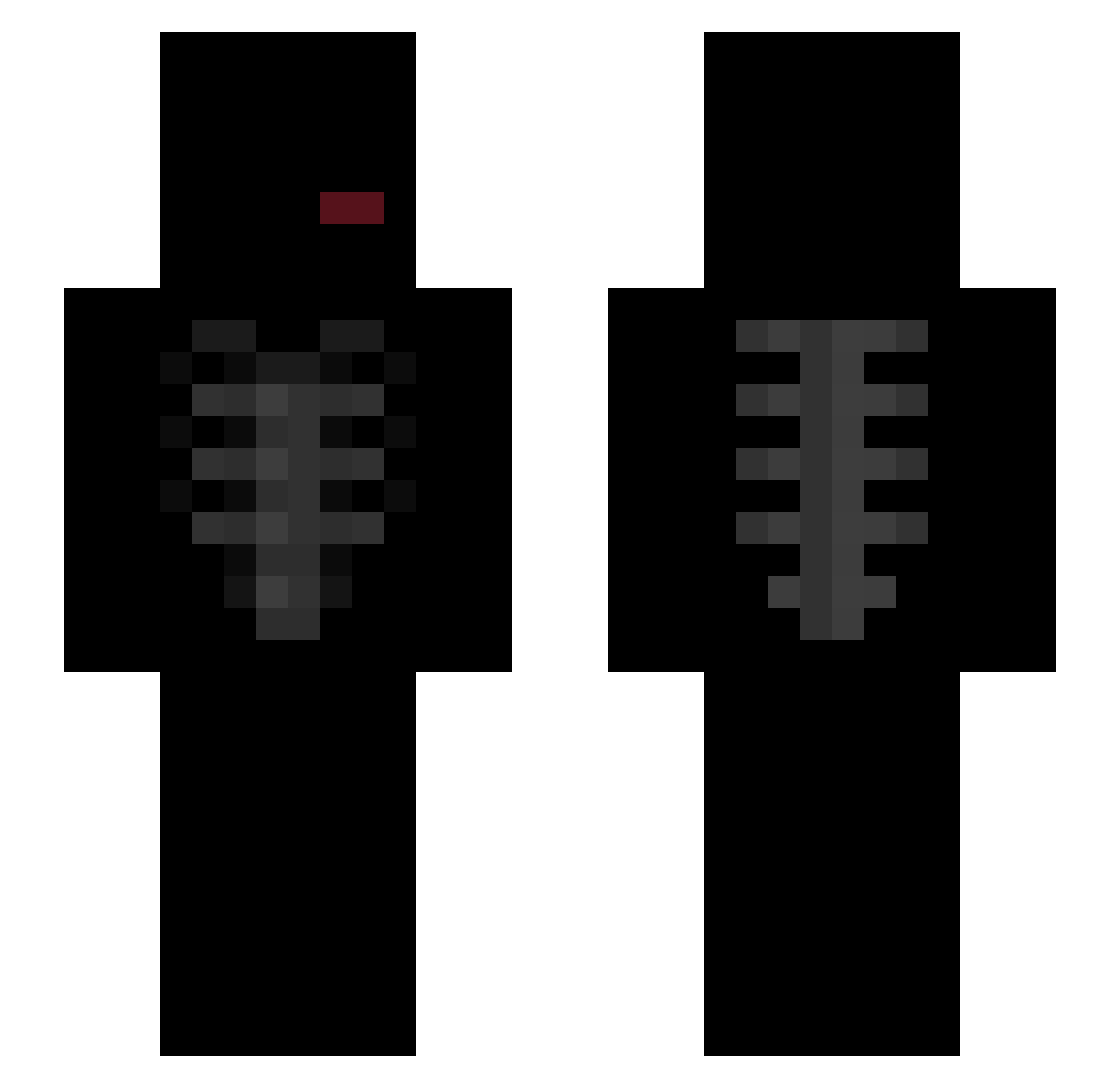
Current Minecraft skin of the player MinimalistGuy, loaded from the official Mojang API. Rotate the 3D model with your mouse or finger, then download the skin as a PNG file and use it in Minecraft: Bedrock Edition or Java Edition for free. When MinimalistGuy changes their skin, this page updates automatically and the old skin stays in the history below.
Other players with this skin (45)
MinimalistGuy was the 9th player we have seen with this skin, first spotted on 25.09.2026. The same skin was seen on these players. Open a nickname to see their current skin and skin history.
 SenseiionUK McLaren35 maddeooo AXCEP Lycire _xvanity_ Zryachiy_XVII k4piPL YoZyxsStar iaminaay 2055k GregBlok2 SdarkSoulS nreddy angelll121 nicke_biceps kapusta468 L4azy xequ1 L2qp enucuzcntm70k Zimtek XKOX33 Fine_Gachette Xxib0redxX y0onxs haliv676 Blauerbrief ochd Sewsy_ Sebaginax emirreal amociocio i0z_ hatzv Beqtnz1 p3la_ timt19 gxt_4458 likui945 winc3ncik sskyzo RaZzZorHD SadBoyExE zob1ak
More Ribcage Minecraft skins
How to install the MinimalistGuy skin
- Press the Download button above to save the skin as a PNG file.
- Minecraft: Bedrock Edition (PE): open the Dressing Room from the main menu (or tap your character → Edit Character), go to Classic Skins → Owned, press the + (new skin) button, choose the downloaded PNG and pick the Slim (Alex) model. Works on PC and mobile; consoles cannot import custom skins.
- Minecraft: Java Edition: open the Minecraft Launcher, go to the Skins tab, click New Skin, load the PNG, pick the Slim (Alex) model and press Save & Use. You can also upload it at minecraft.net → Profile → Change Skin.
The skin does not show up after import - what should I do?
Restart Minecraft and open the Dressing Room again - imported skins sometimes appear only after a restart. Also make sure you selected the imported skin and picked the Slim (Alex) model.
Which model should I choose, Classic or Slim?
This skin is designed for the Slim (Alex) model. If you pick the wrong model, the arms of the skin will look stretched or squeezed.
Is the skin of MinimalistGuy free to download?
Yes. Press Download, save the PNG file and use it in Minecraft: Bedrock Edition or Java Edition - no payment or registration needed. The skin also works on multiplayer servers and Realms.
More skins
Looking for more? Go back to all Minecraft skins and check the top skins of the week, month and all time, or find any player's skin by nickname.