
MinamoNarukaze - Minecraft Skins & Skin History
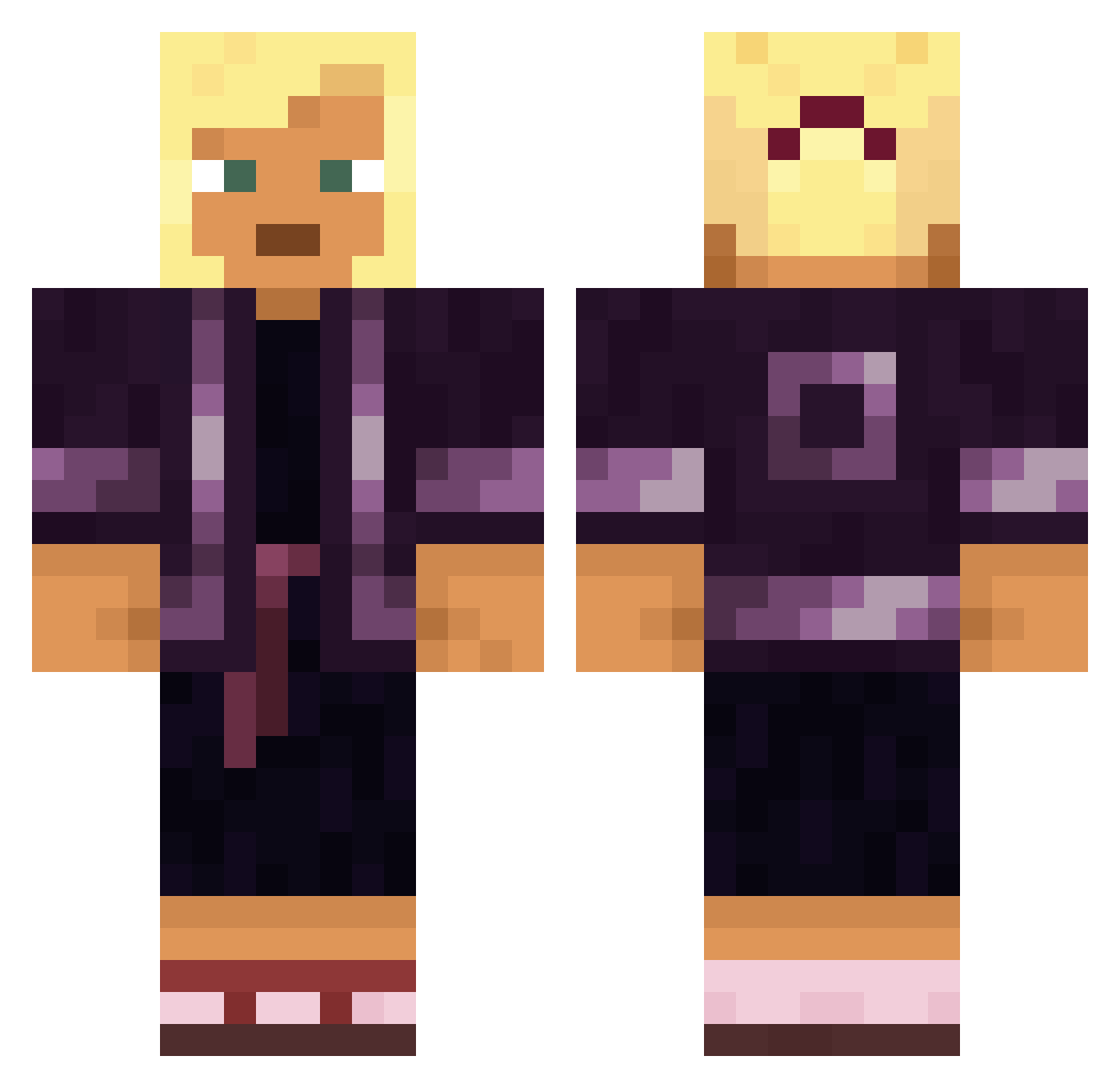
Current Minecraft skin of the player MinamoNarukaze, loaded from the official Mojang API. Rotate the 3D model with your mouse or finger, then download the skin as a PNG file and use it in Minecraft: Bedrock Edition or Java Edition for free. When MinamoNarukaze changes their skin, this page updates automatically and the old skin stays in the history below.
Other players with this skin (1634)
MinamoNarukaze was the 1211th player we have seen with this skin, first spotted on 16.10.2026. The same skin was seen on these players. Open a nickname to see their current skin and skin history.
 aimblu Dornick MeloDawg grandmama Yolo_v11 DragonOwner7383 Regan nooraho nanobanano576 transgenderh8r elms Geferter gabe956 BilinmeyenTR Otaduse Xx_CoBaKA_1x3 zolwik1337_ burstroom Damon26 mvrodriguez84 serotines Lornar Storay Yaspros CriticalSP Justin_cbg nureine Nargil TriniTre dueil stone_pc TheGennyBean viperz69 movemintsS Higgsboi jambes le_tankiste_45 ALivingSpeedBump Kridoo Kaschmi GratedMarlin261 Tediore_ prissie Warbler OnurOzturk53 FENNECSOGOOD AggressivStepdad Copouts ishiang talkativeness Imacreep69 Golly bobertshmurda_ BestoAsia SmilingKim Fevery Rudderless LiuChaoB_2 HeyImNotCool jordymartele
More Kimono Minecraft skins
How to install the MinamoNarukaze skin
- Press the Download button above to save the skin as a PNG file.
- Minecraft: Bedrock Edition (PE): open the Dressing Room from the main menu (or tap your character → Edit Character), go to Classic Skins → Owned, press the + (new skin) button, choose the downloaded PNG and pick the Classic (Steve) model. Works on PC and mobile; consoles cannot import custom skins.
- Minecraft: Java Edition: open the Minecraft Launcher, go to the Skins tab, click New Skin, load the PNG, pick the Classic (Steve) model and press Save & Use. You can also upload it at minecraft.net → Profile → Change Skin.
The skin does not show up after import - what should I do?
Restart Minecraft and open the Dressing Room again - imported skins sometimes appear only after a restart. Also make sure you selected the imported skin and picked the Classic (Steve) model.
Which model should I choose, Classic or Slim?
This skin is designed for the Classic (Steve) model. If you pick the wrong model, the arms of the skin will look stretched or squeezed.
Is the skin of MinamoNarukaze free to download?
Yes. Press Download, save the PNG file and use it in Minecraft: Bedrock Edition or Java Edition - no payment or registration needed. The skin also works on multiplayer servers and Realms.
More skins
Looking for more? Go back to all Minecraft skins and check the top skins of the week, month and all time, or find any player's skin by nickname.