
Mikklaar - Minecraft Skins & Skin History
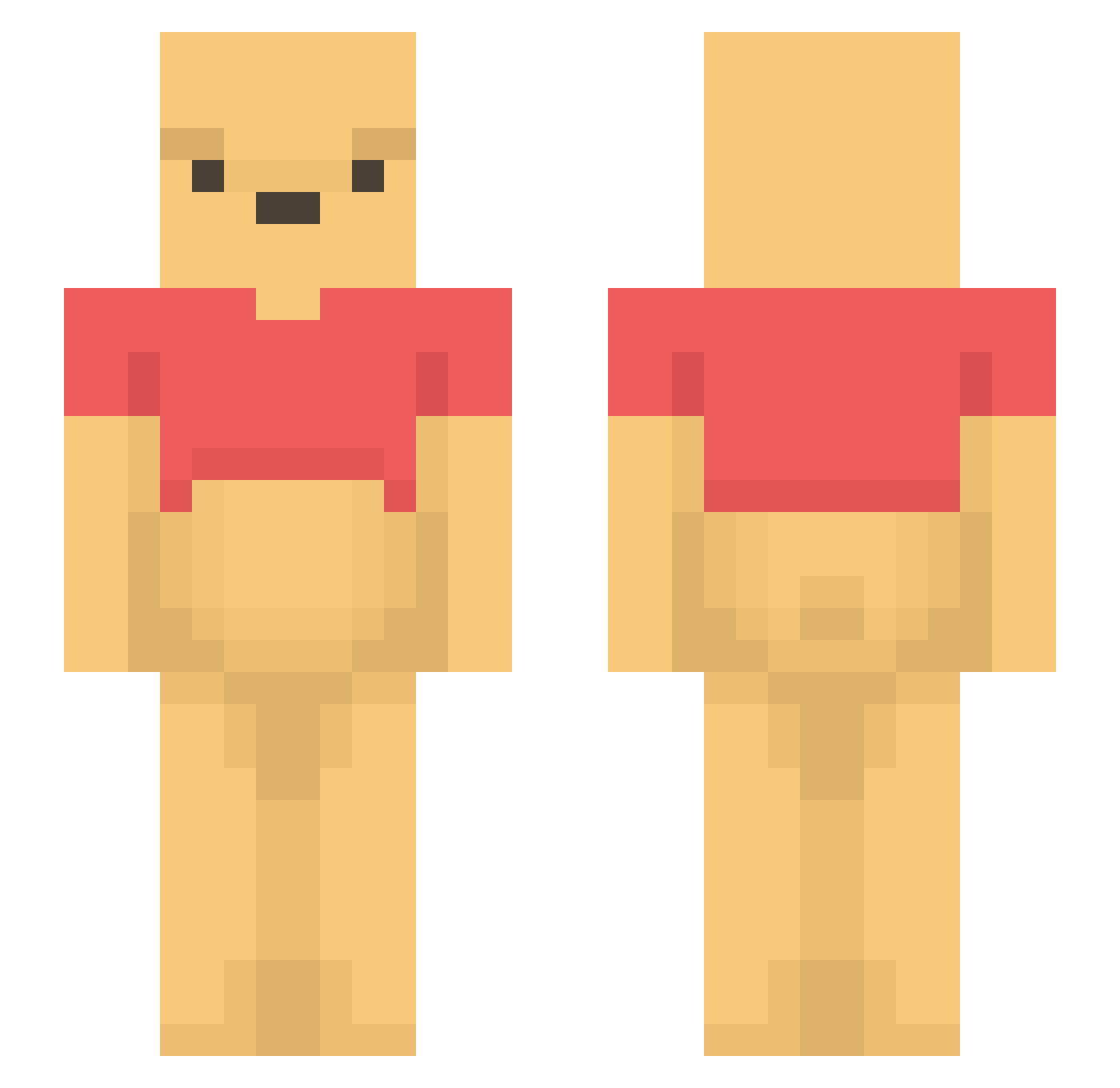
Current Minecraft skin of the player Mikklaar, loaded from the official Mojang API. Rotate the 3D model with your mouse or finger, then download the skin as a PNG file and use it in Minecraft: Bedrock Edition or Java Edition for free. When Mikklaar changes their skin, this page updates automatically and the old skin stays in the history below.
Other players with this skin (1515)
Mikklaar was the 1460th player we have seen with this skin, first spotted on 06.11.2026. The same skin was seen on these players. Open a nickname to see their current skin and skin history.
 Ferreirinha1205 nina_abc osozai kevin210 lie2u danny802029 Marcel_Z05 Lux_9172 KOGO2807 lexgreen19 WhiteShirts FloxThings Eophax Frxsh_ MajrBeans Svbian carolineolseen thereal_siddiq Taki_Le syuto_09 jessistoocool yeremagia TootabisBel BarHanSolo Italic_Main hydra_nael Freddieeeeee Kiynell DamageNoBrain musi_cal123 2by_ SweatyPig5638 xes08sex zPliny nisos09 Nickslump tung6783 PowerJay Switch69420 ezAxel AngryTrump as4gi jungyu1 PuuSqN KDonni Natan06 ambler19 hkr0213 Triggii smokingoop justy_ss MacOSMC Brooke330 Lionski LILLY671 sapiens0310 Godwin_Li TheK0S GrahamCr5ck3r jack__3
More Winnie The Pooh Minecraft skins
See all 359 Winnie The Pooh skins
How to install the Mikklaar skin
- Press the Download button above to save the skin as a PNG file.
- Minecraft: Bedrock Edition (PE): open the Dressing Room from the main menu (or tap your character → Edit Character), go to Classic Skins → Owned, press the + (new skin) button, choose the downloaded PNG and pick the Slim (Alex) model. Works on PC and mobile; consoles cannot import custom skins.
- Minecraft: Java Edition: open the Minecraft Launcher, go to the Skins tab, click New Skin, load the PNG, pick the Slim (Alex) model and press Save & Use. You can also upload it at minecraft.net → Profile → Change Skin.
The skin does not show up after import - what should I do?
Restart Minecraft and open the Dressing Room again - imported skins sometimes appear only after a restart. Also make sure you selected the imported skin and picked the Slim (Alex) model.
Which model should I choose, Classic or Slim?
This skin is designed for the Slim (Alex) model. If you pick the wrong model, the arms of the skin will look stretched or squeezed.
Is the skin of Mikklaar free to download?
Yes. Press Download, save the PNG file and use it in Minecraft: Bedrock Edition or Java Edition - no payment or registration needed. The skin also works on multiplayer servers and Realms.
More skins
Looking for more? Go back to all Minecraft skins and check the top skins of the week, month and all time, or find any player's skin by nickname.