
Mattwoolll - Minecraft Skins & Skin History
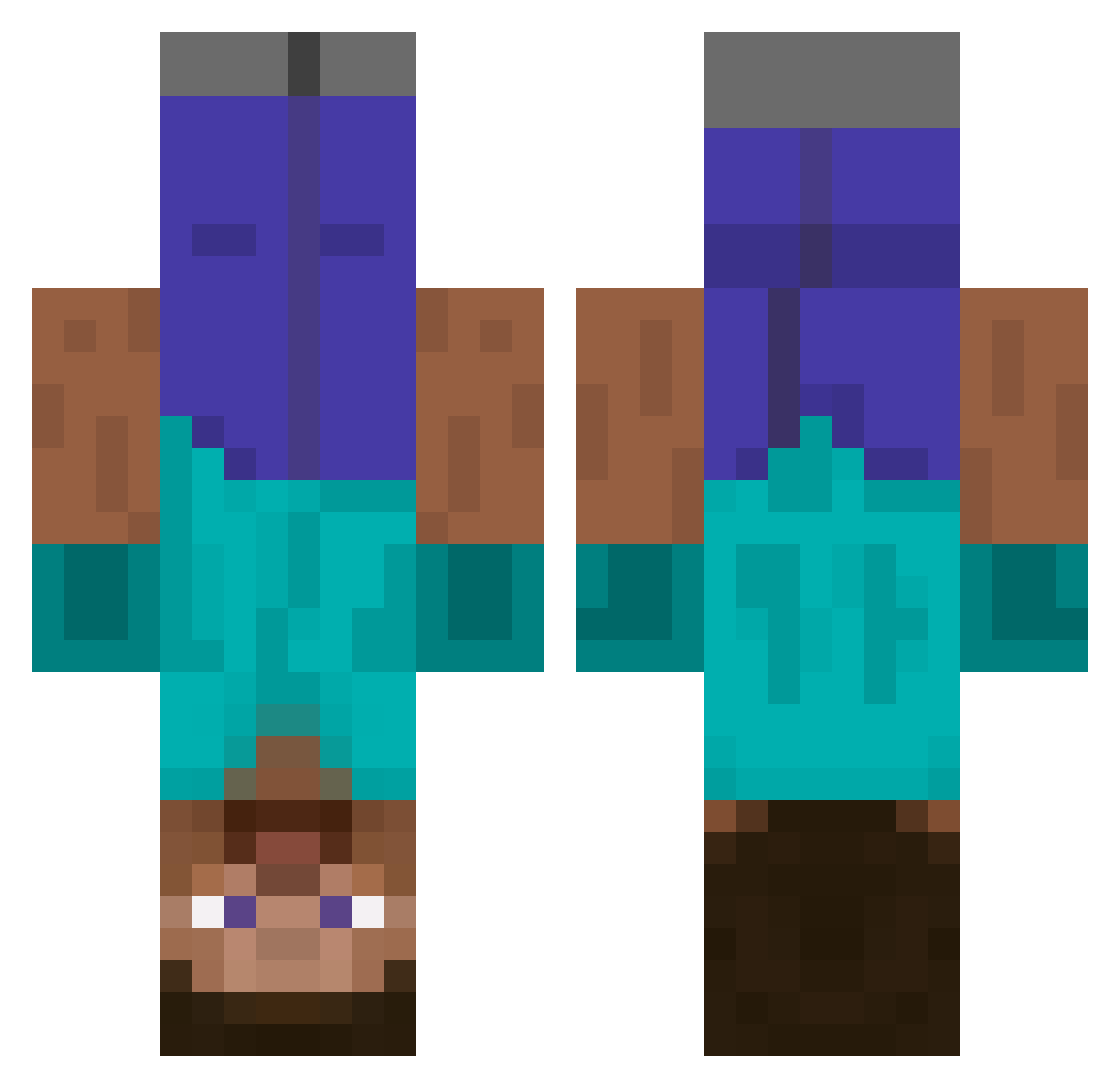
Current Minecraft skin of the player Mattwoolll, loaded from the official Mojang API. Rotate the 3D model with your mouse or finger, then download the skin as a PNG file and use it in Minecraft: Bedrock Edition or Java Edition for free. When Mattwoolll changes their skin, this page updates automatically and the old skin stays in the history below.
Other players with this skin (671)
Mattwoolll was the 653rd player we have seen with this skin, first spotted on 06.11.2026. The same skin was seen on these players. Open a nickname to see their current skin and skin history.
 ManGugly XxGamer_GirlxX01 Using0617 BIRKSY Jakeli666 Chebak Null_Type AWAW233 monkeyham123 J_67925 GuacSenpai Cherralind groot_77 Rivkats cddxm XXrps_YT fappynap abaraba llullus _HmmlerWasGreat_ Ainzaiker PooderTang IAmLoviatar APEXpr0 Nugget_biscut125 Dream2Die Mr_Corona_2020 hotrood Gatoly Lugiatic FREEKlLL Palduun Malox KreoGon rikubouzu1 khiuigh manleg el_begano stvyc24 KTROYLOW PROJ4CT Jobik shadowe1 concreteslab ilafon sreion PNKPnther22 KingLemons chaemin30 RickyGoiss TomTomnil SkyeWizard TheSaggyBean SINGAM0724 StandAlt JoannaBanana12 RanpleXXX Luentezz neocool99 Vinteru
More Dinnerbone Minecraft skins
How to install the Mattwoolll skin
- Press the Download button above to save the skin as a PNG file.
- Minecraft: Bedrock Edition (PE): open the Dressing Room from the main menu (or tap your character → Edit Character), go to Classic Skins → Owned, press the + (new skin) button, choose the downloaded PNG and pick the Classic (Steve) model. Works on PC and mobile; consoles cannot import custom skins.
- Minecraft: Java Edition: open the Minecraft Launcher, go to the Skins tab, click New Skin, load the PNG, pick the Classic (Steve) model and press Save & Use. You can also upload it at minecraft.net → Profile → Change Skin.
The skin does not show up after import - what should I do?
Restart Minecraft and open the Dressing Room again - imported skins sometimes appear only after a restart. Also make sure you selected the imported skin and picked the Classic (Steve) model.
Which model should I choose, Classic or Slim?
This skin is designed for the Classic (Steve) model. If you pick the wrong model, the arms of the skin will look stretched or squeezed.
Is the skin of Mattwoolll free to download?
Yes. Press Download, save the PNG file and use it in Minecraft: Bedrock Edition or Java Edition - no payment or registration needed. The skin also works on multiplayer servers and Realms.
More skins
Looking for more? Go back to all Minecraft skins and check the top skins of the week, month and all time, or find any player's skin by nickname.