
MasterSWong - Minecraft Skins & Skin History
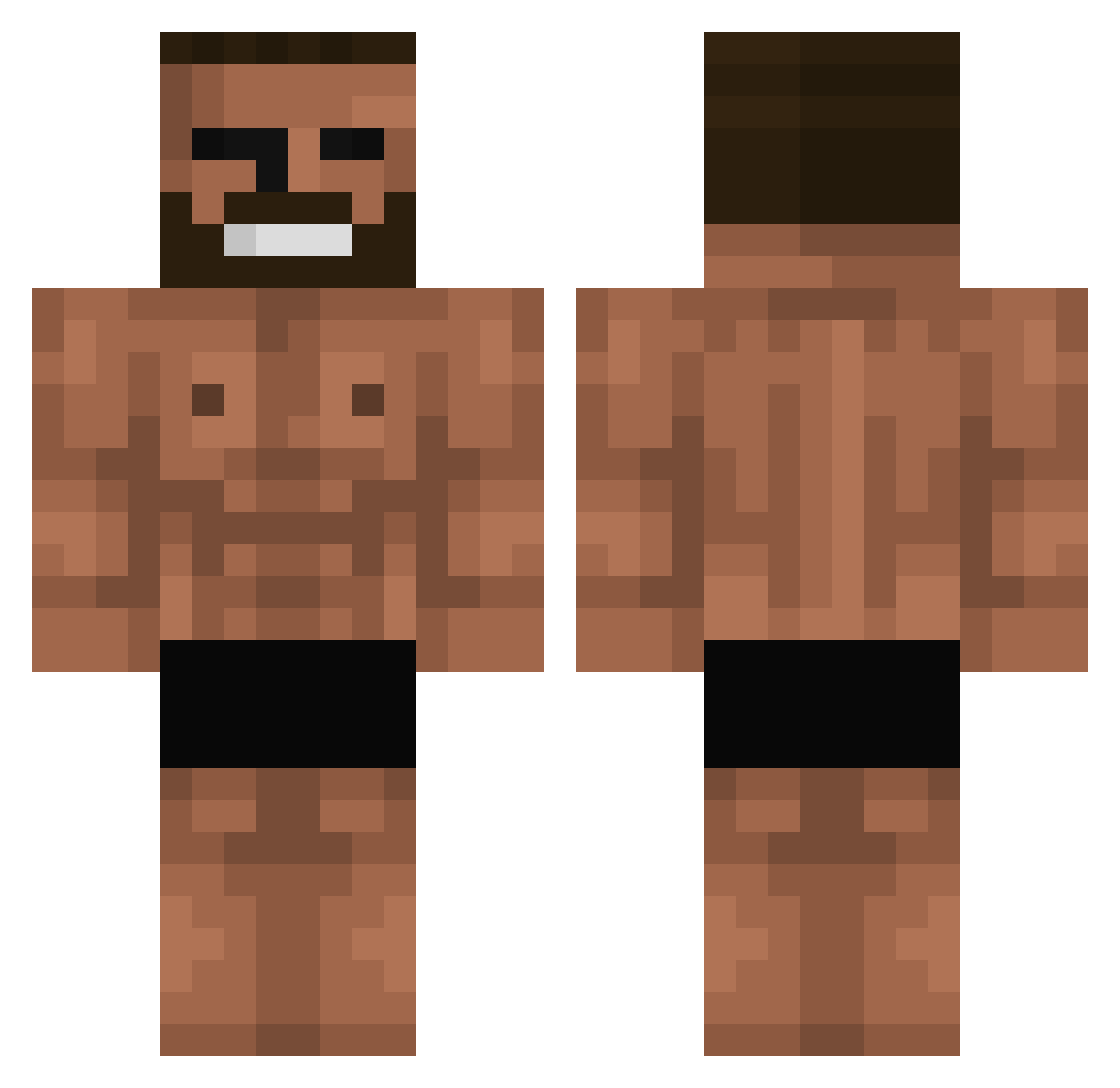
Current Minecraft skin of the player MasterSWong, loaded from the official Mojang API. Rotate the 3D model with your mouse or finger, then download the skin as a PNG file and use it in Minecraft: Bedrock Edition or Java Edition for free. When MasterSWong changes their skin, this page updates automatically and the old skin stays in the history below.
Other players with this skin (730)
MasterSWong was the 584th player we have seen with this skin, first spotted on 16.10.2026. The same skin was seen on these players. Open a nickname to see their current skin and skin history.
 Lartichaudd SAKAMOTONOCOPY annimse channy0207 Egie2001 norvman Trollsapien OfficerProtein47 IgorMikhailov lostoskar9 LlOHmee mafeisa xandar9 xLarques shoresofbluesand skyfeatures Jjjjj1399 Boolio66 RainyFc chabin_sauvage Tacala KOBIRD enzika7 jspmnmnmn0921 Ben_Whitehead elmaspapu BoseTho 111177 SaltyyKracker MrPotatoe27 Flourll gonpaz Septelal JeTtYmc toxicbigboy TymOK guray21 MINECRAFTBUZA MadMan5223 Shamic123 MlkArioso Seoiker Rayn_31 Cameron1w Un__known__ JakeTheFake72 KCDQQQ Nyagolov Santigamer999 WANGAICAI chinashrimp Wakott Bastet666 Ayahpinky69 Donnerhafen Rush_33 kidsanto Dr_CurseD zalypoglistvpope Cheeloo
More Gigachad Minecraft skins
How to install the MasterSWong skin
- Press the Download button above to save the skin as a PNG file.
- Minecraft: Bedrock Edition (PE): open the Dressing Room from the main menu (or tap your character → Edit Character), go to Classic Skins → Owned, press the + (new skin) button, choose the downloaded PNG and pick the Classic (Steve) model. Works on PC and mobile; consoles cannot import custom skins.
- Minecraft: Java Edition: open the Minecraft Launcher, go to the Skins tab, click New Skin, load the PNG, pick the Classic (Steve) model and press Save & Use. You can also upload it at minecraft.net → Profile → Change Skin.
The skin does not show up after import - what should I do?
Restart Minecraft and open the Dressing Room again - imported skins sometimes appear only after a restart. Also make sure you selected the imported skin and picked the Classic (Steve) model.
Which model should I choose, Classic or Slim?
This skin is designed for the Classic (Steve) model. If you pick the wrong model, the arms of the skin will look stretched or squeezed.
Is the skin of MasterSWong free to download?
Yes. Press Download, save the PNG file and use it in Minecraft: Bedrock Edition or Java Edition - no payment or registration needed. The skin also works on multiplayer servers and Realms.
More skins
Looking for more? Go back to all Minecraft skins and check the top skins of the week, month and all time, or find any player's skin by nickname.