
Marnjola - Minecraft Skins & Skin History
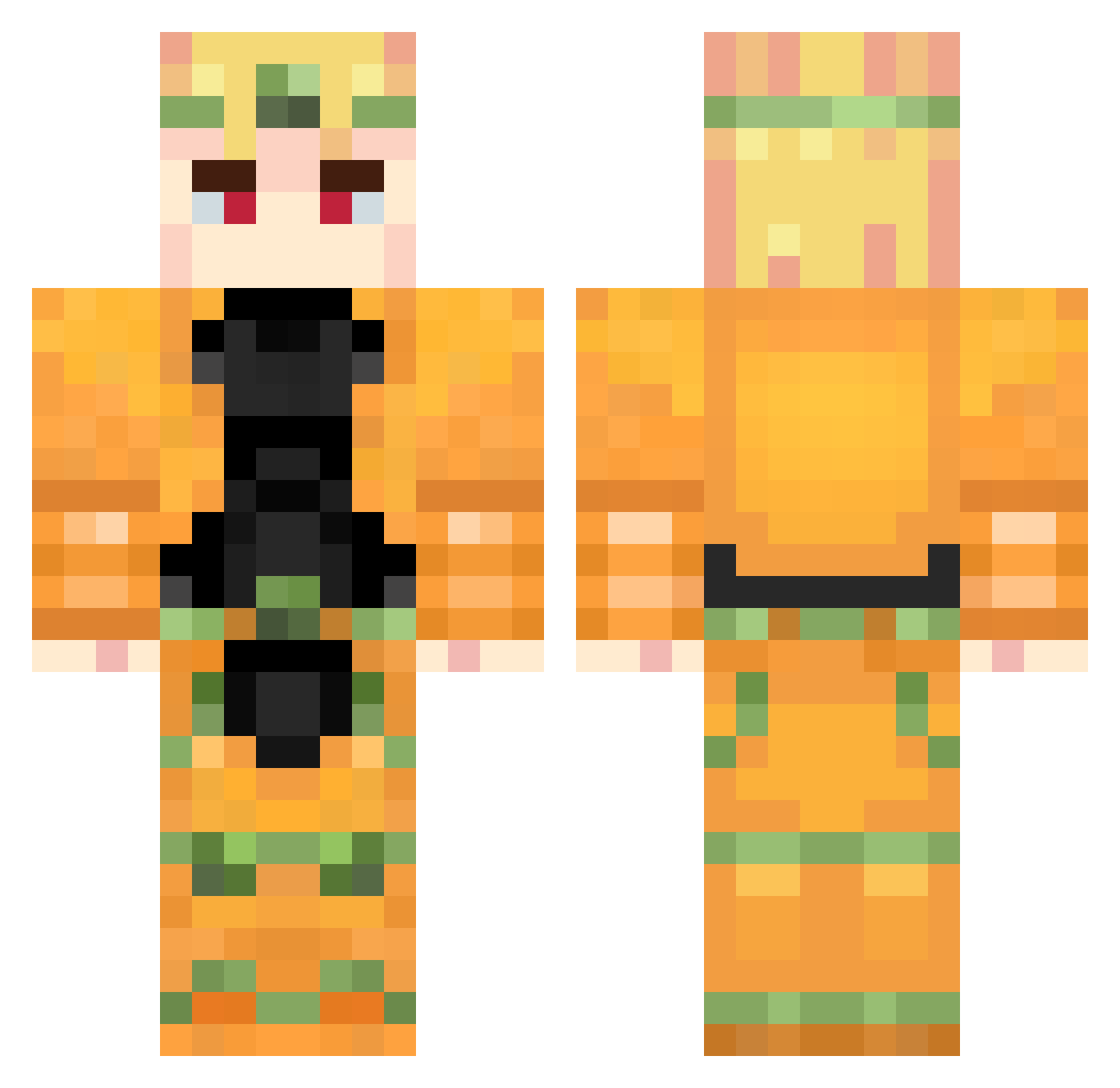
Current Minecraft skin of the player Marnjola, loaded from the official Mojang API. Rotate the 3D model with your mouse or finger, then download the skin as a PNG file and use it in Minecraft: Bedrock Edition or Java Edition for free. When Marnjola changes their skin, this page updates automatically and the old skin stays in the history below.
Other players with this skin (957)
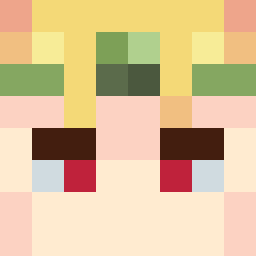
Marnjola was the 880th player we have seen with this skin, first spotted on 03.11.2026. The same skin was seen on these players. Open a nickname to see their current skin and skin history.
 vexrexed K0noDioDa glamouraid Dominikxd30 Krot67 jubirubis Barbosaure braydenwahw Zefilow LemonSkvid TonelessSloth35 YVZ_dogukan01 TreeckoTea ZA_____WARUDO Buurr2tos _SiKe_xD JonnyJostars MagiciansRed8 BrickMethod AmPmDraGUN yya473836 shiro_10 XoMq1 Gurtoz FlyEdwardcool Massasino aglo1333 liaoben0220 Aust1n6 aoi_dayo Melted3 coolkidtoast87 WantonWasTaken CatAdvenger Mang0s_N1 minobabus RTX4090_T2 Catmoon34 TimeBreak187 Lung87 Diteau rozDYMiara03 L3013 codninja44 DanilVBDio KHELGAR8 40043 Za_Warudo8087 udvale simonliton CATNOODLEN Finlay_Stripling Tryneon ne000n DioSaMa827 _AT9_ Awawa_69 Gabbo_dj95 HomeboyJarvis JovanZela
More Dio Brando Minecraft skins
How to install the Marnjola skin
- Press the Download button above to save the skin as a PNG file.
- Minecraft: Bedrock Edition (PE): open the Dressing Room from the main menu (or tap your character → Edit Character), go to Classic Skins → Owned, press the + (new skin) button, choose the downloaded PNG and pick the Classic (Steve) model. Works on PC and mobile; consoles cannot import custom skins.
- Minecraft: Java Edition: open the Minecraft Launcher, go to the Skins tab, click New Skin, load the PNG, pick the Classic (Steve) model and press Save & Use. You can also upload it at minecraft.net → Profile → Change Skin.
The skin does not show up after import - what should I do?
Restart Minecraft and open the Dressing Room again - imported skins sometimes appear only after a restart. Also make sure you selected the imported skin and picked the Classic (Steve) model.
Which model should I choose, Classic or Slim?
This skin is designed for the Classic (Steve) model. If you pick the wrong model, the arms of the skin will look stretched or squeezed.
Is the skin of Marnjola free to download?
Yes. Press Download, save the PNG file and use it in Minecraft: Bedrock Edition or Java Edition - no payment or registration needed. The skin also works on multiplayer servers and Realms.
More skins
Looking for more? Go back to all Minecraft skins and check the top skins of the week, month and all time, or find any player's skin by nickname.