
Mac1ntosh - Minecraft Skins & Skin History
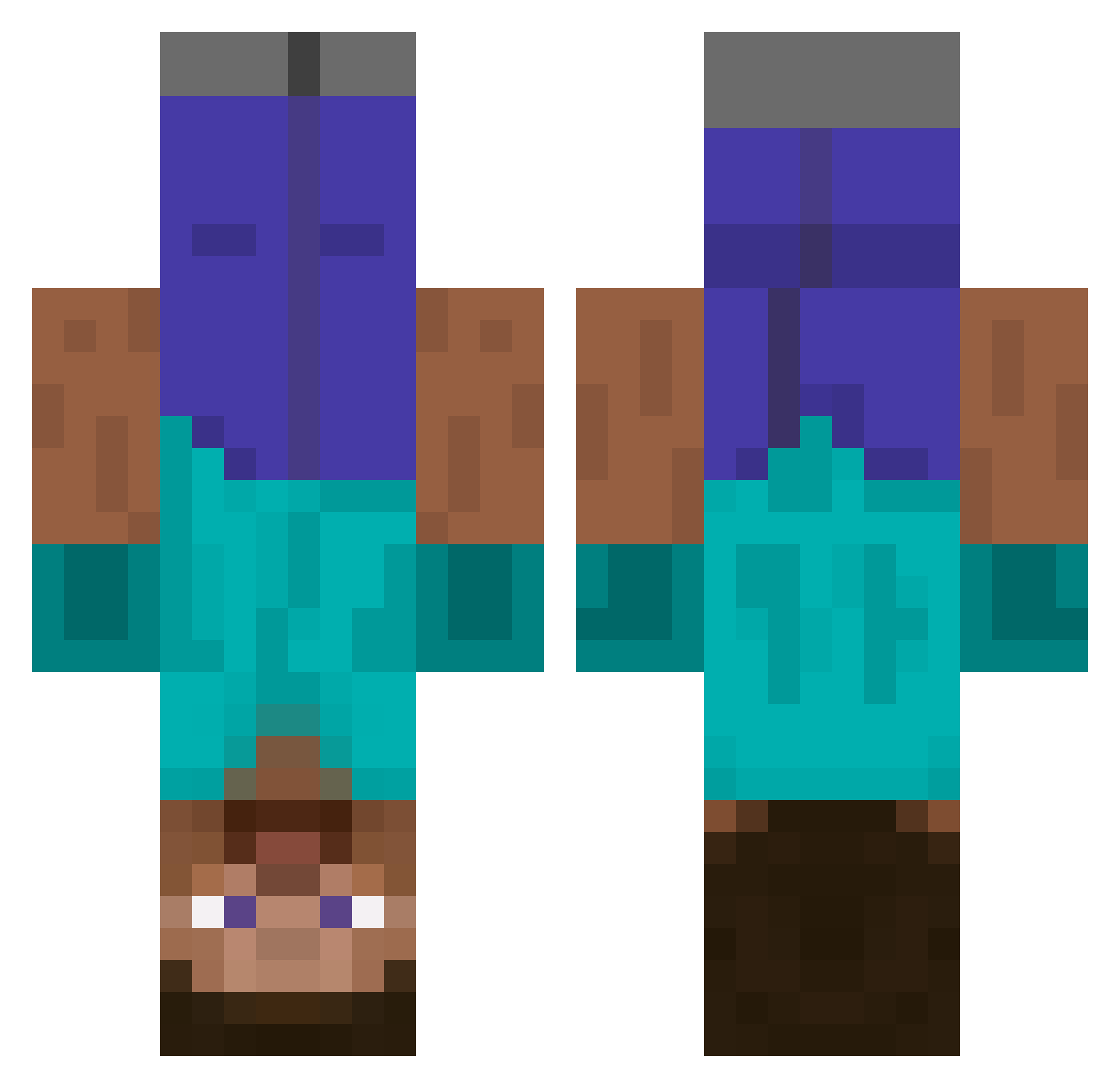
Current Minecraft skin of the player Mac1ntosh, loaded from the official Mojang API. Rotate the 3D model with your mouse or finger, then download the skin as a PNG file and use it in Minecraft: Bedrock Edition or Java Edition for free. When Mac1ntosh changes their skin, this page updates automatically and the old skin stays in the history below.
Other players with this skin (597)
Mac1ntosh was the 549th player we have seen with this skin, first spotted on 04.11.2026. The same skin was seen on these players. Open a nickname to see their current skin and skin history.
 dao92 heymynameisben ModernCreed Janschlenker BruiserKat MangoCupcake MrLoso221 Sosobon Gamuh AnErrorOccurred D34DSH0T I_See_Things Metagross31 squaredude Levy_PL nuooo0711 Rarre95 Bliitzz_Viper CharlieJ11 itstaken Starry_Night Chompy888 Armaan2909 Tech10004 vlad_95 just_this_name mateogamble Marco_001 jjlarge shea2shea jaki61gw antoinewin T00BA CryingDiamonds CaptainFail Crayla iLezux B2BuQ_ pattobag Jezdy 2Sloppy henrik_letzer ferretz2 gomuw fassad1001 EllaBella05 timtimmah oskarP RandomNez amazoneon Swagdepoule4life domi1080 NeoniksPlay_YT_ giola97 aqua_melon Oclyrim dannyboy1996 rynz Chuckles306 fachoina
More Dinnerbone Minecraft skins
How to install the Mac1ntosh skin
- Press the Download button above to save the skin as a PNG file.
- Minecraft: Bedrock Edition (PE): open the Dressing Room from the main menu (or tap your character → Edit Character), go to Classic Skins → Owned, press the + (new skin) button, choose the downloaded PNG and pick the Classic (Steve) model. Works on PC and mobile; consoles cannot import custom skins.
- Minecraft: Java Edition: open the Minecraft Launcher, go to the Skins tab, click New Skin, load the PNG, pick the Classic (Steve) model and press Save & Use. You can also upload it at minecraft.net → Profile → Change Skin.
The skin does not show up after import - what should I do?
Restart Minecraft and open the Dressing Room again - imported skins sometimes appear only after a restart. Also make sure you selected the imported skin and picked the Classic (Steve) model.
Which model should I choose, Classic or Slim?
This skin is designed for the Classic (Steve) model. If you pick the wrong model, the arms of the skin will look stretched or squeezed.
Is the skin of Mac1ntosh free to download?
Yes. Press Download, save the PNG file and use it in Minecraft: Bedrock Edition or Java Edition - no payment or registration needed. The skin also works on multiplayer servers and Realms.
More skins
Looking for more? Go back to all Minecraft skins and check the top skins of the week, month and all time, or find any player's skin by nickname.