
MaT2231 - Minecraft Skins & Skin History
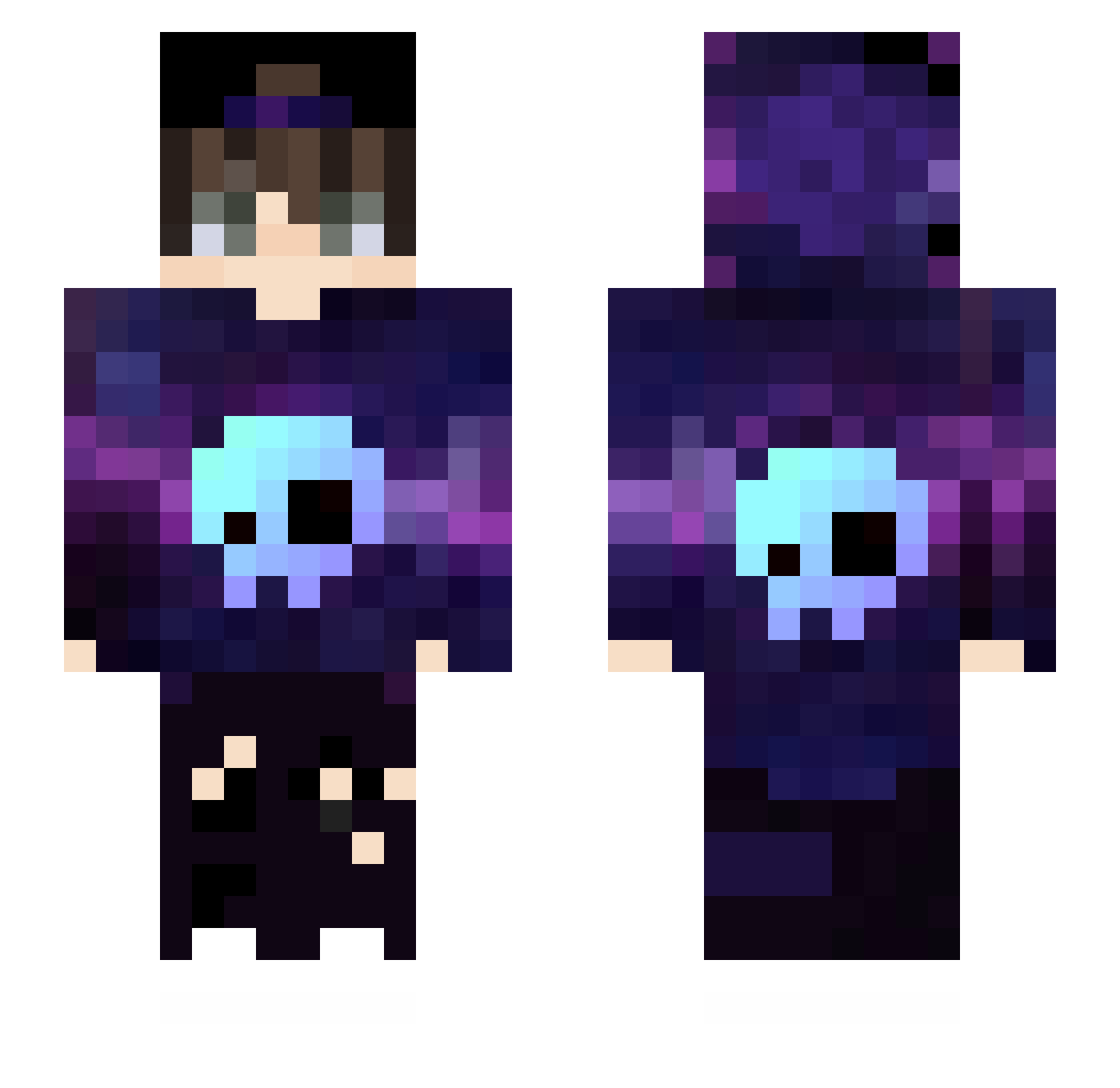
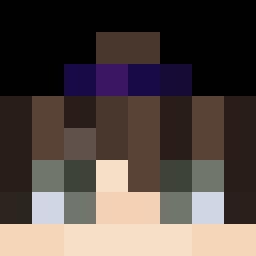
Current Minecraft skin of the player MaT2231, loaded from the official Mojang API. Rotate the 3D model with your mouse or finger, then download the skin as a PNG file and use it in Minecraft: Bedrock Edition or Java Edition for free. When MaT2231 changes their skin, this page updates automatically and the old skin stays in the history below.
Other players with this skin (567)
MaT2231 was the 493rd player we have seen with this skin, first spotted on 29.10.2026. The same skin was seen on these players. Open a nickname to see their current skin and skin history.
 Kuraj001 H_DRMan uszaty_pl galaxyluxy Dinpu jjskylander42 Ates22 The_Prinnce Mr_Bode TTGamerOP joon_sang1122 ArfanGamers134 D3ATH4444 BinFloo Dent6 Lemoncovid streeno_ Gunman2k Troll_Games_ KikiPC2 ballisticbella81 PantersGamer GuiZk7 BqTuh Xus81 LianRafa DuangDee zGiantl KW_solosnow05 Origins00 URACAN2010 Voidsion XxNWSxX RekiemGMR20 LipeShowww XxCVRxX Tommy_KL _xRuze BahaDJ MsArt Gesbs Karpa_ j03ll AdonisWiller jieavr Arilias morumoru6453 icarogtg NothingEfe_TR xKittyCat Unlock26 TommyHD187 KOOZI1219 little_red_17 AlexNation99 AjnurMC cauaalencarr_ s0ul_36 IsaiahO Jaymin18
More Skull Minecraft skins
How to install the MaT2231 skin
- Press the Download button above to save the skin as a PNG file.
- Minecraft: Bedrock Edition (PE): open the Dressing Room from the main menu (or tap your character → Edit Character), go to Classic Skins → Owned, press the + (new skin) button, choose the downloaded PNG and pick the Slim (Alex) model. Works on PC and mobile; consoles cannot import custom skins.
- Minecraft: Java Edition: open the Minecraft Launcher, go to the Skins tab, click New Skin, load the PNG, pick the Slim (Alex) model and press Save & Use. You can also upload it at minecraft.net → Profile → Change Skin.
The skin does not show up after import - what should I do?
Restart Minecraft and open the Dressing Room again - imported skins sometimes appear only after a restart. Also make sure you selected the imported skin and picked the Slim (Alex) model.
Which model should I choose, Classic or Slim?
This skin is designed for the Slim (Alex) model. If you pick the wrong model, the arms of the skin will look stretched or squeezed.
Is the skin of MaT2231 free to download?
Yes. Press Download, save the PNG file and use it in Minecraft: Bedrock Edition or Java Edition - no payment or registration needed. The skin also works on multiplayer servers and Realms.
More skins
Looking for more? Go back to all Minecraft skins and check the top skins of the week, month and all time, or find any player's skin by nickname.