
Lu4DK - Minecraft Skins & Skin History
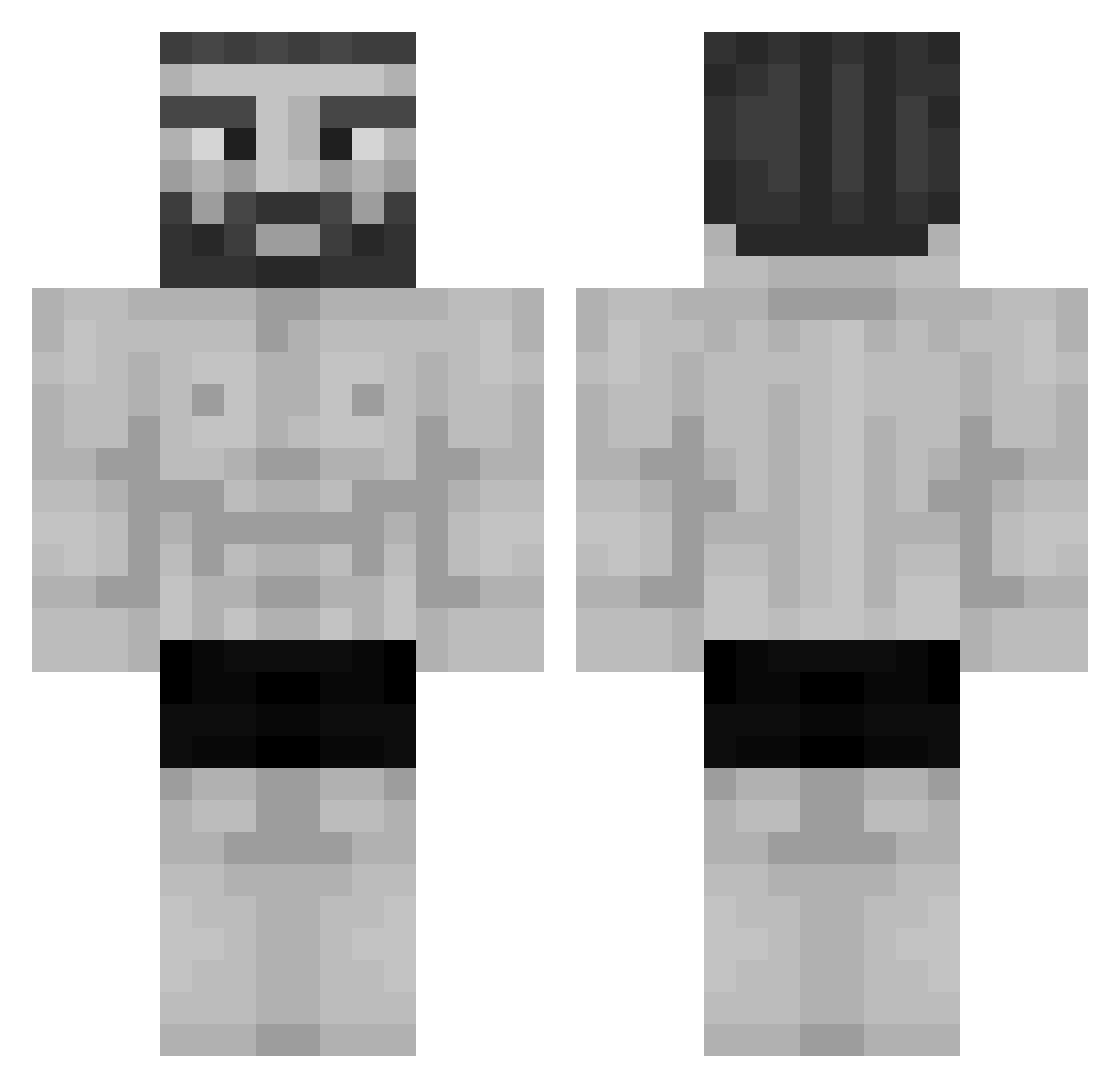
Current Minecraft skin of the player Lu4DK, loaded from the official Mojang API. Rotate the 3D model with your mouse or finger, then download the skin as a PNG file and use it in Minecraft: Bedrock Edition or Java Edition for free. When Lu4DK changes their skin, this page updates automatically and the old skin stays in the history below.
Other players with this skin (1193)
Lu4DK was the 1085th player we have seen with this skin, first spotted on 01.11.2026. The same skin was seen on these players. Open a nickname to see their current skin and skin history.
 Napsu999 ChrxsTheOne MynameisFloyd Mirassess R3s4S Invalid_Name Naisou sevenieqq dsufhq Trizepro A1koSor4 WassupSup SI_Man KaRiTaPato _Homeless 0PIUMisFAT Tek5_ obmak destructeur93240 Sw0rdf1sh101 BigBiggie Dragon225 womwomp Isnasg popcorn_lox Damilo234 NGM_ASSASSIN Southern52 JamesDVX mrwallace8 Exidorath kilersqid turki1201 SillyFella1 gagikk 31416me Joota10 KEWOOO seb36 LAMarte007 NickUzun NytoBM Chetverg15 D3nie1 ApogeeV Remstter HighestGorilla MizuU12 mqveh HANAGA19232 uviron Strummy99 Repz2212 the1368guy Clurnts DieLichter antosantoni Erennv Sick0_Mode Kinetiklops
More Gigachad Minecraft skins
How to install the Lu4DK skin
- Press the Download button above to save the skin as a PNG file.
- Minecraft: Bedrock Edition (PE): open the Dressing Room from the main menu (or tap your character → Edit Character), go to Classic Skins → Owned, press the + (new skin) button, choose the downloaded PNG and pick the Classic (Steve) model. Works on PC and mobile; consoles cannot import custom skins.
- Minecraft: Java Edition: open the Minecraft Launcher, go to the Skins tab, click New Skin, load the PNG, pick the Classic (Steve) model and press Save & Use. You can also upload it at minecraft.net → Profile → Change Skin.
The skin does not show up after import - what should I do?
Restart Minecraft and open the Dressing Room again - imported skins sometimes appear only after a restart. Also make sure you selected the imported skin and picked the Classic (Steve) model.
Which model should I choose, Classic or Slim?
This skin is designed for the Classic (Steve) model. If you pick the wrong model, the arms of the skin will look stretched or squeezed.
Is the skin of Lu4DK free to download?
Yes. Press Download, save the PNG file and use it in Minecraft: Bedrock Edition or Java Edition - no payment or registration needed. The skin also works on multiplayer servers and Realms.
More skins
Looking for more? Go back to all Minecraft skins and check the top skins of the week, month and all time, or find any player's skin by nickname.