
LinhDgHzd0114 - Minecraft Skins & Skin History
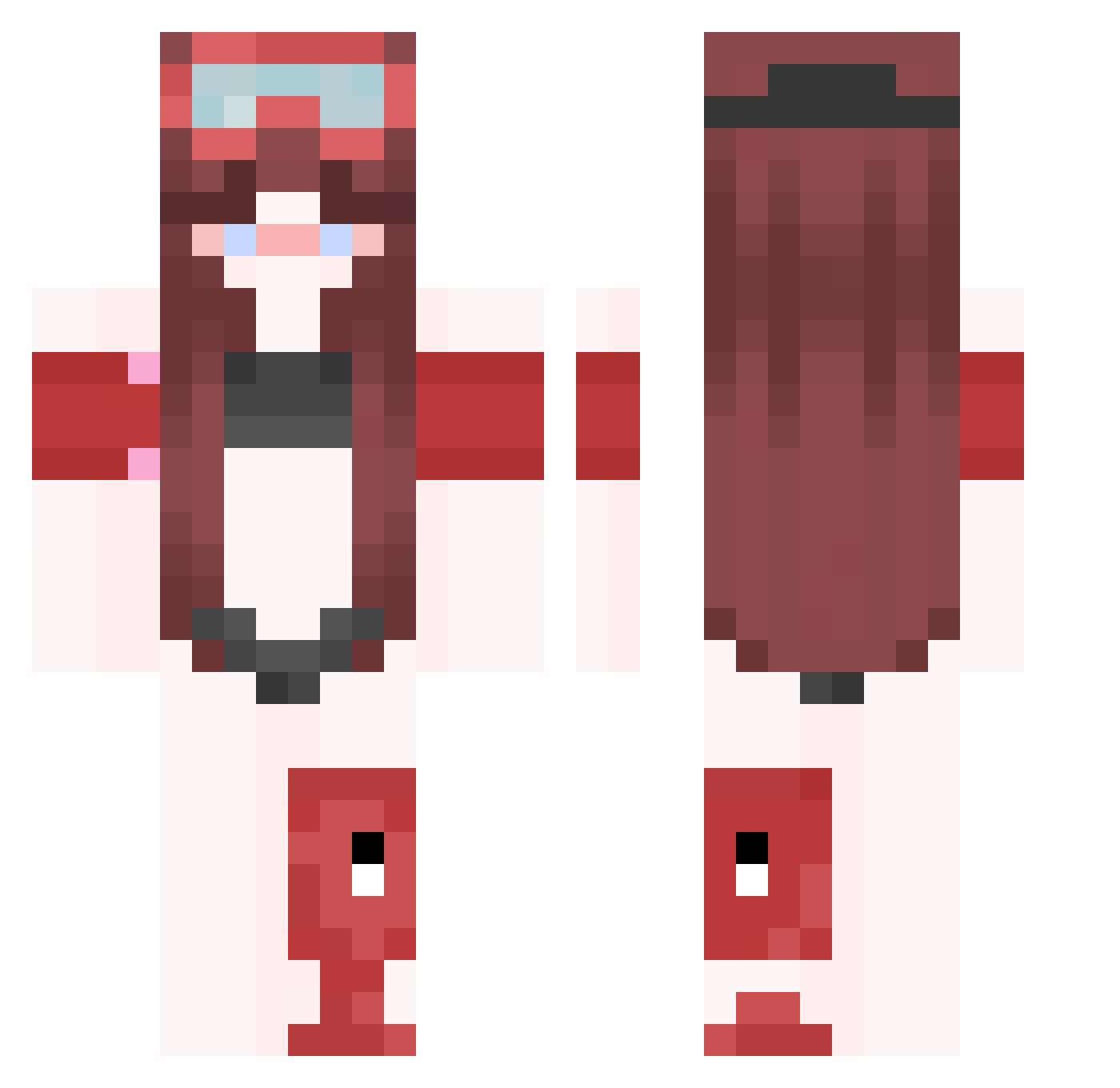
Current Minecraft skin of the player LinhDgHzd0114, loaded from the official Mojang API. Rotate the 3D model with your mouse or finger, then download the skin as a PNG file and use it in Minecraft: Bedrock Edition or Java Edition for free. When LinhDgHzd0114 changes their skin, this page updates automatically and the old skin stays in the history below.
Other players with this skin (417)
LinhDgHzd0114 was the 266th player we have seen with this skin, first spotted on 30.09.2026. The same skin was seen on these players. Open a nickname to see their current skin and skin history.
 krebs_256266 blackninja_0 ptaltsIXRyR KkathlleenYTnn FernaN347036 MDiniz96 meow_HaQOQ_08 Linhioijh0126 kimwolf322826 TrueBro99 ksyzISchefGnbCX Ranweiler_ample7 BrianKrebs386346 ptaltsVSQPX picturesquelack Carolinekr iva0345ivan CamiloBena FirePal3 DripGEN234136 Starzzidk123 G8erArdxXx cfg_bet_WXMnC GoddessLori LinhyoCqZ0103 bulkyessentia5l zattle SaraXx6035 h9r6or7race borello_amazing7 ZOZO5436 KsyzIsChefVGYXf Gggalinnvooo7 ToufTouf_526605 coffeewin zz_oyqpP_12_09 ptaltsPDZsH Yourfriendred Naht22 LinhzMFFK0105 enzo_bomba_360hz raveU7mMqykv S_x06usan candleri5t binarysacrilegi ptaltseufuA Hodell1trim957 cipherth9nder subordinateIne9 meow_sfEPO_08 merhs Maaaria5xXx3 ravegXVEVY2n ThunderBee99 Lemon_291 nice_Pal AndresC27 Kinesthesik Entitilo_VLmmW LinhKnHVp0114
More Lifeguard Minecraft skins
How to install the LinhDgHzd0114 skin
- Press the Download button above to save the skin as a PNG file.
- Minecraft: Bedrock Edition (PE): open the Dressing Room from the main menu (or tap your character → Edit Character), go to Classic Skins → Owned, press the + (new skin) button, choose the downloaded PNG and pick the Classic (Steve) model. Works on PC and mobile; consoles cannot import custom skins.
- Minecraft: Java Edition: open the Minecraft Launcher, go to the Skins tab, click New Skin, load the PNG, pick the Classic (Steve) model and press Save & Use. You can also upload it at minecraft.net → Profile → Change Skin.
The skin does not show up after import - what should I do?
Restart Minecraft and open the Dressing Room again - imported skins sometimes appear only after a restart. Also make sure you selected the imported skin and picked the Classic (Steve) model.
Which model should I choose, Classic or Slim?
This skin is designed for the Classic (Steve) model. If you pick the wrong model, the arms of the skin will look stretched or squeezed.
Is the skin of LinhDgHzd0114 free to download?
Yes. Press Download, save the PNG file and use it in Minecraft: Bedrock Edition or Java Edition - no payment or registration needed. The skin also works on multiplayer servers and Realms.
More skins
Looking for more? Go back to all Minecraft skins and check the top skins of the week, month and all time, or find any player's skin by nickname.