
Lefthegame09 - Minecraft Skins & Skin History
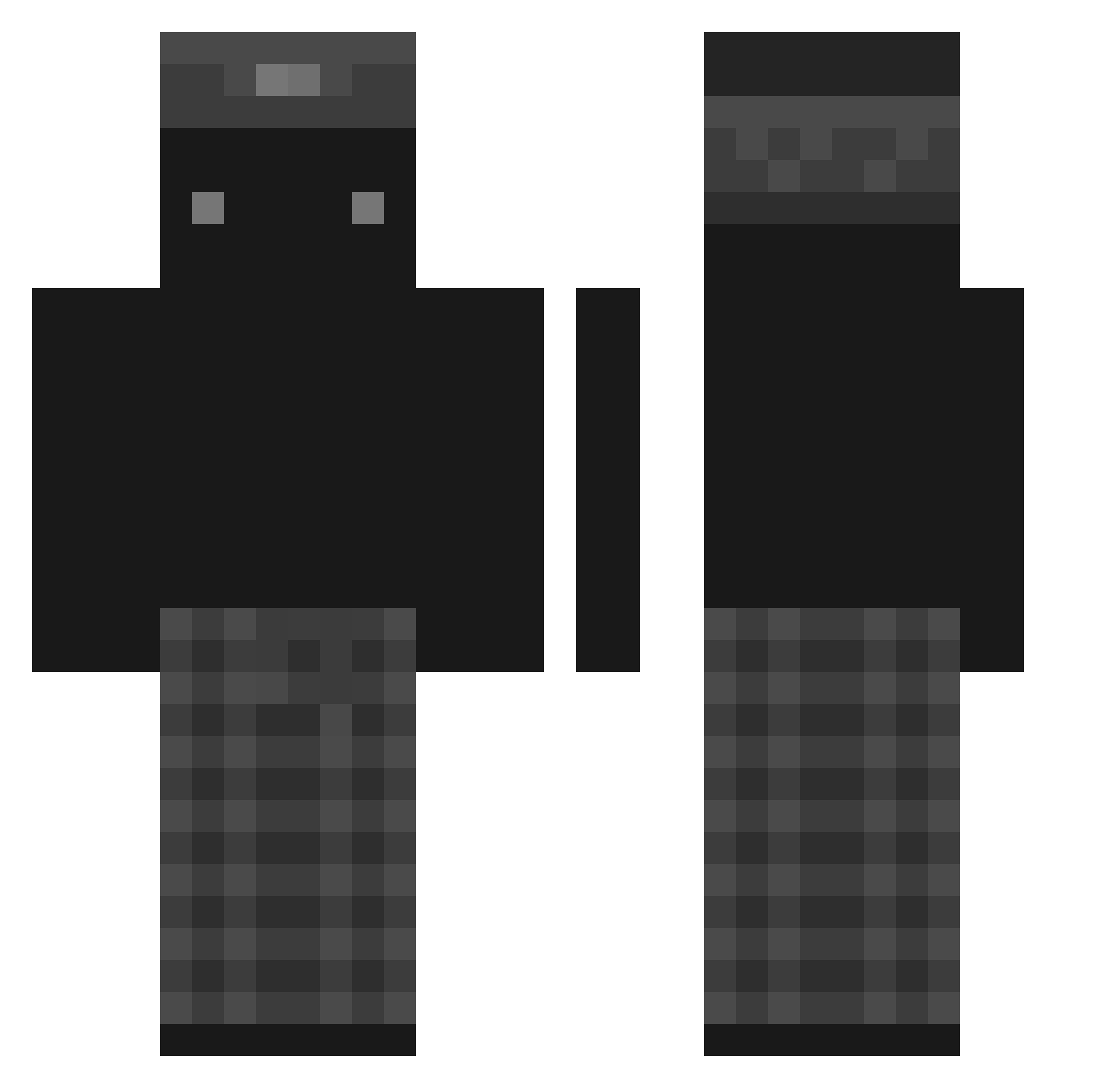
Current Minecraft skin of the player Lefthegame09, loaded from the official Mojang API. Rotate the 3D model with your mouse or finger, then download the skin as a PNG file and use it in Minecraft: Bedrock Edition or Java Edition for free. When Lefthegame09 changes their skin, this page updates automatically and the old skin stays in the history below.
Other players with this skin (97)
Lefthegame09 was the 74th player we have seen with this skin, first spotted on 13.10.2026. The same skin was seen on these players. Open a nickname to see their current skin and skin history.
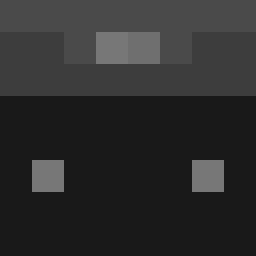 Hipsuperbly Myttico arkk_0 R4ndom9 EagleGaming10 Swift_Giray Deix123 StayingFoolish 9rblm NX71 feet_l1cker Jossylux SaruuXD syphh ppelzinho Dawidplsk KhalidYOLO EdwardCPro ItzNotMatty_ Kyron18 EGE1881 Wyickk ASFROM_0 h4rito Aleckqw21 _KLUSECKA_ _J0gert_ Nayroxx_ GalaxyTiger_YT Bambas_ MrCoconut01 deadtoxic G1cked Adschi187 burgersaretasty ItzRexz_ FBeckman LoliMCflo DLDJSWL Derkan_0 FecNine9 MO0NN__ toppyheader12 Sebstahhhh tineli77 NotHudson__ Lattice003 Lxvn7 bobthebouwer1 ReaperKnot jmzin arasswzc maxxicas nopeckz greciajuu ThatsDouglas D3dAsz33
 No1rix_ funesgoty Aoul0
More Miner Minecraft skins
How to install the Lefthegame09 skin
- Press the Download button above to save the skin as a PNG file.
- Minecraft: Bedrock Edition (PE): open the Dressing Room from the main menu (or tap your character → Edit Character), go to Classic Skins → Owned, press the + (new skin) button, choose the downloaded PNG and pick the Classic (Steve) model. Works on PC and mobile; consoles cannot import custom skins.
- Minecraft: Java Edition: open the Minecraft Launcher, go to the Skins tab, click New Skin, load the PNG, pick the Classic (Steve) model and press Save & Use. You can also upload it at minecraft.net → Profile → Change Skin.
The skin does not show up after import - what should I do?
Restart Minecraft and open the Dressing Room again - imported skins sometimes appear only after a restart. Also make sure you selected the imported skin and picked the Classic (Steve) model.
Which model should I choose, Classic or Slim?
This skin is designed for the Classic (Steve) model. If you pick the wrong model, the arms of the skin will look stretched or squeezed.
Is the skin of Lefthegame09 free to download?
Yes. Press Download, save the PNG file and use it in Minecraft: Bedrock Edition or Java Edition - no payment or registration needed. The skin also works on multiplayer servers and Realms.
More skins
Looking for more? Go back to all Minecraft skins and check the top skins of the week, month and all time, or find any player's skin by nickname.