
Kiyoshin - Minecraft Skins & Skin History
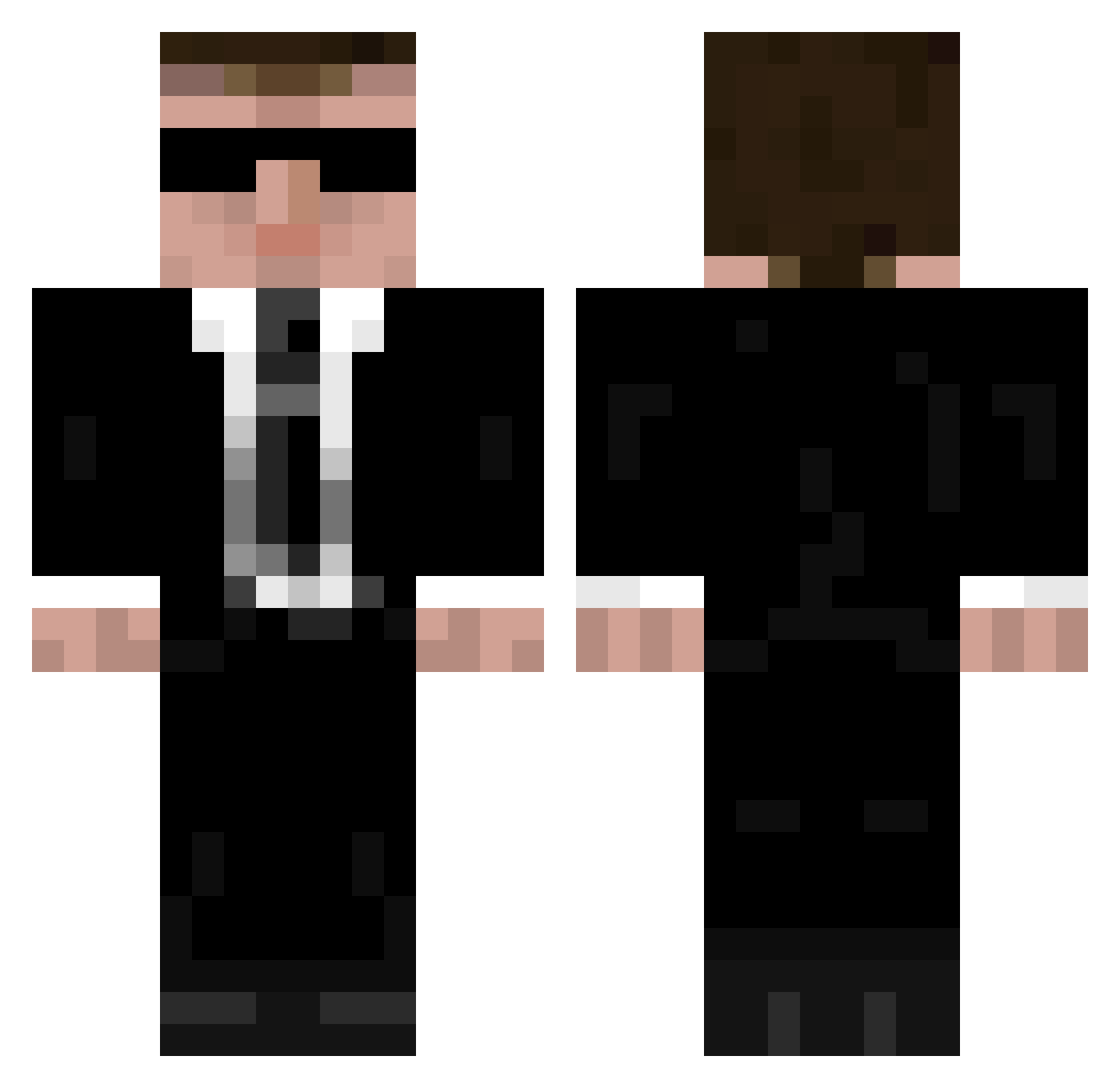
Current Minecraft skin of the player Kiyoshin, loaded from the official Mojang API. Rotate the 3D model with your mouse or finger, then download the skin as a PNG file and use it in Minecraft: Bedrock Edition or Java Edition for free. When Kiyoshin changes their skin, this page updates automatically and the old skin stays in the history below.
Other players with this skin (1179)
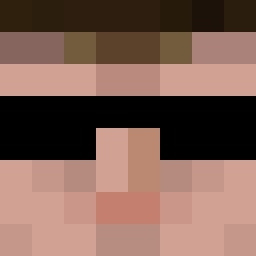
Kiyoshin was the 937th player we have seen with this skin, first spotted on 20.10.2026. The same skin was seen on these players. Open a nickname to see their current skin and skin history.
 els02 Jwoods45 rlbartlett1 cheezus WandaTea Reaper90 GoldArena Legende96 Tallboy567 Skeptic001 M4dM4x85 MuckaFuther MrNecree Adamon29 PeterKlien Brofux ICED_craft LOLBoY121 Indekoelkast hunterromega Tikian DuktigIdiot weezyone OhNachi SleepyLeon The_Buder_God emeraldgamer123 AdeptusTitanicus benjamin149 Asbestross soundblaster540 nicolai00023 ZXD_Porky TheEclipsee Rexen97 Black_Phantom_MC erineagle209 _Herr_Pommes_ Dosemand XStationGaming dadattack5 Geohoundog dom15167 FratelloRio andreas734i Zor3an Apollo_Rize Rakshasae tcplayer caanon1203 DaBOZZMrDX Fantomamo BombVoyage44 JackxHack aixware Shadowlauch Fisk112 _SLIN_ XxXAgent_Blue156 brotat0e
More Agent 47 Minecraft skins
How to install the Kiyoshin skin
- Press the Download button above to save the skin as a PNG file.
- Minecraft: Bedrock Edition (PE): open the Dressing Room from the main menu (or tap your character → Edit Character), go to Classic Skins → Owned, press the + (new skin) button, choose the downloaded PNG and pick the Classic (Steve) model. Works on PC and mobile; consoles cannot import custom skins.
- Minecraft: Java Edition: open the Minecraft Launcher, go to the Skins tab, click New Skin, load the PNG, pick the Classic (Steve) model and press Save & Use. You can also upload it at minecraft.net → Profile → Change Skin.
The skin does not show up after import - what should I do?
Restart Minecraft and open the Dressing Room again - imported skins sometimes appear only after a restart. Also make sure you selected the imported skin and picked the Classic (Steve) model.
Which model should I choose, Classic or Slim?
This skin is designed for the Classic (Steve) model. If you pick the wrong model, the arms of the skin will look stretched or squeezed.
Is the skin of Kiyoshin free to download?
Yes. Press Download, save the PNG file and use it in Minecraft: Bedrock Edition or Java Edition - no payment or registration needed. The skin also works on multiplayer servers and Realms.
More skins
Looking for more? Go back to all Minecraft skins and check the top skins of the week, month and all time, or find any player's skin by nickname.