
Kaistau - Minecraft Skins & Skin History
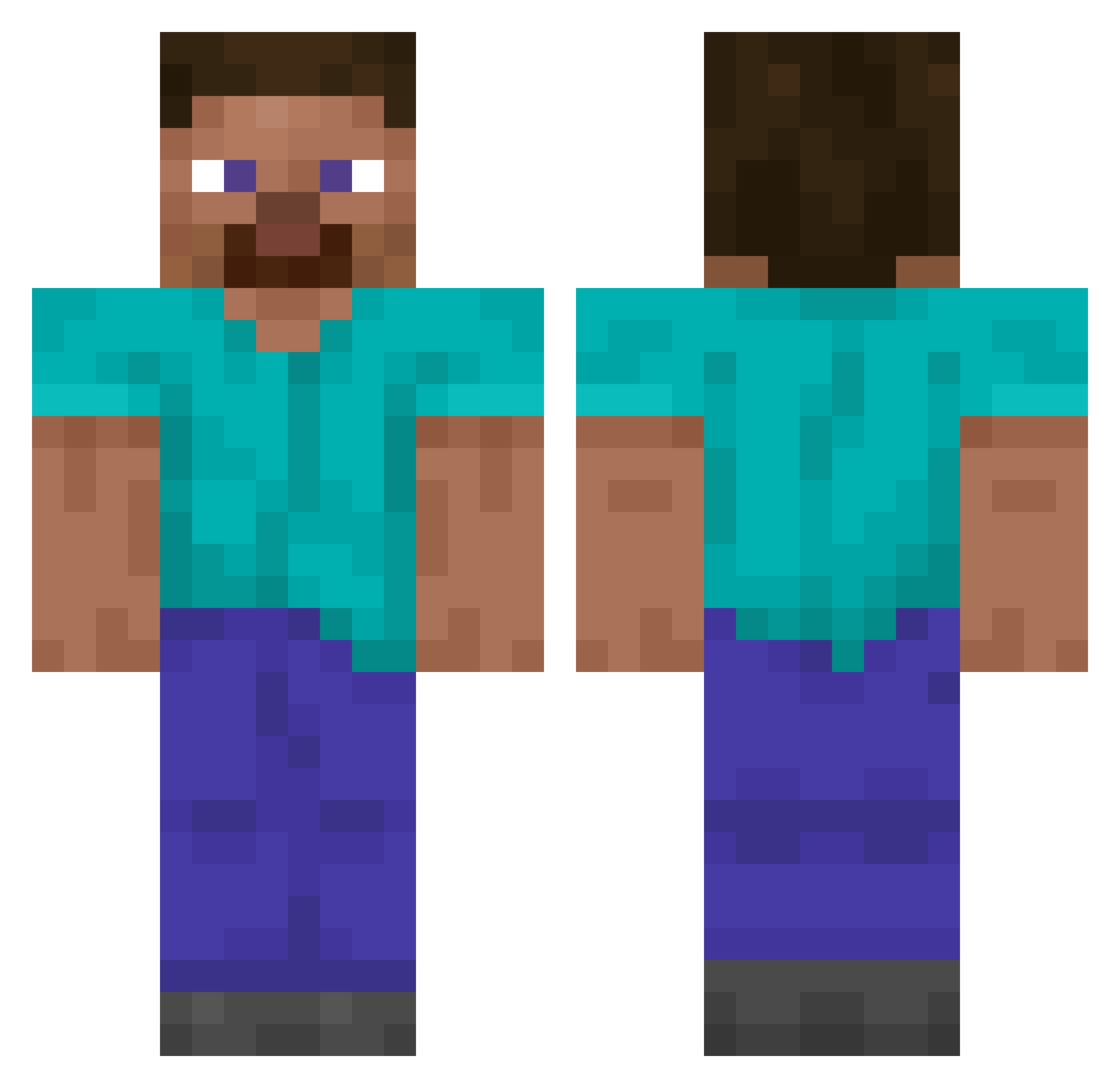
Current Minecraft skin of the player Kaistau, loaded from the official Mojang API. Rotate the 3D model with your mouse or finger, then download the skin as a PNG file and use it in Minecraft: Bedrock Edition or Java Edition for free. When Kaistau changes their skin, this page updates automatically and the old skin stays in the history below.
Other players with this skin (14049)
Kaistau was the 13840th player we have seen with this skin, first spotted on 04.11.2026. The same skin was seen on these players. Open a nickname to see their current skin and skin history.
 Aditive rumpfett EisteeFabiio CuzImAndreh MultipleFlavors MRperfect444 Disbind ImperialTerraMC eoLqz W1zardxz1 Ryuba_0912 TCPULATWISAD Elkan15 ShockReClapz Felix987654 L1L1iscool TidierJuggler24 roadblocks 5xhl Cinoinwza Baldokk Memernub DirtyPalm idlolq PugBoiii ismetefe36 attonthegreat FrostyTheDrunk Nexdram ZETA_crow Thalacalibur Prybowy Vilouis2000 superian89 vinissocks Clairebear46464 Casper_gaming albatross1024 zZwany FelineRanger513 Chocolocraft38 Hamazushi09835 Squallex Leoelti12 bqmx bobmedpenger Tank_Rank Yarik_Aks Forticraft_ bipolar_scb Bissmarck Rush_Party WILLINGER Sphaericus rxrnokd fsPascal cementine AdmiralAkkar garlic220 G8k_
How to install the Kaistau skin
- Press the Download button above to save the skin as a PNG file.
- Minecraft: Bedrock Edition (PE): open the Dressing Room from the main menu (or tap your character → Edit Character), go to Classic Skins → Owned, press the + (new skin) button, choose the downloaded PNG and pick the Classic (Steve) model. Works on PC and mobile; consoles cannot import custom skins.
- Minecraft: Java Edition: open the Minecraft Launcher, go to the Skins tab, click New Skin, load the PNG, pick the Classic (Steve) model and press Save & Use. You can also upload it at minecraft.net → Profile → Change Skin.
The skin does not show up after import - what should I do?
Restart Minecraft and open the Dressing Room again - imported skins sometimes appear only after a restart. Also make sure you selected the imported skin and picked the Classic (Steve) model.
Which model should I choose, Classic or Slim?
This skin is designed for the Classic (Steve) model. If you pick the wrong model, the arms of the skin will look stretched or squeezed.
Is the skin of Kaistau free to download?
Yes. Press Download, save the PNG file and use it in Minecraft: Bedrock Edition or Java Edition - no payment or registration needed. The skin also works on multiplayer servers and Realms.
More skins
Looking for more? Go back to all Minecraft skins and check the top skins of the week, month and all time, or find any player's skin by nickname.