
Kaaspudding - Minecraft Skins & Skin History
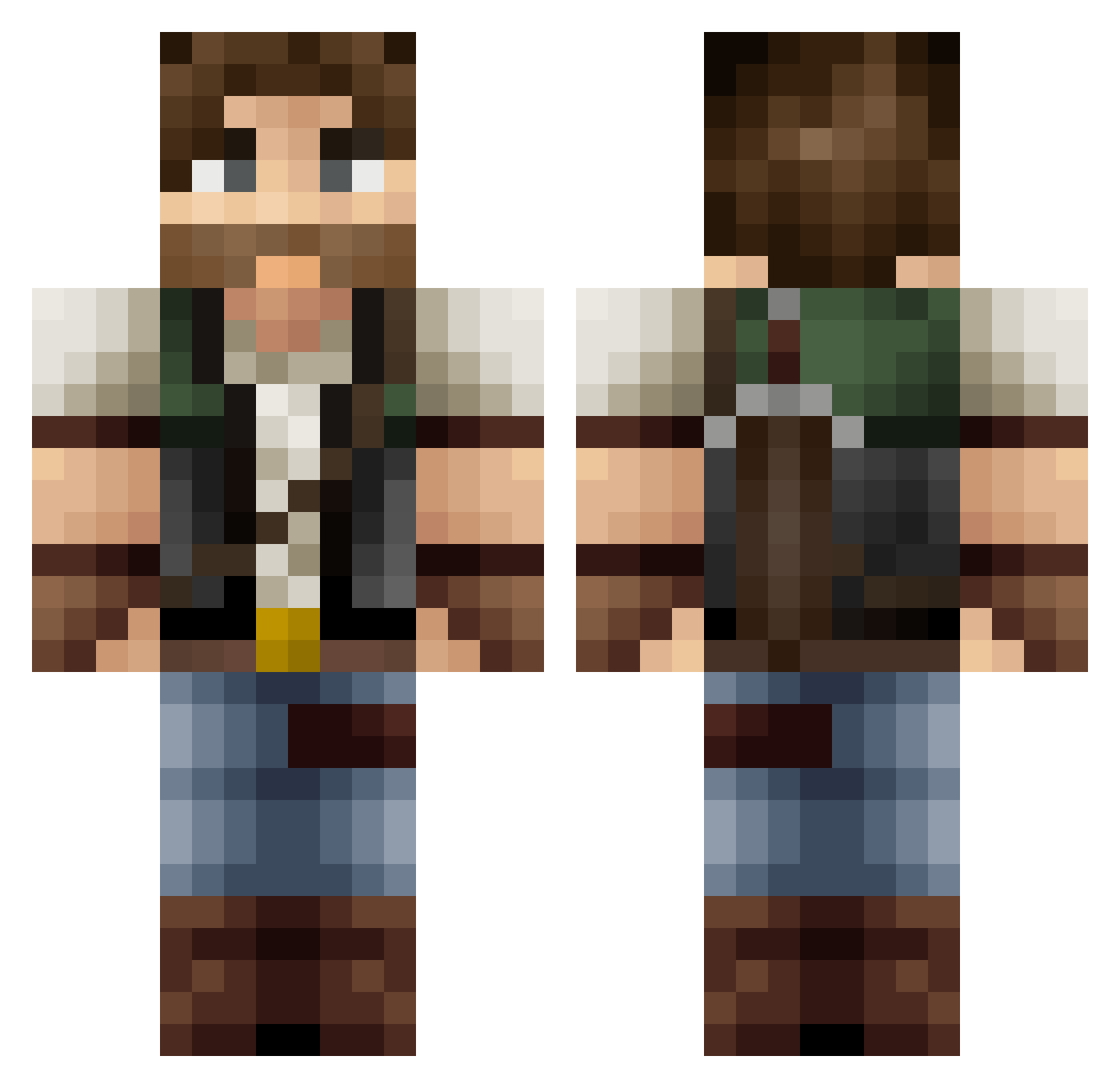
Current Minecraft skin of the player Kaaspudding, loaded from the official Mojang API. Rotate the 3D model with your mouse or finger, then download the skin as a PNG file and use it in Minecraft: Bedrock Edition or Java Edition for free. When Kaaspudding changes their skin, this page updates automatically and the old skin stays in the history below.
Other players with this skin (527)
Kaaspudding was the 488th player we have seen with this skin, first spotted on 03.11.2026. The same skin was seen on these players. Open a nickname to see their current skin and skin history.
 hguuhr Skua zombieslayer522 Earlof dirtbag900 the_bold_one Phasha1 Camelot vampmon Chadfhara VelouriumAU Simon_The_Wolf Tacticalsnake82 Silverdobi G_Locc5000 Sideshift PurpleHoneyBear Setlon Hipster6 TenseMans97 hinkley97 KidzTickler tulleguttene corruptedfate korayjames estephann Renaulting Arn1m Unlucky_boy Justniles CavSc0ut CrazedDog TNT_Goes_Boom Chuck110 Ruinengarten Grizzly__Adams wiebe112 l_viborg Stressing81 ExclusiveArson conmandrummer Jezza717 Starpainter Manglepaw Robschey EMPEthan Joppe98 Mozzat_Chronic SecretNinja001 KennSnow MIneMonger OldPeanutz Nalwin HonestlyThor HUNTER_MAN2001 derikfemrite Alphenor WebbyMoto heavydutycreeper Ovenden2k
More Joel Miller Minecraft skins
How to install the Kaaspudding skin
- Press the Download button above to save the skin as a PNG file.
- Minecraft: Bedrock Edition (PE): open the Dressing Room from the main menu (or tap your character → Edit Character), go to Classic Skins → Owned, press the + (new skin) button, choose the downloaded PNG and pick the Classic (Steve) model. Works on PC and mobile; consoles cannot import custom skins.
- Minecraft: Java Edition: open the Minecraft Launcher, go to the Skins tab, click New Skin, load the PNG, pick the Classic (Steve) model and press Save & Use. You can also upload it at minecraft.net → Profile → Change Skin.
The skin does not show up after import - what should I do?
Restart Minecraft and open the Dressing Room again - imported skins sometimes appear only after a restart. Also make sure you selected the imported skin and picked the Classic (Steve) model.
Which model should I choose, Classic or Slim?
This skin is designed for the Classic (Steve) model. If you pick the wrong model, the arms of the skin will look stretched or squeezed.
Is the skin of Kaaspudding free to download?
Yes. Press Download, save the PNG file and use it in Minecraft: Bedrock Edition or Java Edition - no payment or registration needed. The skin also works on multiplayer servers and Realms.
More skins
Looking for more? Go back to all Minecraft skins and check the top skins of the week, month and all time, or find any player's skin by nickname.