
Ju2o - Minecraft Skins & Skin History
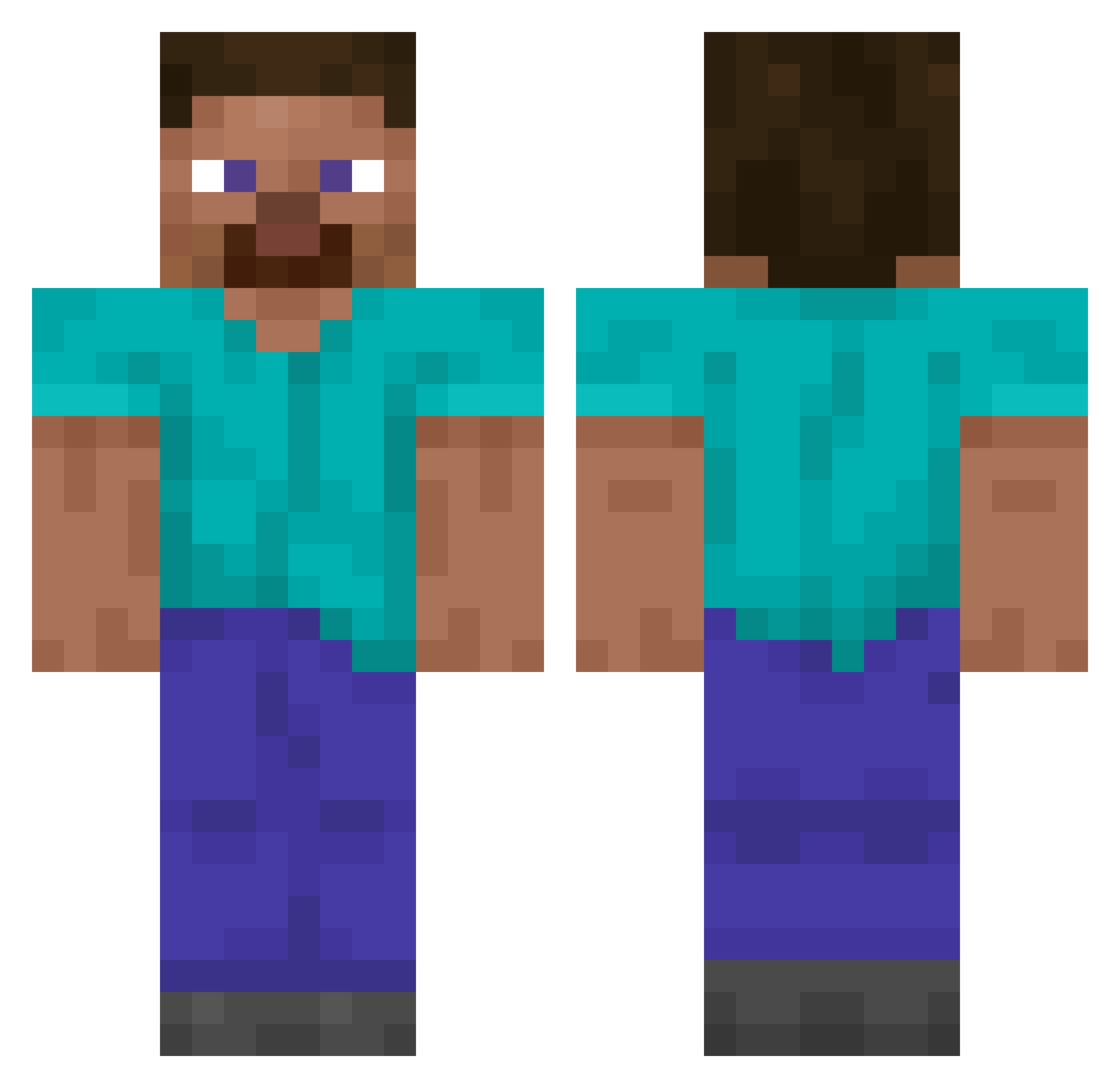
Current Minecraft skin of the player Ju2o, loaded from the official Mojang API. Rotate the 3D model with your mouse or finger, then download the skin as a PNG file and use it in Minecraft: Bedrock Edition or Java Edition for free. When Ju2o changes their skin, this page updates automatically and the old skin stays in the history below.
Other players with this skin (14848)
Ju2o was the 11396th player we have seen with this skin, first spotted on 19.10.2026. The same skin was seen on these players. Open a nickname to see their current skin and skin history.
 Mostly_H Greenangel78 primmory cosmicbread0 montypt RiyuAzahi xKuko12 SamueLLs2L Subiect MyungZZang Darkstrength tiaguera666 Ouchene stanek261 Arcania99999999 branch_mp3 azunyan0609 maizg JeonByeongDeok JJUNI_07 CashMonke Noviomagum Rocks_HP HDrink ihatememyself DOMINICK_P panion coundfoum23400 Bratku_ Badvill 8ic kaneman NAISAAC lucas123452 Someonexox Obariski Subject_Forest Angel5409 Rosbif nbvf6 masaomasao warghbr GomiAlts steepers THE_PREDATOR_696 ermwhatheFLIP Neo_Miles KingMax436 Reback_ir DreamyGXT redglasses1811 Raduwolf DarkingRain NICOLINHA713 gia_harantan Kotlina S_C_L NikitaBuyanov blondness Alvin
How to install the Ju2o skin
- Press the Download button above to save the skin as a PNG file.
- Minecraft: Bedrock Edition (PE): open the Dressing Room from the main menu (or tap your character → Edit Character), go to Classic Skins → Owned, press the + (new skin) button, choose the downloaded PNG and pick the Classic (Steve) model. Works on PC and mobile; consoles cannot import custom skins.
- Minecraft: Java Edition: open the Minecraft Launcher, go to the Skins tab, click New Skin, load the PNG, pick the Classic (Steve) model and press Save & Use. You can also upload it at minecraft.net → Profile → Change Skin.
The skin does not show up after import - what should I do?
Restart Minecraft and open the Dressing Room again - imported skins sometimes appear only after a restart. Also make sure you selected the imported skin and picked the Classic (Steve) model.
Which model should I choose, Classic or Slim?
This skin is designed for the Classic (Steve) model. If you pick the wrong model, the arms of the skin will look stretched or squeezed.
Is the skin of Ju2o free to download?
Yes. Press Download, save the PNG file and use it in Minecraft: Bedrock Edition or Java Edition - no payment or registration needed. The skin also works on multiplayer servers and Realms.
More skins
Looking for more? Go back to all Minecraft skins and check the top skins of the week, month and all time, or find any player's skin by nickname.