
Jaydenskills - Minecraft Skins & Skin History
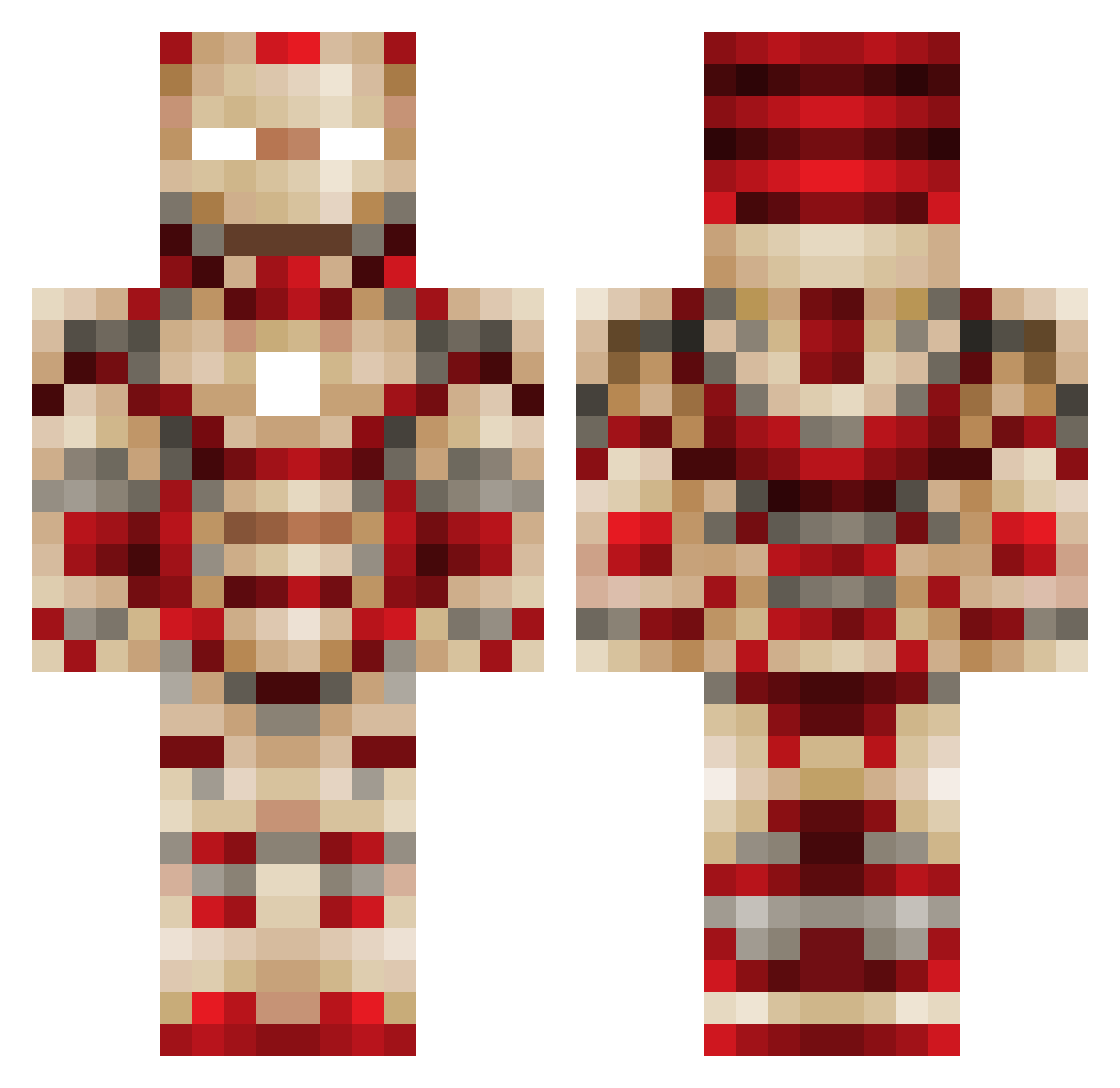
Current Minecraft skin of the player Jaydenskills, loaded from the official Mojang API. Rotate the 3D model with your mouse or finger, then download the skin as a PNG file and use it in Minecraft: Bedrock Edition or Java Edition for free. When Jaydenskills changes their skin, this page updates automatically and the old skin stays in the history below.
Other players with this skin (561)
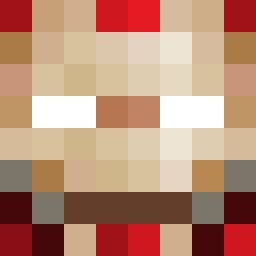
Jaydenskills was the 460th player we have seen with this skin, first spotted on 23.10.2026. The same skin was seen on these players. Open a nickname to see their current skin and skin history.
 PEACHILL36 Alliwel RS7Gamer Barnabus007 suzukixl WarteMal93 NicozPlays gnomes78 ahmad1alsaad StiffRigg ndavidson123 sinnaga _totallynotmark kboy37 Epicz_15 jmendoza9197 Budamon anubisjg DalyBoys fortune80 ripperb zlacery Den91498 Swaggy7 Aaron2weiss Yellow_Squid NDFOOTBALL2014 BALDEAGLE95 Denver3654 colesin GamerBambii Tilmansen Goncho31 Pro_Sexy SturL20 Rx123T TonyUpton Littlekitten18 LingJJJJ browniebchew BaihouZa Laja Lt_Surj NDB14911 bjornskov18 Veriaulde mkeebe12 Nickalic MPHmartijn 00grimreaper00 kimdhair FuzziBearzZ bmxatmojang sugerZERO HeroBro25 WhipWest Kiwistroke samjobbs Wolfie2430 Cefix67
More Iron Man Minecraft skins
How to install the Jaydenskills skin
- Press the Download button above to save the skin as a PNG file.
- Minecraft: Bedrock Edition (PE): open the Dressing Room from the main menu (or tap your character → Edit Character), go to Classic Skins → Owned, press the + (new skin) button, choose the downloaded PNG and pick the Classic (Steve) model. Works on PC and mobile; consoles cannot import custom skins.
- Minecraft: Java Edition: open the Minecraft Launcher, go to the Skins tab, click New Skin, load the PNG, pick the Classic (Steve) model and press Save & Use. You can also upload it at minecraft.net → Profile → Change Skin.
The skin does not show up after import - what should I do?
Restart Minecraft and open the Dressing Room again - imported skins sometimes appear only after a restart. Also make sure you selected the imported skin and picked the Classic (Steve) model.
Which model should I choose, Classic or Slim?
This skin is designed for the Classic (Steve) model. If you pick the wrong model, the arms of the skin will look stretched or squeezed.
Is the skin of Jaydenskills free to download?
Yes. Press Download, save the PNG file and use it in Minecraft: Bedrock Edition or Java Edition - no payment or registration needed. The skin also works on multiplayer servers and Realms.
More skins
Looking for more? Go back to all Minecraft skins and check the top skins of the week, month and all time, or find any player's skin by nickname.