
Insue - Minecraft Skins & Skin History
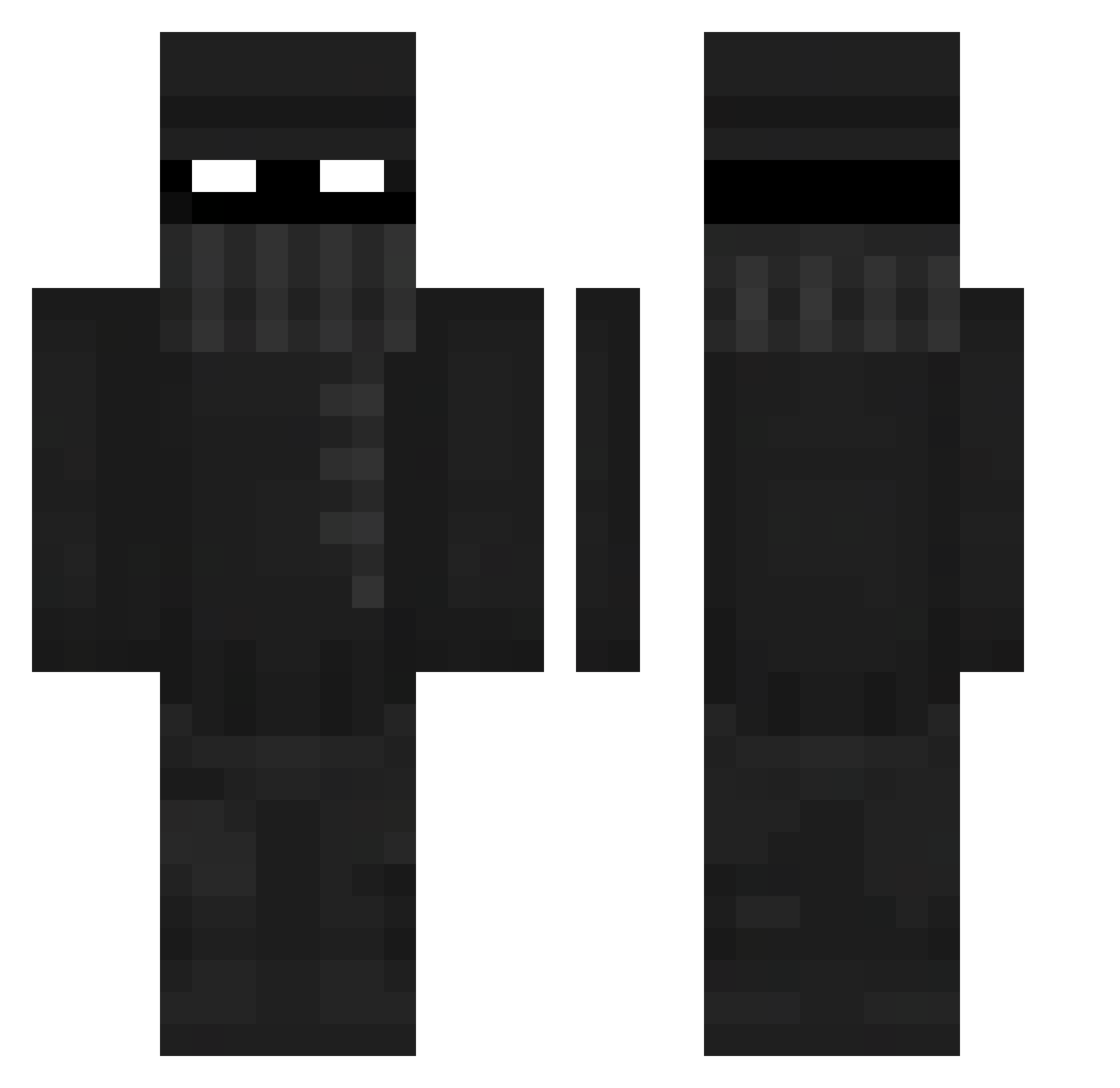
Current Minecraft skin of the player Insue, loaded from the official Mojang API. Rotate the 3D model with your mouse or finger, then download the skin as a PNG file and use it in Minecraft: Bedrock Edition or Java Edition for free. When Insue changes their skin, this page updates automatically and the old skin stays in the history below.
Other players with this skin (413)
Insue was the 369th player we have seen with this skin, first spotted on 29.10.2026. The same skin was seen on these players. Open a nickname to see their current skin and skin history.
 Koroscape KubaRady Darkroyalty Zeyleks oMttS curtis20 spying1251 fulm1 Kumpel_PL AntoPL07 JimmyTheNoob98 kierownikkk Majko0 Arttuleskinen BowedClamp DjShadowPL NightCodeFire bhamss MissesMister Vichenso Ydioru Bryan_Noe Rafrocket SM4XR mntvm BlackOpenn TJ0121 tommypier daddy123jj OnlyQR H1gh_How_Are_You T0RKED WhYiHaVeAuTiSm Roberztk rockstar1878 AIarius MONGUAI SeeTheSilence albion00 gidoAP Sadra13 Stxtiicc _oTonnY Jck3y stevemine3n LxcidFog 7771321 K4cactus The_Xombie yarin9899 rojogosue MateusRETURNS Prey2GG Zyphrr99 RoLra cozzly kiwi_hypeboy LuganoGamers Studs1011 Salty_84
More Robber Minecraft skins
How to install the Insue skin
- Press the Download button above to save the skin as a PNG file.
- Minecraft: Bedrock Edition (PE): open the Dressing Room from the main menu (or tap your character → Edit Character), go to Classic Skins → Owned, press the + (new skin) button, choose the downloaded PNG and pick the Classic (Steve) model. Works on PC and mobile; consoles cannot import custom skins.
- Minecraft: Java Edition: open the Minecraft Launcher, go to the Skins tab, click New Skin, load the PNG, pick the Classic (Steve) model and press Save & Use. You can also upload it at minecraft.net → Profile → Change Skin.
The skin does not show up after import - what should I do?
Restart Minecraft and open the Dressing Room again - imported skins sometimes appear only after a restart. Also make sure you selected the imported skin and picked the Classic (Steve) model.
Which model should I choose, Classic or Slim?
This skin is designed for the Classic (Steve) model. If you pick the wrong model, the arms of the skin will look stretched or squeezed.
Is the skin of Insue free to download?
Yes. Press Download, save the PNG file and use it in Minecraft: Bedrock Edition or Java Edition - no payment or registration needed. The skin also works on multiplayer servers and Realms.
More skins
Looking for more? Go back to all Minecraft skins and check the top skins of the week, month and all time, or find any player's skin by nickname.