
Harambe90 - Minecraft Skins & Skin History
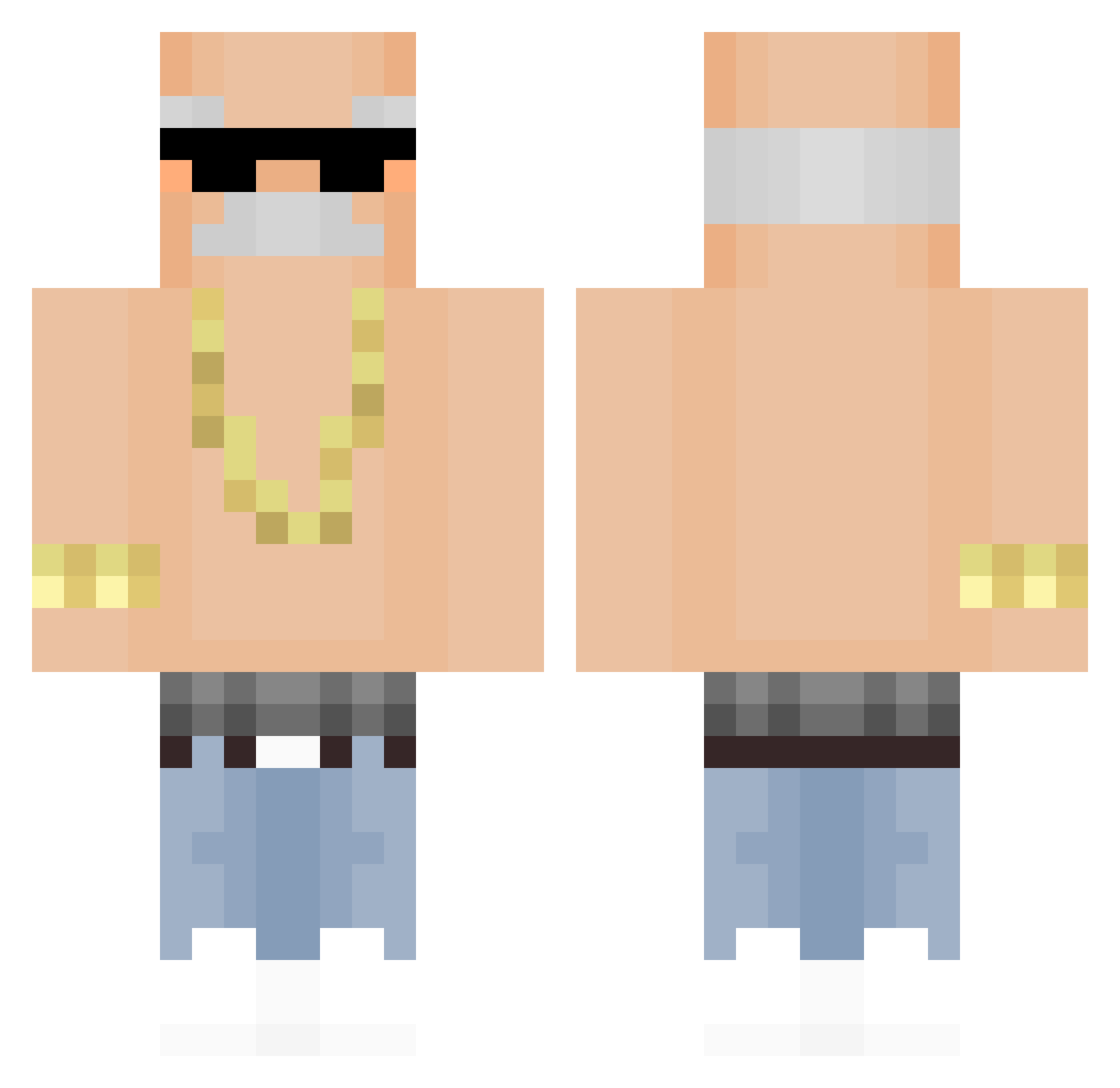
Current Minecraft skin of the player Harambe90, loaded from the official Mojang API. Rotate the 3D model with your mouse or finger, then download the skin as a PNG file and use it in Minecraft: Bedrock Edition or Java Edition for free. When Harambe90 changes their skin, this page updates automatically and the old skin stays in the history below.
Other players with this skin (390)
Harambe90 was the 342nd player we have seen with this skin, first spotted on 25.10.2026. The same skin was seen on these players. Open a nickname to see their current skin and skin history.
 yjjking tyomutakun Hgenshuo Nooodddllleeesss Albert0t0 StritexTM PabloSky330d ZERO2104 Gold414Hunter Tinker359 ThiccTree Didacsaixon BitteGibMalFeuer komplit Dacbsito IOctopI MANUXIII Nobody3112 Thees_ doKorta NotStand Serpis2010 keramik12 J3nsKnosalla smrmdoql Hwan_21_ Luck386 K6viin nathanos_01 xml22 ElioStream ShrekGHG JXNPhantom Michel_Oliveira NicoOPz Chris08152 Tyron_woo endr____ Huntingursis StariyPierDun funVany01 Mixieer99 McReav vic28quokka risky_L kubiz1234 KielbasaZaglady Lyapchik miller572 Met1221 KepkaKek LN329 GolfDasAutoo Black0071 Suki_Morlorn DGLe14 charluny188 Tafleys DooRi_0 Hxv3n
More Grandpa Minecraft skins
How to install the Harambe90 skin
- Press the Download button above to save the skin as a PNG file.
- Minecraft: Bedrock Edition (PE): open the Dressing Room from the main menu (or tap your character → Edit Character), go to Classic Skins → Owned, press the + (new skin) button, choose the downloaded PNG and pick the Classic (Steve) model. Works on PC and mobile; consoles cannot import custom skins.
- Minecraft: Java Edition: open the Minecraft Launcher, go to the Skins tab, click New Skin, load the PNG, pick the Classic (Steve) model and press Save & Use. You can also upload it at minecraft.net → Profile → Change Skin.
The skin does not show up after import - what should I do?
Restart Minecraft and open the Dressing Room again - imported skins sometimes appear only after a restart. Also make sure you selected the imported skin and picked the Classic (Steve) model.
Which model should I choose, Classic or Slim?
This skin is designed for the Classic (Steve) model. If you pick the wrong model, the arms of the skin will look stretched or squeezed.
Is the skin of Harambe90 free to download?
Yes. Press Download, save the PNG file and use it in Minecraft: Bedrock Edition or Java Edition - no payment or registration needed. The skin also works on multiplayer servers and Realms.
More skins
Looking for more? Go back to all Minecraft skins and check the top skins of the week, month and all time, or find any player's skin by nickname.