
Fyera - Minecraft Skins & Skin History
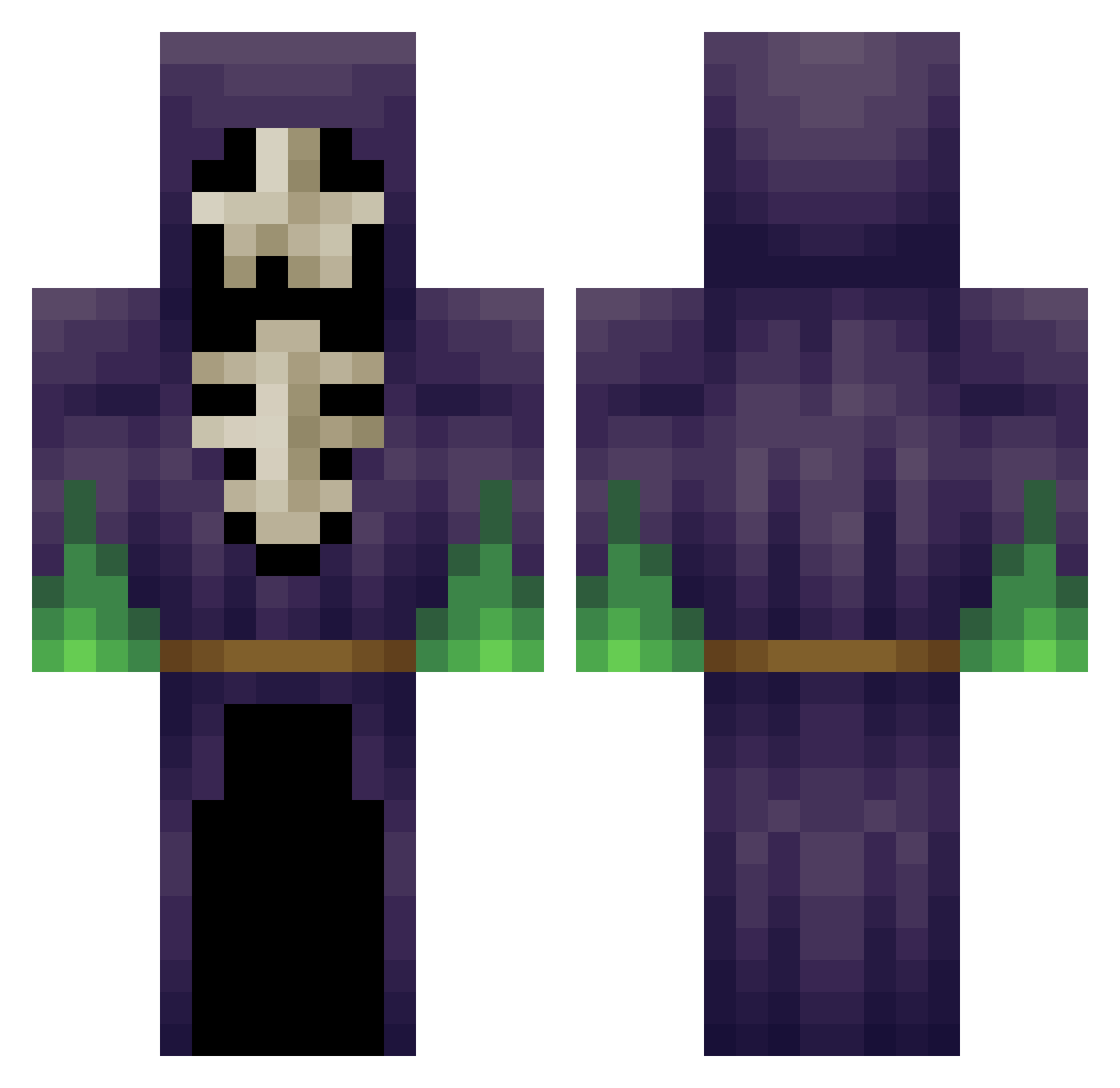
Current Minecraft skin of the player Fyera, loaded from the official Mojang API. Rotate the 3D model with your mouse or finger, then download the skin as a PNG file and use it in Minecraft: Bedrock Edition or Java Edition for free. When Fyera changes their skin, this page updates automatically and the old skin stays in the history below.
Other players with this skin (454)
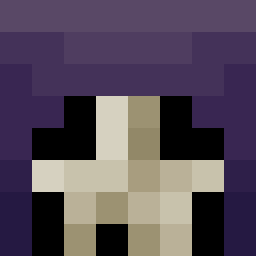
Fyera was the 424th player we have seen with this skin, first spotted on 04.11.2026. The same skin was seen on these players. Open a nickname to see their current skin and skin history.
 PartTimeNinja zomamigo cYbrixX UKF_x BaySlo TheGreatScotch OtherChris skelleton purgoth0 munk1992 iiDVoid LPLAYERF drmrbilly Jadsonpp InsaneDuchess cleusa2 xMuetzex _BANANANAS_ handyclams totkopf Nuiel FlyHighRyRy Dark_D3mon Doomer102 Lulu2000B MinisterAndy1 sleepy_face1000 madsda9 wiwo86 Tentickles WarlockoTaco LichOftheNorth Sal0ne Tvfreak spamman6 oleycritter Tank1298 _Jly4NuK_xD aminad hyty004 Panther51773 fransiipaarl serialkillr sm131101 MrUlv Phanto_Mex Hiikarii HailState1434 Gbpacker89 Solmyrkva MRORH2000 ii7sonyBoy_IRAQI whowannadie Remorium111 DadgerBen jackcrafter4 TooTotes Spookyhands xaza i3unz1r0u
More Necromancer Minecraft skins
How to install the Fyera skin
- Press the Download button above to save the skin as a PNG file.
- Minecraft: Bedrock Edition (PE): open the Dressing Room from the main menu (or tap your character → Edit Character), go to Classic Skins → Owned, press the + (new skin) button, choose the downloaded PNG and pick the Classic (Steve) model. Works on PC and mobile; consoles cannot import custom skins.
- Minecraft: Java Edition: open the Minecraft Launcher, go to the Skins tab, click New Skin, load the PNG, pick the Classic (Steve) model and press Save & Use. You can also upload it at minecraft.net → Profile → Change Skin.
The skin does not show up after import - what should I do?
Restart Minecraft and open the Dressing Room again - imported skins sometimes appear only after a restart. Also make sure you selected the imported skin and picked the Classic (Steve) model.
Which model should I choose, Classic or Slim?
This skin is designed for the Classic (Steve) model. If you pick the wrong model, the arms of the skin will look stretched or squeezed.
Is the skin of Fyera free to download?
Yes. Press Download, save the PNG file and use it in Minecraft: Bedrock Edition or Java Edition - no payment or registration needed. The skin also works on multiplayer servers and Realms.
More skins
Looking for more? Go back to all Minecraft skins and check the top skins of the week, month and all time, or find any player's skin by nickname.