
Foster_4565 - Minecraft Skins & Skin History
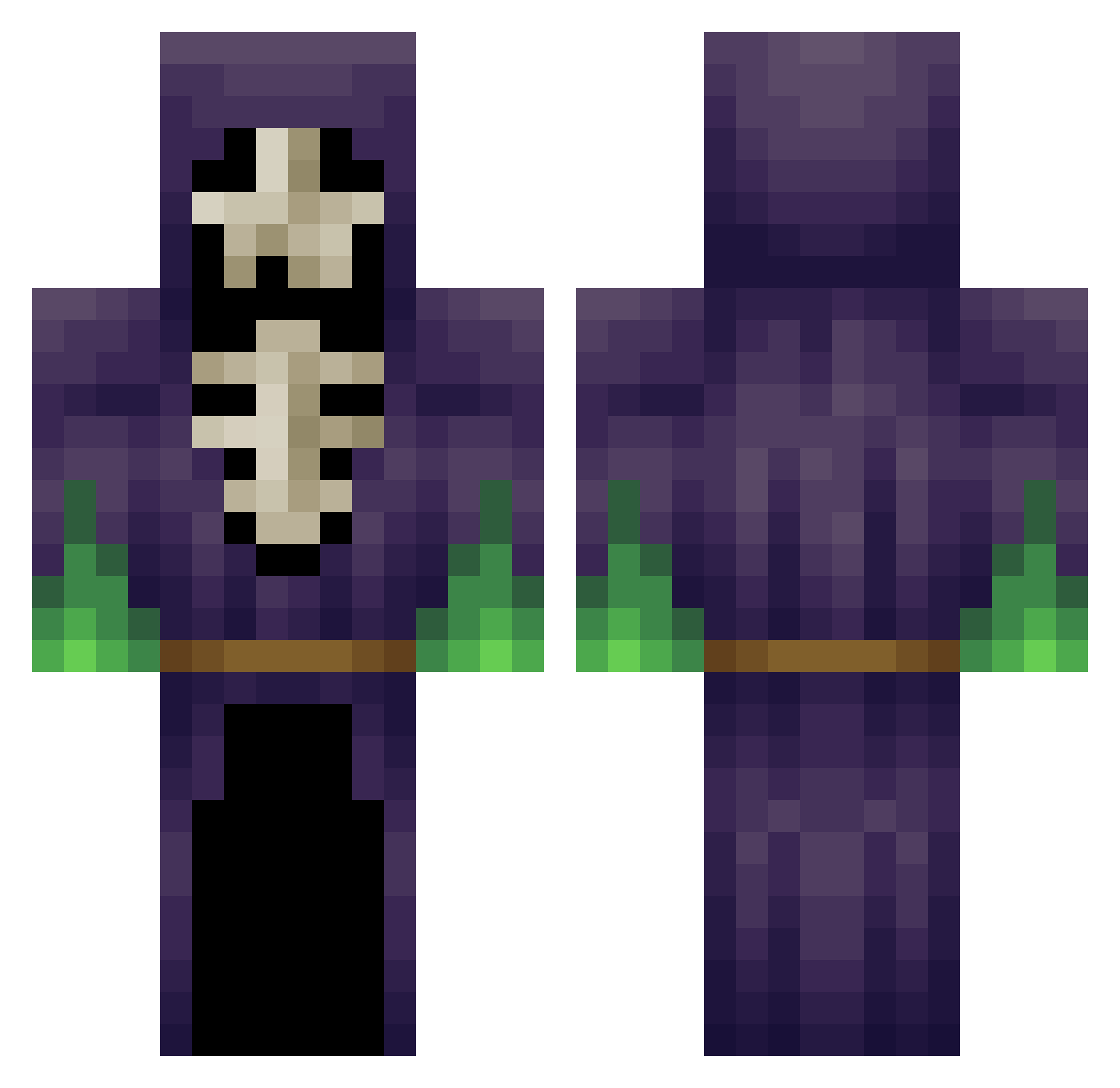
Current Minecraft skin of the player Foster_4565, loaded from the official Mojang API. Rotate the 3D model with your mouse or finger, then download the skin as a PNG file and use it in Minecraft: Bedrock Edition or Java Edition for free. When Foster_4565 changes their skin, this page updates automatically and the old skin stays in the history below.
Other players with this skin (265)
Foster_4565 was the 242nd player we have seen with this skin, first spotted on 28.10.2026. The same skin was seen on these players. Open a nickname to see their current skin and skin history.
 Chwimpi _CMYK Caiyv because512fox KingVerminator fauqyou Pusboi69 g1obz TitanMeteor MasterMurky FluffyFerox OrigamiDad Chintagious dooblammer8 Petrichorrrrrr Hamido22 S3ndUr4nus Genteryang itsblocked ProTaha05 N0_VlCE Jibbit neuroGear Mike_slik holymoonlights Ninutella dma_ta HelenaGrace1215 Milk_box06 jory3333 XxBlexterxX ____milan____ Zatiaa Boogaballs Frozentork Sarerow Nuklear878 Dudy1 alexnly66 RetroStar611 Necroponte PsykoStyle YourPalBrody GuiMo117 gatitomix_2 n0wy7 _pingcrimson snoq destroyer3169 Kiremitt PlanetaAlvaro croy324 JU4NTRX MrBitez Wisebird TalkingCattle Godronamus Edge_01 Avramut69 SwissBanker55
More Necromancer Minecraft skins
How to install the Foster_4565 skin
- Press the Download button above to save the skin as a PNG file.
- Minecraft: Bedrock Edition (PE): open the Dressing Room from the main menu (or tap your character → Edit Character), go to Classic Skins → Owned, press the + (new skin) button, choose the downloaded PNG and pick the Classic (Steve) model. Works on PC and mobile; consoles cannot import custom skins.
- Minecraft: Java Edition: open the Minecraft Launcher, go to the Skins tab, click New Skin, load the PNG, pick the Classic (Steve) model and press Save & Use. You can also upload it at minecraft.net → Profile → Change Skin.
The skin does not show up after import - what should I do?
Restart Minecraft and open the Dressing Room again - imported skins sometimes appear only after a restart. Also make sure you selected the imported skin and picked the Classic (Steve) model.
Which model should I choose, Classic or Slim?
This skin is designed for the Classic (Steve) model. If you pick the wrong model, the arms of the skin will look stretched or squeezed.
Is the skin of Foster_4565 free to download?
Yes. Press Download, save the PNG file and use it in Minecraft: Bedrock Edition or Java Edition - no payment or registration needed. The skin also works on multiplayer servers and Realms.
More skins
Looking for more? Go back to all Minecraft skins and check the top skins of the week, month and all time, or find any player's skin by nickname.