
Flappi16 - Minecraft Skins & Skin History
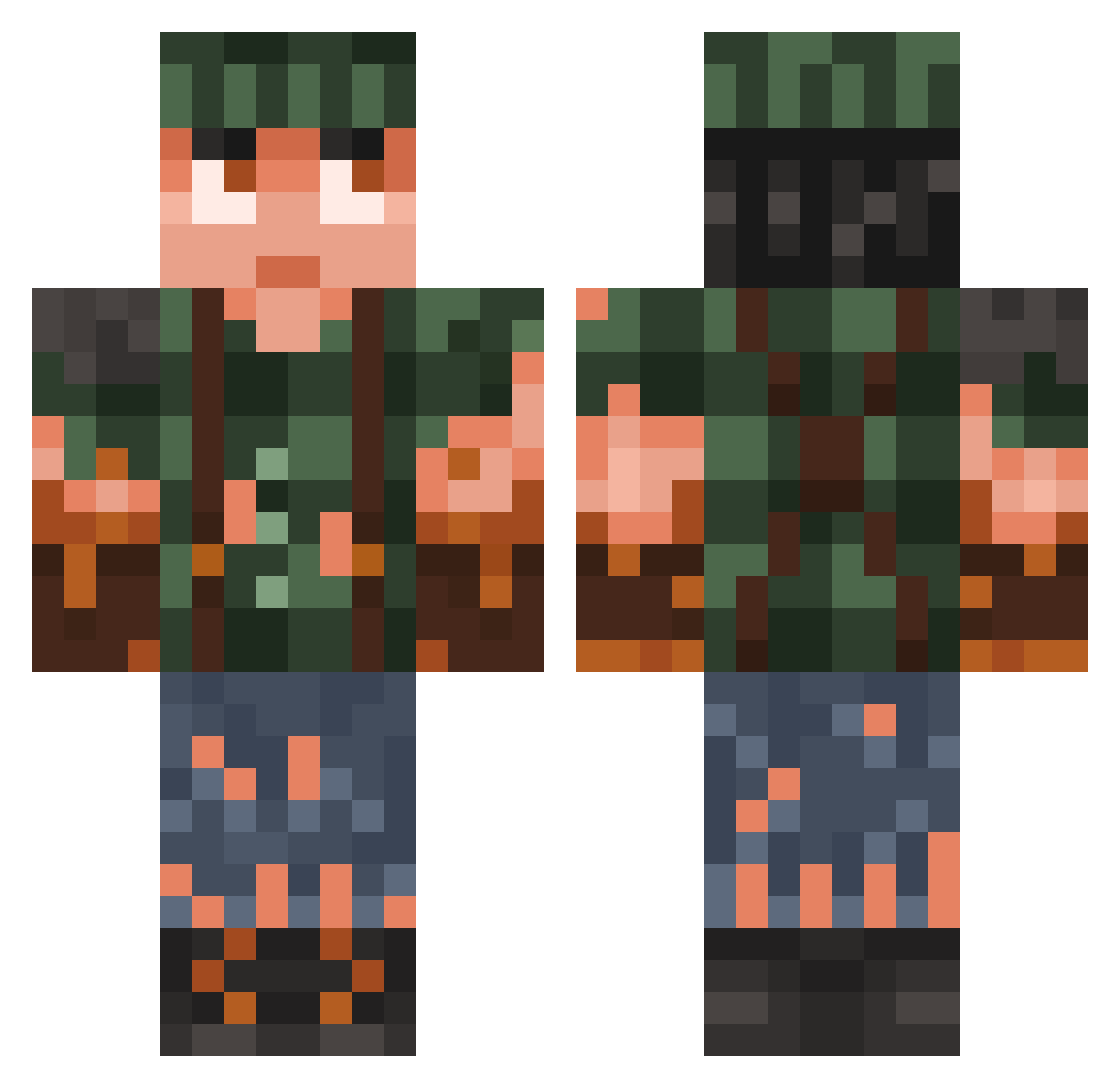
Current Minecraft skin of the player Flappi16, loaded from the official Mojang API. Rotate the 3D model with your mouse or finger, then download the skin as a PNG file and use it in Minecraft: Bedrock Edition or Java Edition for free. When Flappi16 changes their skin, this page updates automatically and the old skin stays in the history below.
Other players with this skin (982)
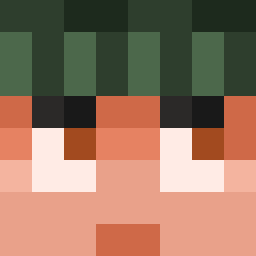
Flappi16 was the 886th player we have seen with this skin, first spotted on 31.10.2026. The same skin was seen on these players. Open a nickname to see their current skin and skin history.
 _TheKaushikG_ leforgeR BenjamingeHehe Chtin_anc slider089 Kobithriel RamsiHartmann187 Bullback8 ddbanks sigmthealord67 Johnnyquick1 Ice1916 CheaterBua sweet5463 _myeol M0key_ khaled_1999 nolodie _BurgerKingWifi_ uXacal DraftLama meatlessteam Marakan007 Hauxe1 Rodjec Abejui981209 Criptiic DrowsyDrifter JCobba97 tylertgm ParziFalk tricken4912 Batisteto Klumpy7 dziadugangrena der_ASSO EduanRoss DrLimePink cwees AwiraAce Leewuu Tuuubb ZestyLeopard2012 DarkOrhion raioraio17 Chaos_Lol fidomino CalebKoen Cowboyycal Kaboose9142 BLAD3runner14 kafeux Mackwe DaVISbuilds fr0zixx Marioj sb_xpsEj_0104 tek_munk Gunner2242 X_Garko_X
More Survivor Minecraft skins
How to install the Flappi16 skin
- Press the Download button above to save the skin as a PNG file.
- Minecraft: Bedrock Edition (PE): open the Dressing Room from the main menu (or tap your character → Edit Character), go to Classic Skins → Owned, press the + (new skin) button, choose the downloaded PNG and pick the Classic (Steve) model. Works on PC and mobile; consoles cannot import custom skins.
- Minecraft: Java Edition: open the Minecraft Launcher, go to the Skins tab, click New Skin, load the PNG, pick the Classic (Steve) model and press Save & Use. You can also upload it at minecraft.net → Profile → Change Skin.
The skin does not show up after import - what should I do?
Restart Minecraft and open the Dressing Room again - imported skins sometimes appear only after a restart. Also make sure you selected the imported skin and picked the Classic (Steve) model.
Which model should I choose, Classic or Slim?
This skin is designed for the Classic (Steve) model. If you pick the wrong model, the arms of the skin will look stretched or squeezed.
Is the skin of Flappi16 free to download?
Yes. Press Download, save the PNG file and use it in Minecraft: Bedrock Edition or Java Edition - no payment or registration needed. The skin also works on multiplayer servers and Realms.
More skins
Looking for more? Go back to all Minecraft skins and check the top skins of the week, month and all time, or find any player's skin by nickname.