
FURBI22 - Minecraft Skins & Skin History
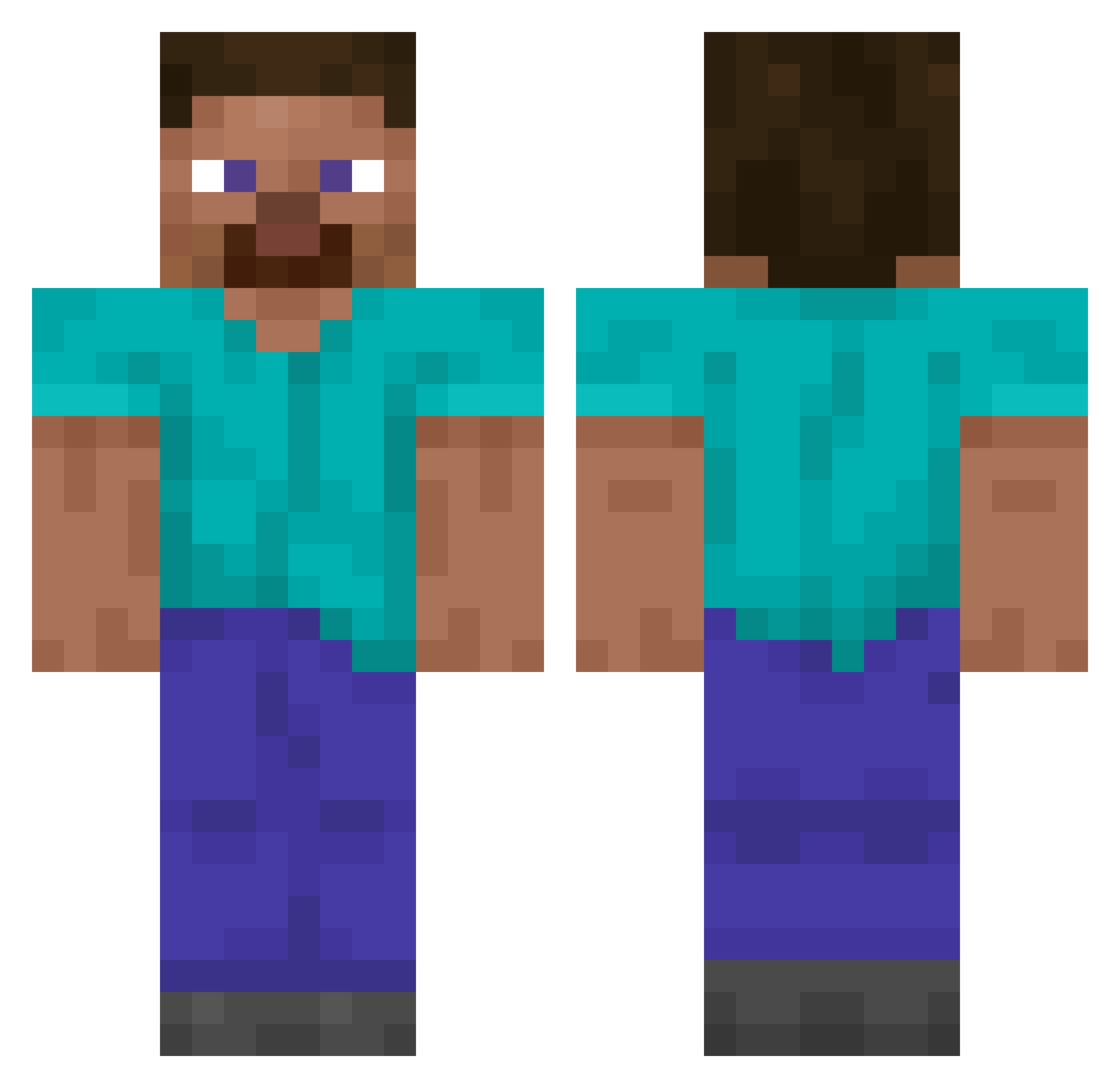
Current Minecraft skin of the player FURBI22, loaded from the official Mojang API. Rotate the 3D model with your mouse or finger, then download the skin as a PNG file and use it in Minecraft: Bedrock Edition or Java Edition for free. When FURBI22 changes their skin, this page updates automatically and the old skin stays in the history below.
Other players with this skin (14849)
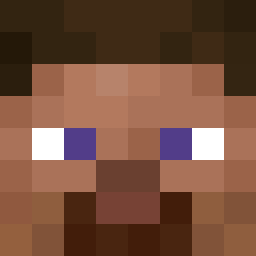
FURBI22 was the 14597th player we have seen with this skin, first spotted on 08.11.2026. The same skin was seen on these players. Open a nickname to see their current skin and skin history.
 n1onn TxmHen Eiernacken5 stupidxd AlbionOnline Kaczeq_17 gnoeshan Buster24k zombie8354 Polydactyl 7dr_ Jeroenske Rotem16 aRealSteve_ Kcroko LuLucasRi toby_6677 ZeusZeusZeus wreity rilthfyre _Dorn ESTROKTER dad1hunter Jet_Deathy Deskbreaker79 romme14 nunchak06 the_doctor313 Walnut_P1e bannana123456 bigher06 Thanatos_Gamer oliwka_ ekrempapizo divineLMAO Prrrimetiming Roo originalnume azarashikawa UnableToWin jun_bread Famki Chaitu15 C0ok13_ saladitogoblin blingjeppe Jropadop scatking MLPcampos OK2411 Trouvere user73 sorefoot Puma_D_Lorik NyMax Gamerboi251 shockwavx JasonChung80669 JuanPedro420x LukynoPukino
How to install the FURBI22 skin
- Press the Download button above to save the skin as a PNG file.
- Minecraft: Bedrock Edition (PE): open the Dressing Room from the main menu (or tap your character → Edit Character), go to Classic Skins → Owned, press the + (new skin) button, choose the downloaded PNG and pick the Classic (Steve) model. Works on PC and mobile; consoles cannot import custom skins.
- Minecraft: Java Edition: open the Minecraft Launcher, go to the Skins tab, click New Skin, load the PNG, pick the Classic (Steve) model and press Save & Use. You can also upload it at minecraft.net → Profile → Change Skin.
The skin does not show up after import - what should I do?
Restart Minecraft and open the Dressing Room again - imported skins sometimes appear only after a restart. Also make sure you selected the imported skin and picked the Classic (Steve) model.
Which model should I choose, Classic or Slim?
This skin is designed for the Classic (Steve) model. If you pick the wrong model, the arms of the skin will look stretched or squeezed.
Is the skin of FURBI22 free to download?
Yes. Press Download, save the PNG file and use it in Minecraft: Bedrock Edition or Java Edition - no payment or registration needed. The skin also works on multiplayer servers and Realms.
More skins
Looking for more? Go back to all Minecraft skins and check the top skins of the week, month and all time, or find any player's skin by nickname.