
Exelerium - Minecraft Skins & Skin History
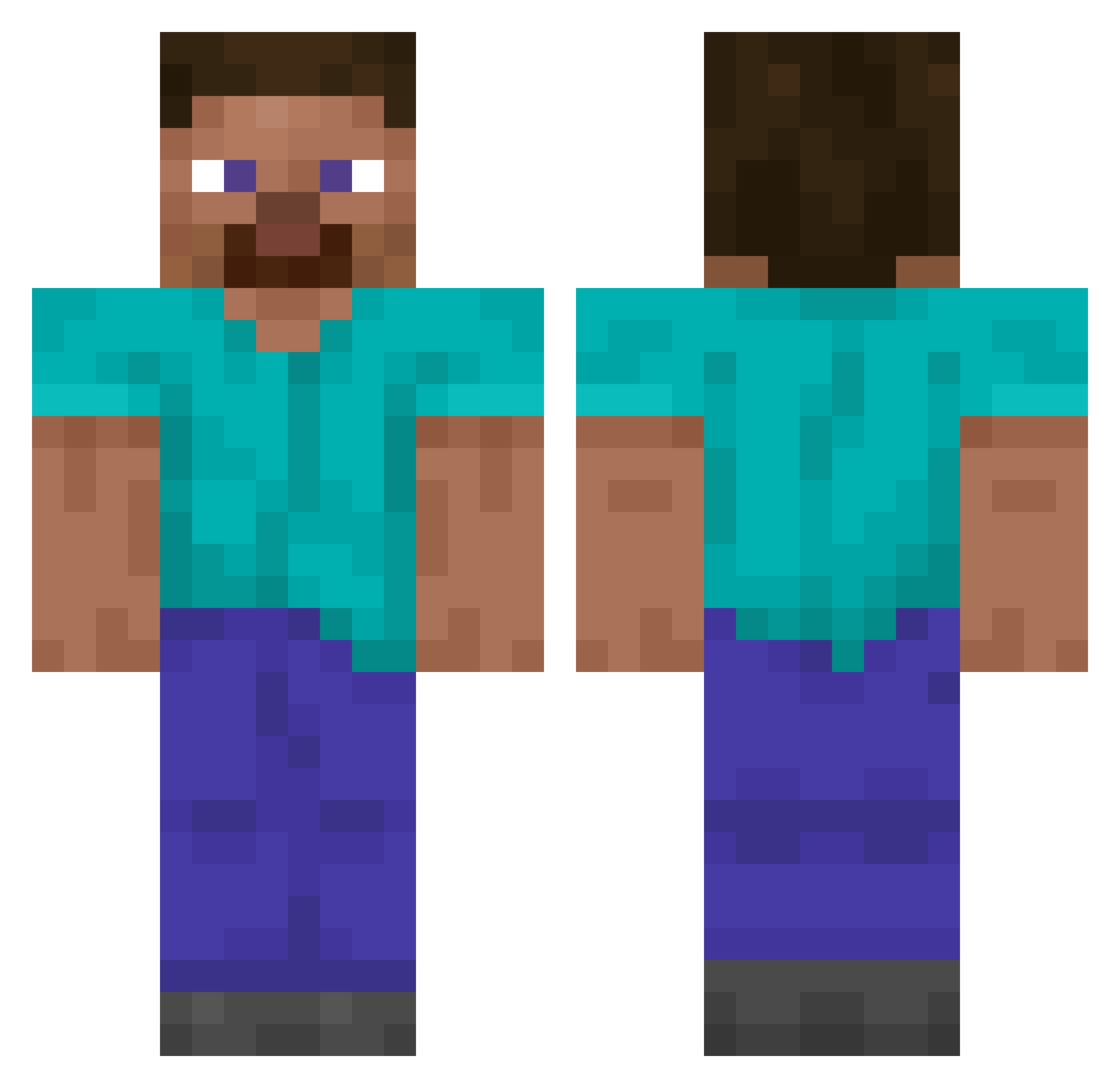
Current Minecraft skin of the player Exelerium, loaded from the official Mojang API. Rotate the 3D model with your mouse or finger, then download the skin as a PNG file and use it in Minecraft: Bedrock Edition or Java Edition for free. When Exelerium changes their skin, this page updates automatically and the old skin stays in the history below.
Other players with this skin (14845)
Exelerium was the 14697th player we have seen with this skin, first spotted on 09.11.2026. The same skin was seen on these players. Open a nickname to see their current skin and skin history.
 SoloUnit Vyborg DannyDT5000 draco7729 XD_crafterHD Mahzor CourtAl Cockapoo YoungBinJJANG SRNe7 Ketrab2012 AsterSilly Nenene3u Credif WandBallon014 bstyn VCGO Fruiting wxm_7FzSV_0125 Karwe epic_cake101 F4XU Eckestra Kowalskys SweatchPerone 0niT brandonmen1234 EJ35T CorbinEvolved Dekle Needyned ang_pang_ Popcornowns1 KraftQube TurnLeftToGoLeft boh78 Ottilia18 AnneFrank______ ptrickster saurel Goose2912 BigPlastic_Bag Manizle Rohmoohyun_unji_ ThiagoJRV chillywilly9991 m1ni1ce IJRT Zyrox1999 daigoz Tripl3MMM schleeepin Relic1228 louisc4 DeinBaum Rephar umasXeht Kleng3193 ahmet399 davi_sz0908
How to install the Exelerium skin
- Press the Download button above to save the skin as a PNG file.
- Minecraft: Bedrock Edition (PE): open the Dressing Room from the main menu (or tap your character → Edit Character), go to Classic Skins → Owned, press the + (new skin) button, choose the downloaded PNG and pick the Classic (Steve) model. Works on PC and mobile; consoles cannot import custom skins.
- Minecraft: Java Edition: open the Minecraft Launcher, go to the Skins tab, click New Skin, load the PNG, pick the Classic (Steve) model and press Save & Use. You can also upload it at minecraft.net → Profile → Change Skin.
The skin does not show up after import - what should I do?
Restart Minecraft and open the Dressing Room again - imported skins sometimes appear only after a restart. Also make sure you selected the imported skin and picked the Classic (Steve) model.
Which model should I choose, Classic or Slim?
This skin is designed for the Classic (Steve) model. If you pick the wrong model, the arms of the skin will look stretched or squeezed.
Is the skin of Exelerium free to download?
Yes. Press Download, save the PNG file and use it in Minecraft: Bedrock Edition or Java Edition - no payment or registration needed. The skin also works on multiplayer servers and Realms.
More skins
Looking for more? Go back to all Minecraft skins and check the top skins of the week, month and all time, or find any player's skin by nickname.