
EmperorMeth - Minecraft Skins & Skin History
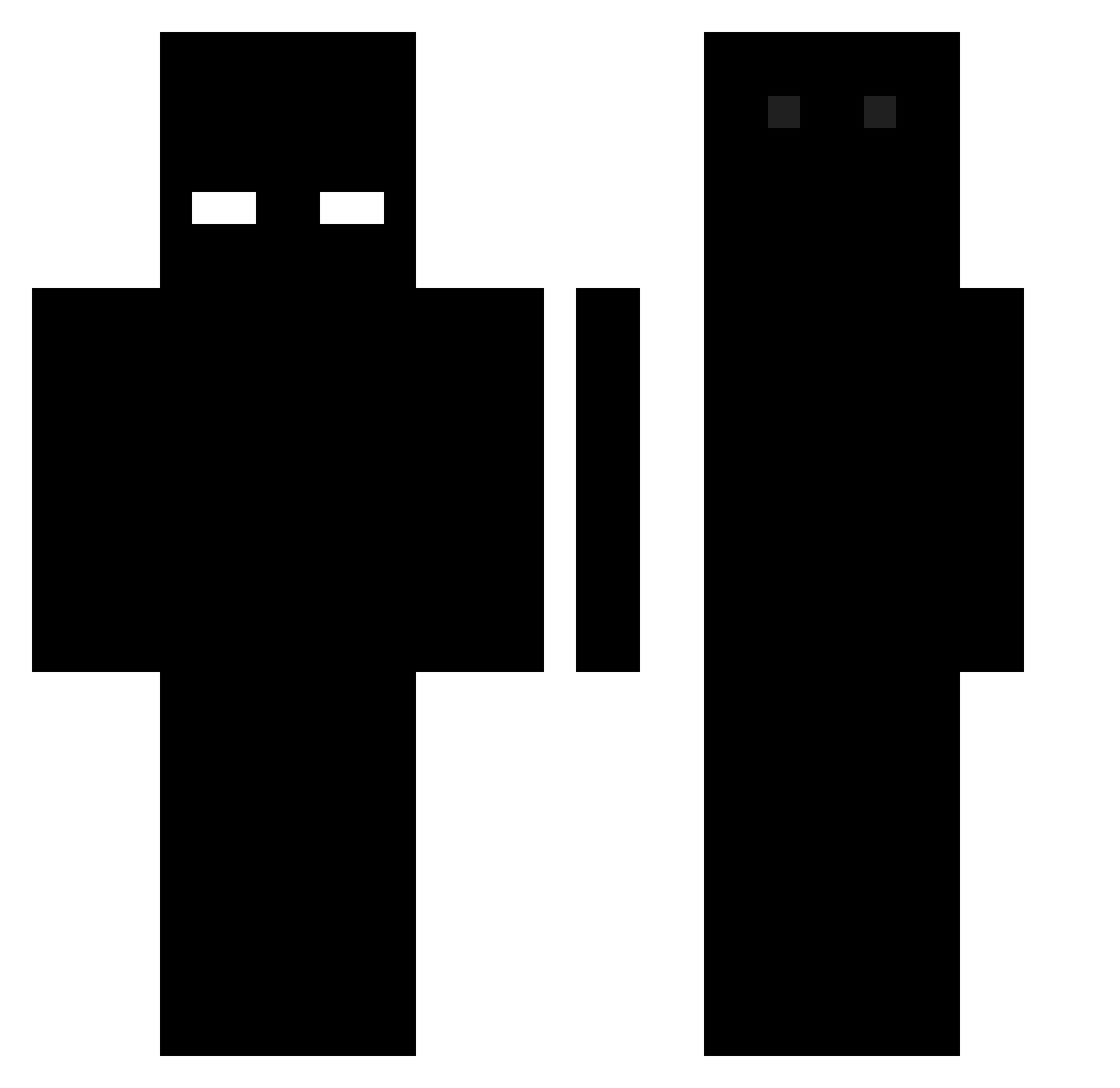
Current Minecraft skin of the player EmperorMeth, loaded from the official Mojang API. Rotate the 3D model with your mouse or finger, then download the skin as a PNG file and use it in Minecraft: Bedrock Edition or Java Edition for free. When EmperorMeth changes their skin, this page updates automatically and the old skin stays in the history below.
Other players with this skin (496)
EmperorMeth was the 404th player we have seen with this skin, first spotted on 18.10.2026. The same skin was seen on these players. Open a nickname to see their current skin and skin history.
 Lotsn Keyzand LINA123321 CharlieYoung Siunaldo31 _PurpleThings_ HZH_01 Za1eVa CarlCrack SaltyZombae _zO7 patorv12 1Hello_There1 Swechz MrPanda8106 Nitr0123 pullakiller123 Kwki J0hnTierney _fold rezmoon_ thatboylarge Minikloonsdad Stian_Coetzee 3rnn Aka32_ bombelek77 Brazath Djohiek 5oaf Jujuhund675 imambritish Mattef16 Hello13205 5nqp Lipufra Superdeemy notxqvc_ jaeiyo _Tasaczek_ GeekyName _Rafaelsan_ elmayim unrealucid n3adn oIllusions BossThrower950 clokeSSS Sambaculejo LavaXDD Arcalix iICumOnTheNiggas Mineeecraaaaaaft pokinsmoterday MobilWc Razorbad Ahrias Speed_Unknown Xerox_MC Skibson247
How to install the EmperorMeth skin
- Press the Download button above to save the skin as a PNG file.
- Minecraft: Bedrock Edition (PE): open the Dressing Room from the main menu (or tap your character → Edit Character), go to Classic Skins → Owned, press the + (new skin) button, choose the downloaded PNG and pick the Classic (Steve) model. Works on PC and mobile; consoles cannot import custom skins.
- Minecraft: Java Edition: open the Minecraft Launcher, go to the Skins tab, click New Skin, load the PNG, pick the Classic (Steve) model and press Save & Use. You can also upload it at minecraft.net → Profile → Change Skin.
The skin does not show up after import - what should I do?
Restart Minecraft and open the Dressing Room again - imported skins sometimes appear only after a restart. Also make sure you selected the imported skin and picked the Classic (Steve) model.
Which model should I choose, Classic or Slim?
This skin is designed for the Classic (Steve) model. If you pick the wrong model, the arms of the skin will look stretched or squeezed.
Is the skin of EmperorMeth free to download?
Yes. Press Download, save the PNG file and use it in Minecraft: Bedrock Edition or Java Edition - no payment or registration needed. The skin also works on multiplayer servers and Realms.
More skins
Looking for more? Go back to all Minecraft skins and check the top skins of the week, month and all time, or find any player's skin by nickname.