
Dusty49 - Minecraft Skins & Skin History
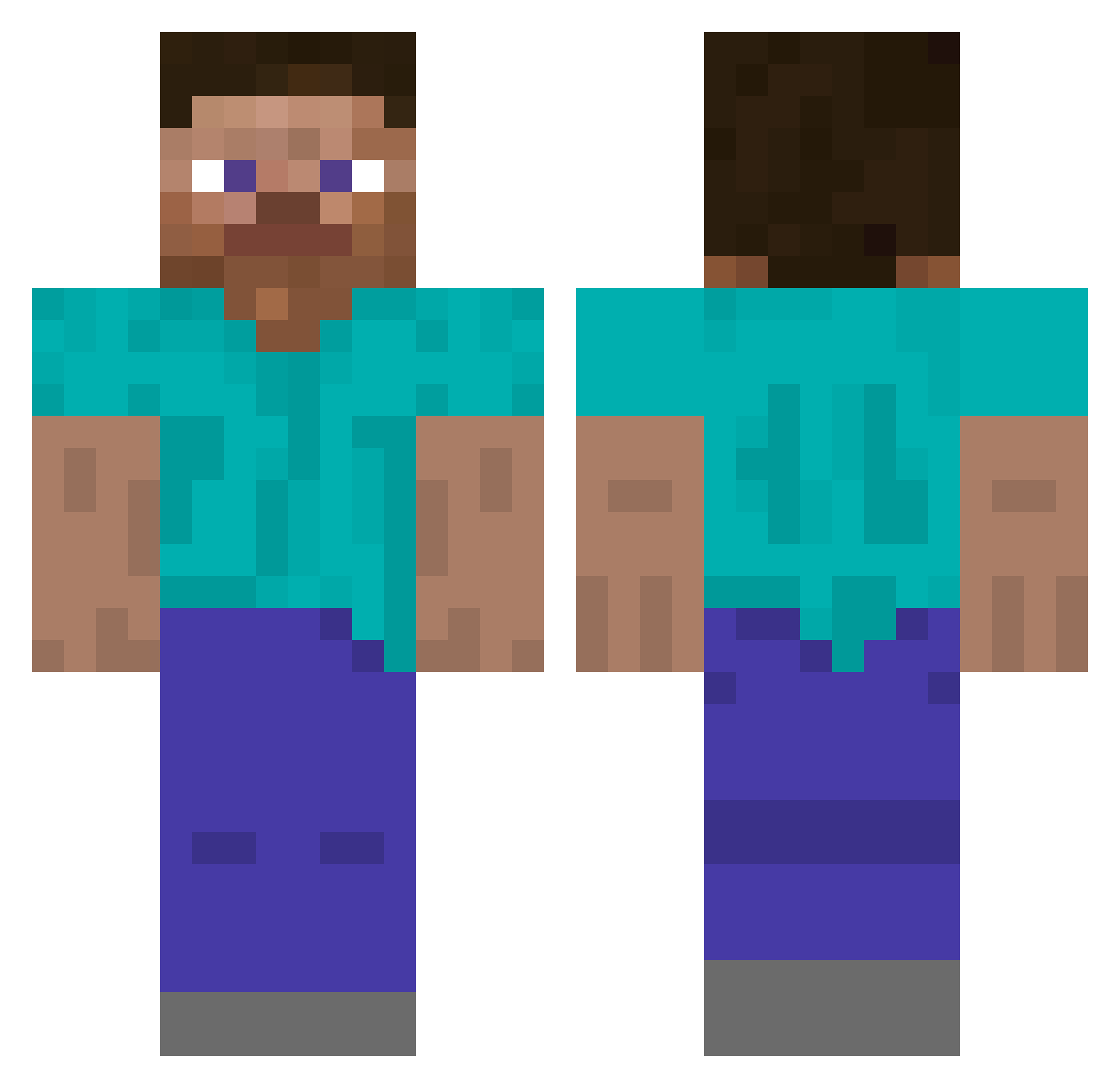
Current Minecraft skin of the player Dusty49, loaded from the official Mojang API. Rotate the 3D model with your mouse or finger, then download the skin as a PNG file and use it in Minecraft: Bedrock Edition or Java Edition for free. When Dusty49 changes their skin, this page updates automatically and the old skin stays in the history below.
Other players with this skin (5292)
Dusty49 was the 5127th player we have seen with this skin, first spotted on 07.11.2026. The same skin was seen on these players. Open a nickname to see their current skin and skin history.
 L9ratirl Ayoke ToJaPierug_ bananowiec122 Angry_Term MapacheLoL Alaph_ D4ro MinMinMeen m9xR6 Shanks_q8 woodypoo rovertinator safrinin Requoting Rognon Glogg inolichaaan UnBarded YOUNGLUCIFER666 CaxandePT Ncmarshall patte027 ghboo malissasowner BalanceMan Tuzah deamonshuriken Manuhero7 McHo7dog Clever_man81 BobbyLaFlute pikus33 Mike_Mountain MadMoose__ h4rls Fergus49 CaptainGre KOREAbroccoly SimalarSam701 Pro_Bruh Csimike ulises_16 7hito Tu4ka j111_m Juliqq rexoNN anhnc zeeeepd99 Z__T MixerManMarked B4BYP1UT0 stevejo64 TwistedPride brashy Zosentii VIDIFOR Pauly CallMeSoap
How to install the Dusty49 skin
- Press the Download button above to save the skin as a PNG file.
- Minecraft: Bedrock Edition (PE): open the Dressing Room from the main menu (or tap your character → Edit Character), go to Classic Skins → Owned, press the + (new skin) button, choose the downloaded PNG and pick the Classic (Steve) model. Works on PC and mobile; consoles cannot import custom skins.
- Minecraft: Java Edition: open the Minecraft Launcher, go to the Skins tab, click New Skin, load the PNG, pick the Classic (Steve) model and press Save & Use. You can also upload it at minecraft.net → Profile → Change Skin.
The skin does not show up after import - what should I do?
Restart Minecraft and open the Dressing Room again - imported skins sometimes appear only after a restart. Also make sure you selected the imported skin and picked the Classic (Steve) model.
Which model should I choose, Classic or Slim?
This skin is designed for the Classic (Steve) model. If you pick the wrong model, the arms of the skin will look stretched or squeezed.
Is the skin of Dusty49 free to download?
Yes. Press Download, save the PNG file and use it in Minecraft: Bedrock Edition or Java Edition - no payment or registration needed. The skin also works on multiplayer servers and Realms.
More skins
Looking for more? Go back to all Minecraft skins and check the top skins of the week, month and all time, or find any player's skin by nickname.