
DragonicCamille - Minecraft Skins & Skin History
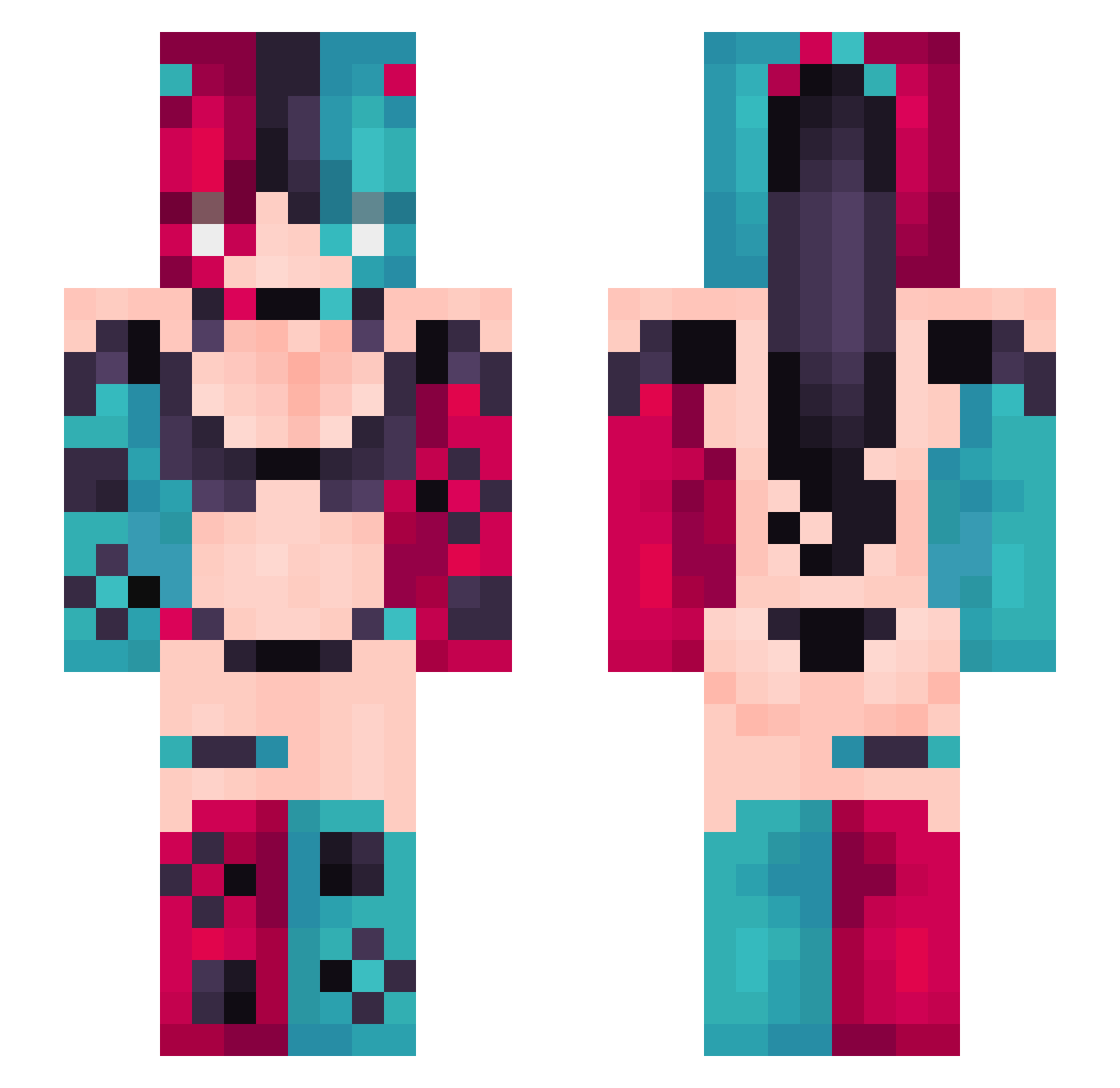
Current Minecraft skin of the player DragonicCamille, loaded from the official Mojang API. Rotate the 3D model with your mouse or finger, then download the skin as a PNG file and use it in Minecraft: Bedrock Edition or Java Edition for free. When DragonicCamille changes their skin, this page updates automatically and the old skin stays in the history below.
Other players with this skin (434)
DragonicCamille was the 412th player we have seen with this skin, first spotted on 05.11.2026. The same skin was seen on these players. Open a nickname to see their current skin and skin history.
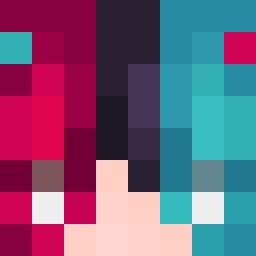 NickVcic GriddyRizzler smallloveAI MataSRB Peres_Pookie IamE2io _SH1T_ASS KYShadowMan LilithXx13 Spellrunner Quantor1 ShadowTiger0402 Leonellus365 Hi_ROZ Dankizzy Aliz3tor44 Kei_Sanada yabriel14 golden_gh0st zkeke Itsuki63 M4_A1 Swagnolatti GigantRebell Payacan SemNL_ RDSilentHill Mer_pz XxBonnie8luexX caijin123 phonicF Link668 Hooskii dfygh Vitauser15 MRIRAIN HAI_TIANLIU Vywnn B3LEKIKI Drago937 ElKikin96 XinKong2333 Talenija RBLeipzig2008 HonkaiSparkle violett740 Andure wyy112 Donner9928 0wi6Ka knbc PoppedByKoi blaze442 illIIlllII Fafa7021 1328_Medic Songface Meiril RowanOlsen Bapstipe
More Nintendo Switch Minecraft skins
See all 24 Nintendo Switch skins
How to install the DragonicCamille skin
- Press the Download button above to save the skin as a PNG file.
- Minecraft: Bedrock Edition (PE): open the Dressing Room from the main menu (or tap your character → Edit Character), go to Classic Skins → Owned, press the + (new skin) button, choose the downloaded PNG and pick the Slim (Alex) model. Works on PC and mobile; consoles cannot import custom skins.
- Minecraft: Java Edition: open the Minecraft Launcher, go to the Skins tab, click New Skin, load the PNG, pick the Slim (Alex) model and press Save & Use. You can also upload it at minecraft.net → Profile → Change Skin.
The skin does not show up after import - what should I do?
Restart Minecraft and open the Dressing Room again - imported skins sometimes appear only after a restart. Also make sure you selected the imported skin and picked the Slim (Alex) model.
Which model should I choose, Classic or Slim?
This skin is designed for the Slim (Alex) model. If you pick the wrong model, the arms of the skin will look stretched or squeezed.
Is the skin of DragonicCamille free to download?
Yes. Press Download, save the PNG file and use it in Minecraft: Bedrock Edition or Java Edition - no payment or registration needed. The skin also works on multiplayer servers and Realms.
More skins
Looking for more? Go back to all Minecraft skins and check the top skins of the week, month and all time, or find any player's skin by nickname.