
DUSlAA - Minecraft Skins & Skin History
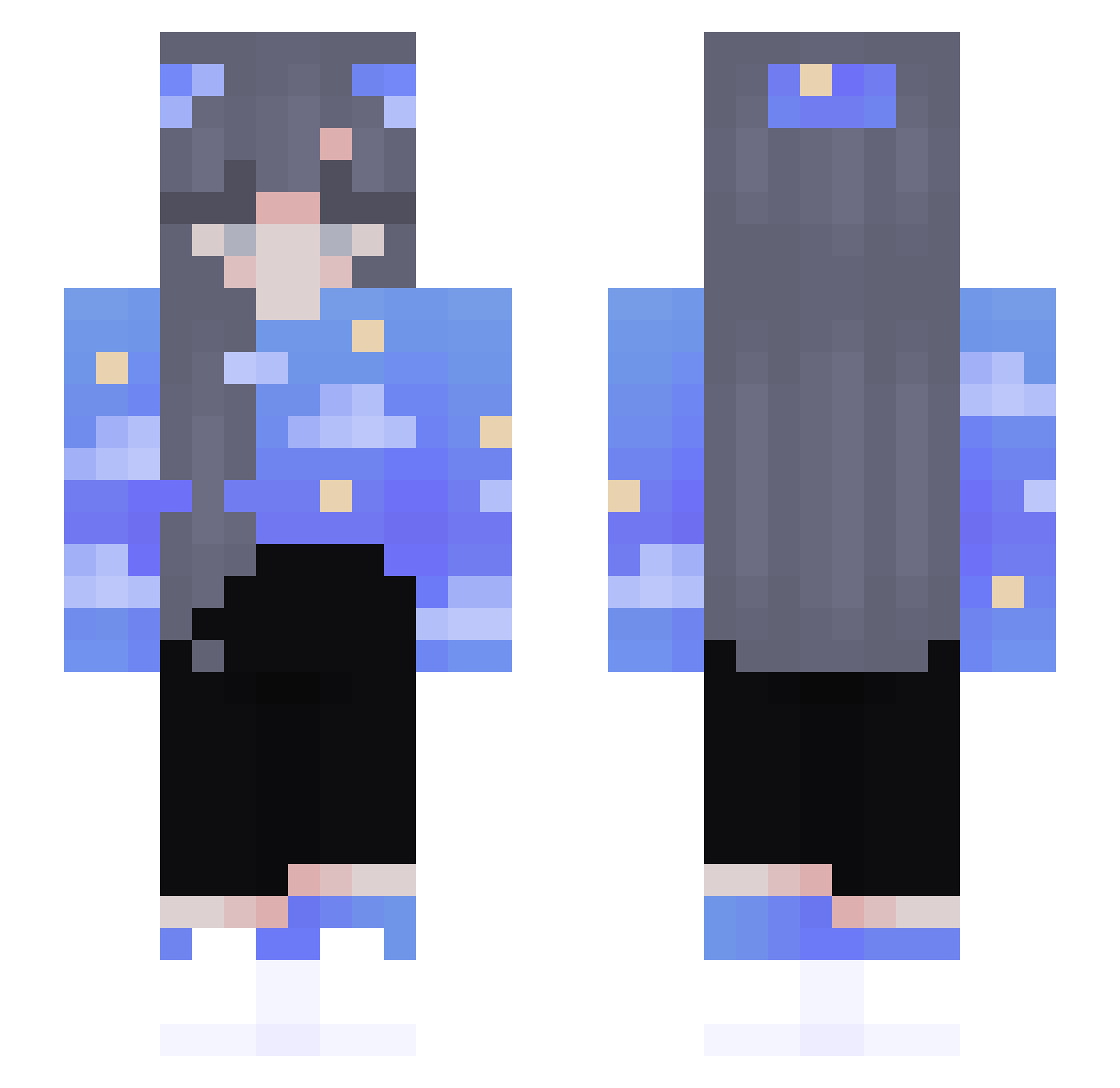
Current Minecraft skin of the player DUSlAA, loaded from the official Mojang API. Rotate the 3D model with your mouse or finger, then download the skin as a PNG file and use it in Minecraft: Bedrock Edition or Java Edition for free. When DUSlAA changes their skin, this page updates automatically and the old skin stays in the history below.
Other players with this skin (174)
DUSlAA was the 129th player we have seen with this skin, first spotted on 17.10.2026. The same skin was seen on these players. Open a nickname to see their current skin and skin history.
 ethan9421 bicio_lv GangGFan Luna_Skarlet TRAKnaja samikklas SodaGurl uwuNarwhal justmads1273 Memory_Your Lavorwaves Obito_xDD acrie_23 Senlar Osteboogy Metallicphoenix berrakthefreak ScorchingCake jaujaaa egirlhaleyyy michalekJD taedybearr CountryCloud Possmi ssJodyss paablo_saanchez Mayron0elxrs Ashie000 mooonliqht BerryRaspberryx Pelyy wsqt Potatoe_Gaming Kamcia_ stistchidrxp DESTROYINGTHEPIT 3mo_Ahmad astronaughtyc NellyS luaAzul Ddoomqsx Emilciak103 Elfynia TNerdSenpai satev Sp4rkle moonlighty_1 Purfused Younghyang viviboosha fireofdesire elpavira v2_dragoon BlueNotFound69 Hole_Cloud Duuka_Jr LilPete67 mjami WoodenDance ninananb
More Sky Minecraft skins
How to install the DUSlAA skin
- Press the Download button above to save the skin as a PNG file.
- Minecraft: Bedrock Edition (PE): open the Dressing Room from the main menu (or tap your character → Edit Character), go to Classic Skins → Owned, press the + (new skin) button, choose the downloaded PNG and pick the Slim (Alex) model. Works on PC and mobile; consoles cannot import custom skins.
- Minecraft: Java Edition: open the Minecraft Launcher, go to the Skins tab, click New Skin, load the PNG, pick the Slim (Alex) model and press Save & Use. You can also upload it at minecraft.net → Profile → Change Skin.
The skin does not show up after import - what should I do?
Restart Minecraft and open the Dressing Room again - imported skins sometimes appear only after a restart. Also make sure you selected the imported skin and picked the Slim (Alex) model.
Which model should I choose, Classic or Slim?
This skin is designed for the Slim (Alex) model. If you pick the wrong model, the arms of the skin will look stretched or squeezed.
Is the skin of DUSlAA free to download?
Yes. Press Download, save the PNG file and use it in Minecraft: Bedrock Edition or Java Edition - no payment or registration needed. The skin also works on multiplayer servers and Realms.
More skins
Looking for more? Go back to all Minecraft skins and check the top skins of the week, month and all time, or find any player's skin by nickname.