
DBRoo - Minecraft Skins & Skin History
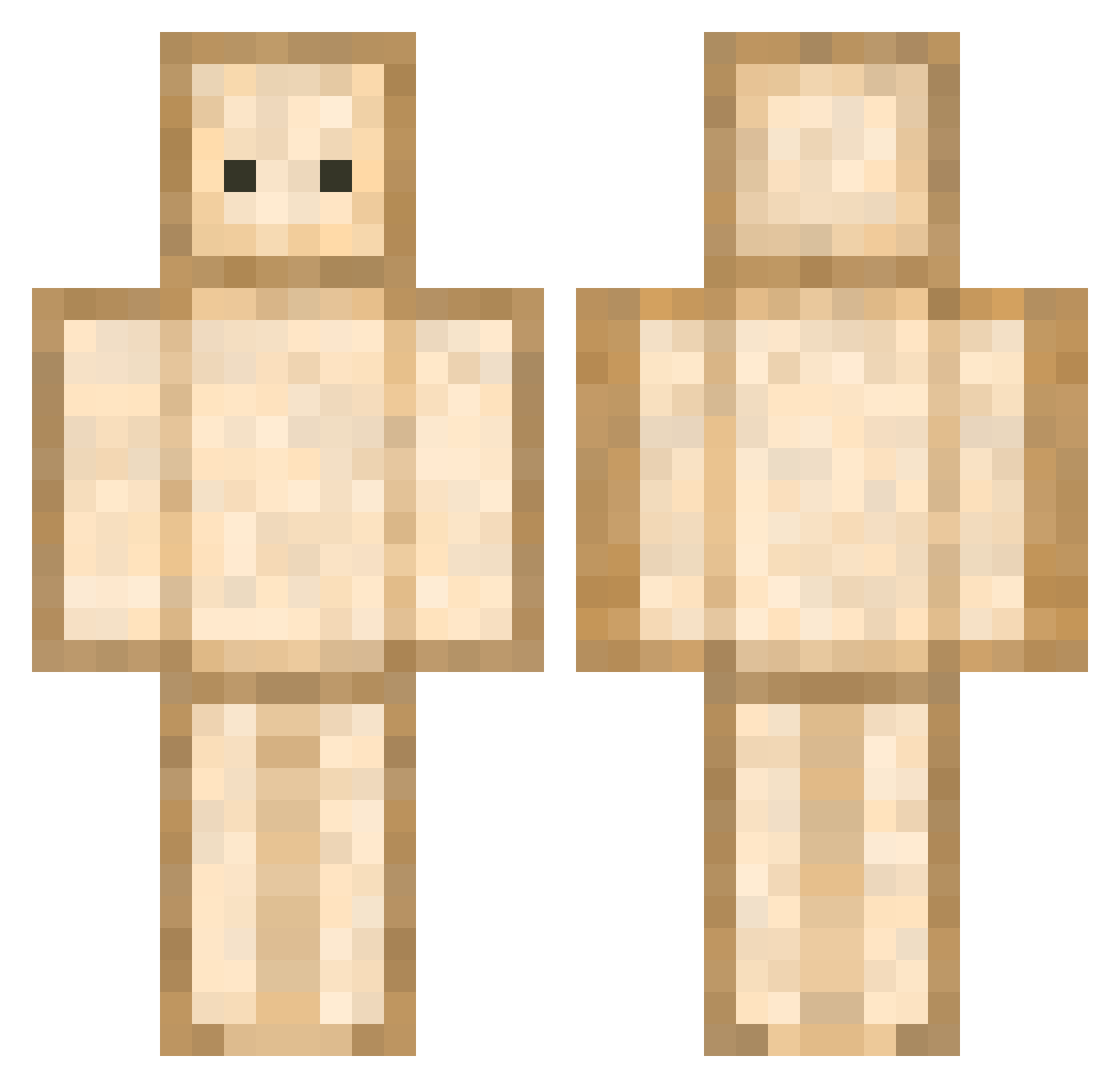
Current Minecraft skin of the player DBRoo, loaded from the official Mojang API. Rotate the 3D model with your mouse or finger, then download the skin as a PNG file and use it in Minecraft: Bedrock Edition or Java Edition for free. When DBRoo changes their skin, this page updates automatically and the old skin stays in the history below.
Other players with this skin (754)
DBRoo was the 708th player we have seen with this skin, first spotted on 05.11.2026. The same skin was seen on these players. Open a nickname to see their current skin and skin history.
 IneffableTK 201xyg mungmi JoaNnAIzyk Poppaputin R3N0T MathYT chricroute rerere0726 oooney S0m3Dud2 lullaby_NU OMMH Peroset karbos sandwichman3 Dana0593 TomChes123 SSo419 Recar9027 Stormshadow23 ItRlyDoBeLikeTht Whoisbread Meinnl ooeey Ryzeon DrHase471 wjddlstjd08 Bedknitt ElectronicCow ayatosan444 Venus132 evenif_ shirasusu Wjdtmd1221 ase2010 YEETOS_MEATOS APae nnitneuq Axumi kitkat789 Pitty218 BolognaSamdwich yeeoowcch WINATORE IAN_0110 Shndlrsfist rachel1_ TeConMiel Gambit_1224 TuPapitoChulito romieelmakias Frijolitov2 110hika ahn_san EDUARDOODST Lazyboiz KKIA_0529 limecoco leoyoyo18
More Toast Minecraft skins
How to install the DBRoo skin
- Press the Download button above to save the skin as a PNG file.
- Minecraft: Bedrock Edition (PE): open the Dressing Room from the main menu (or tap your character → Edit Character), go to Classic Skins → Owned, press the + (new skin) button, choose the downloaded PNG and pick the Classic (Steve) model. Works on PC and mobile; consoles cannot import custom skins.
- Minecraft: Java Edition: open the Minecraft Launcher, go to the Skins tab, click New Skin, load the PNG, pick the Classic (Steve) model and press Save & Use. You can also upload it at minecraft.net → Profile → Change Skin.
The skin does not show up after import - what should I do?
Restart Minecraft and open the Dressing Room again - imported skins sometimes appear only after a restart. Also make sure you selected the imported skin and picked the Classic (Steve) model.
Which model should I choose, Classic or Slim?
This skin is designed for the Classic (Steve) model. If you pick the wrong model, the arms of the skin will look stretched or squeezed.
Is the skin of DBRoo free to download?
Yes. Press Download, save the PNG file and use it in Minecraft: Bedrock Edition or Java Edition - no payment or registration needed. The skin also works on multiplayer servers and Realms.
More skins
Looking for more? Go back to all Minecraft skins and check the top skins of the week, month and all time, or find any player's skin by nickname.