
Crep4er - Minecraft Skins & Skin History
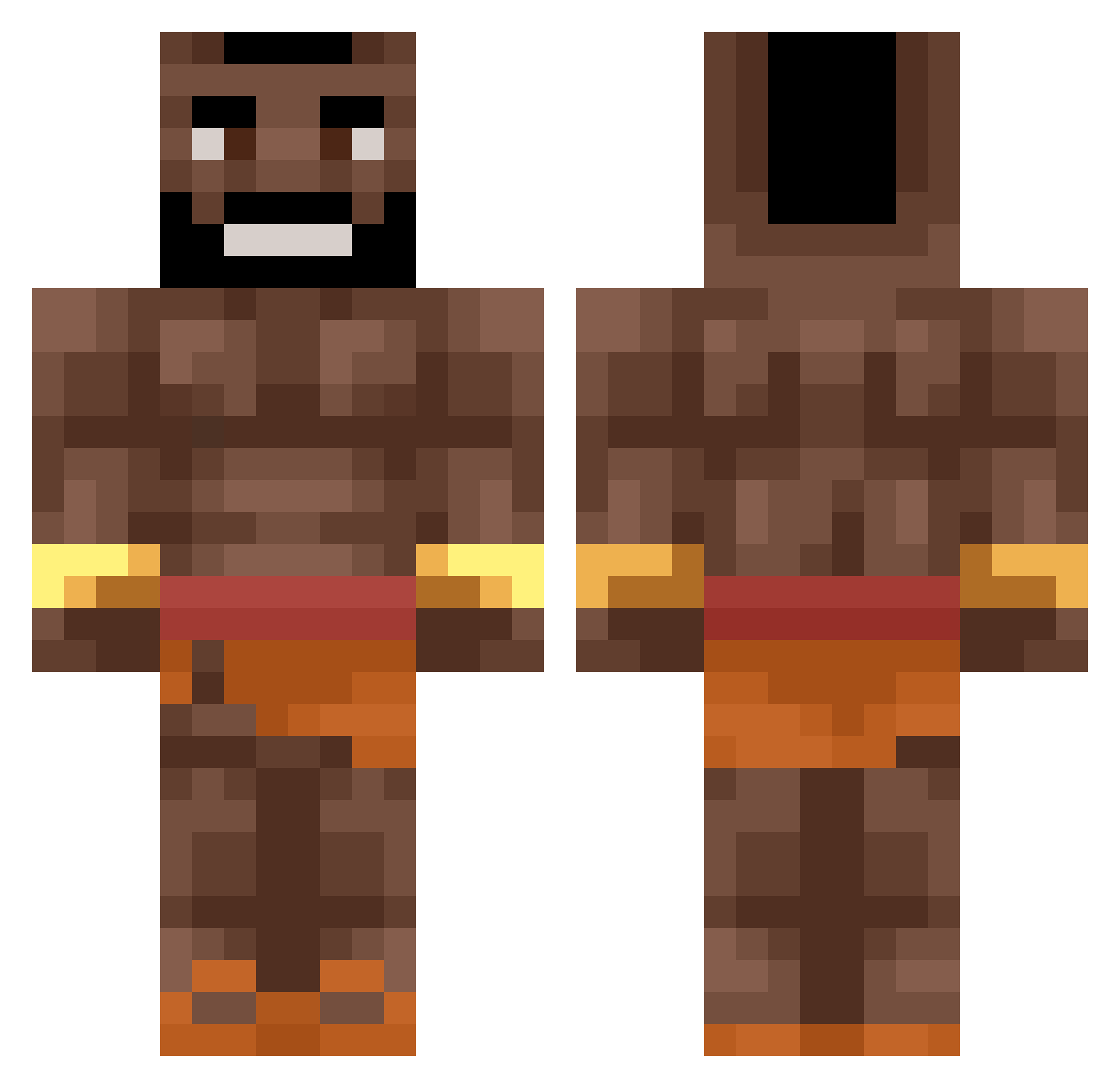
Current Minecraft skin of the player Crep4er, loaded from the official Mojang API. Rotate the 3D model with your mouse or finger, then download the skin as a PNG file and use it in Minecraft: Bedrock Edition or Java Edition for free. When Crep4er changes their skin, this page updates automatically and the old skin stays in the history below.
Other players with this skin (564)
Crep4er was the 533rd player we have seen with this skin, first spotted on 27.10.2026. The same skin was seen on these players. Open a nickname to see their current skin and skin history.
 SplatTinti riceman26 young211 filipjazz Sganderla Zyndady Sebastian_Tylak ZdbX dogpers_ jhgfhyg TayK2047 kilechkaaa catclee FartBlunt69420 mualulu Mysterious316 elniconico aljopajk12 goulart69 perfect123 De1vidas Wonderfulfly RagaOktay RhombusMAxIM john040700_ karapuzrr KrejsonikMc ZoYNoVaTo maretesus Cr34myy ThaaRaZzor Rochaax elf1234 ProVinzer Dzzman123 Jonporc12 RabinoNir LucaptaiN ThexB2 SSierro Th3unrealSkill Daniwar Onizukat Frathre GoldenBoii_5 CerealCello1477 iofsauron BigBonnen GoWithTheFlow_ Rojan01 _Spanky TroyerDF IkkeKokkenDin AdamHun2009 Buriscover h1z0_ Mongobusfahrer KamiloMc Afac Masterblack021
More Actor Minecraft skins
How to install the Crep4er skin
- Press the Download button above to save the skin as a PNG file.
- Minecraft: Bedrock Edition (PE): open the Dressing Room from the main menu (or tap your character → Edit Character), go to Classic Skins → Owned, press the + (new skin) button, choose the downloaded PNG and pick the Classic (Steve) model. Works on PC and mobile; consoles cannot import custom skins.
- Minecraft: Java Edition: open the Minecraft Launcher, go to the Skins tab, click New Skin, load the PNG, pick the Classic (Steve) model and press Save & Use. You can also upload it at minecraft.net → Profile → Change Skin.
The skin does not show up after import - what should I do?
Restart Minecraft and open the Dressing Room again - imported skins sometimes appear only after a restart. Also make sure you selected the imported skin and picked the Classic (Steve) model.
Which model should I choose, Classic or Slim?
This skin is designed for the Classic (Steve) model. If you pick the wrong model, the arms of the skin will look stretched or squeezed.
Is the skin of Crep4er free to download?
Yes. Press Download, save the PNG file and use it in Minecraft: Bedrock Edition or Java Edition - no payment or registration needed. The skin also works on multiplayer servers and Realms.
More skins
Looking for more? Go back to all Minecraft skins and check the top skins of the week, month and all time, or find any player's skin by nickname.