
ChinHarn - Minecraft Skins & Skin History
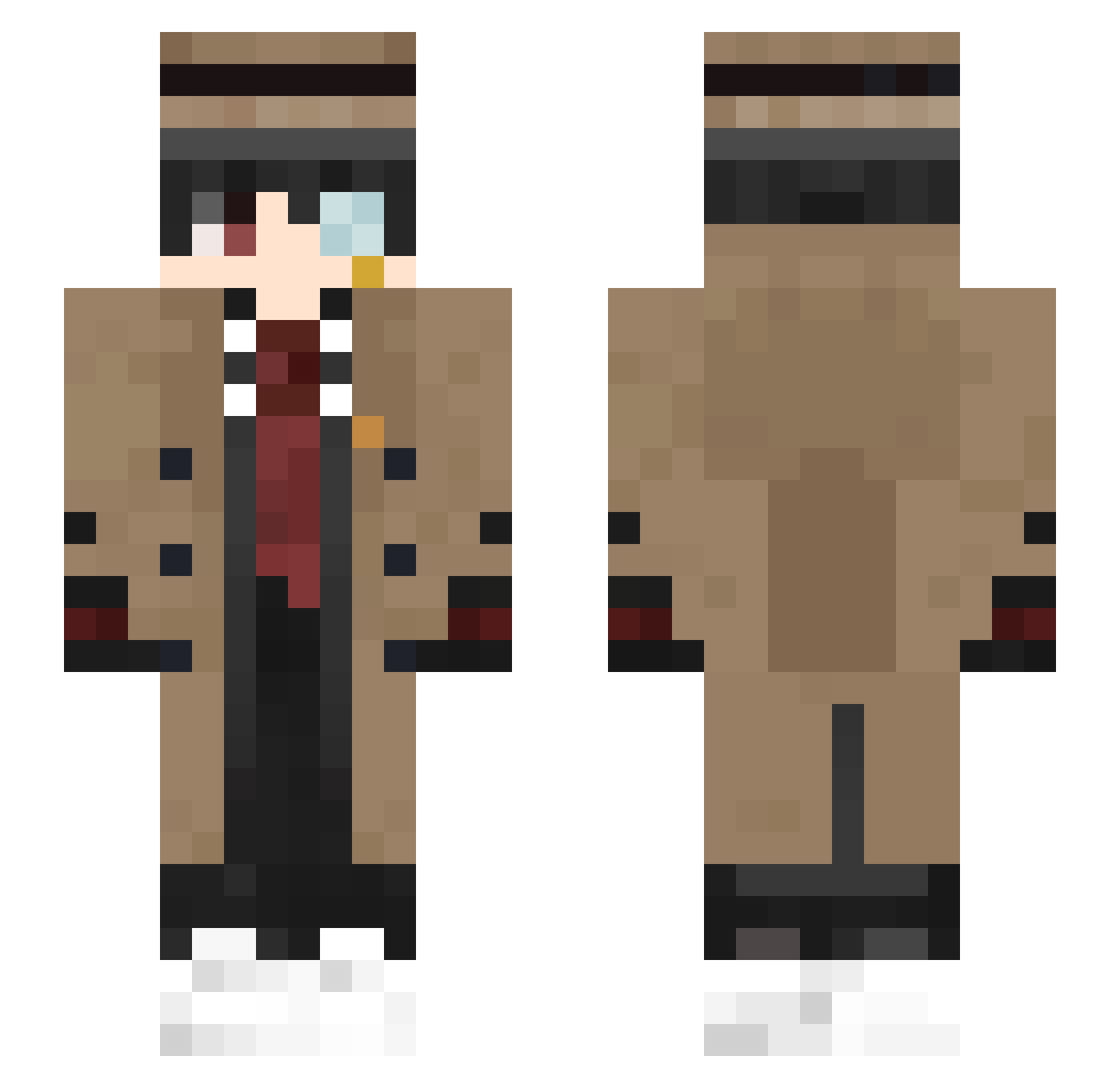
Current Minecraft skin of the player ChinHarn, loaded from the official Mojang API. Rotate the 3D model with your mouse or finger, then download the skin as a PNG file and use it in Minecraft: Bedrock Edition or Java Edition for free. When ChinHarn changes their skin, this page updates automatically and the old skin stays in the history below.
Other players with this skin (466)
ChinHarn was the 451st player we have seen with this skin, first spotted on 08.11.2026. The same skin was seen on these players. Open a nickname to see their current skin and skin history.
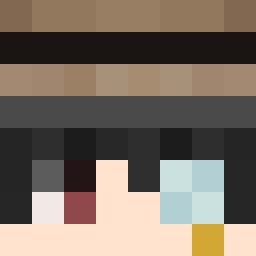 peihsuan starclearr N1kolaiXD Tokisaki_U jiu_dao goldBean666 Bugza127 WAKYU_ EsotericEgg8309 WronglyConvicted chris12138 WelcaHer hobbit125 SsSsSs4 BettinoCraXAV yuokenai MGShisha Aplllllle LittleBOY243 arnie006 ToothlessLion yabi_1223 Shinsin0205 lwhf semmerogge Megalomanx peakiwi Pentson Yothen Xiaocao3314 stbm JJL518 Itzdrager ddsk23 Sulada_ sora_0115 xian_shi_04 HerrBommelmann HSYNDK Ternlan gustavosx LuzhouPengYuya IIRAMOSII BIGHERO1974 Deltaa1 JQK1000 BartxPit Babacy Frostin FromL Wesslazz Zodiac_xy Alw4yscause40 johntse113 animi221 Ethan_FID EARM_ Nuke_Box CRbingyan biecangyou
More Yugi Amane Minecraft skins
How to install the ChinHarn skin
- Press the Download button above to save the skin as a PNG file.
- Minecraft: Bedrock Edition (PE): open the Dressing Room from the main menu (or tap your character → Edit Character), go to Classic Skins → Owned, press the + (new skin) button, choose the downloaded PNG and pick the Slim (Alex) model. Works on PC and mobile; consoles cannot import custom skins.
- Minecraft: Java Edition: open the Minecraft Launcher, go to the Skins tab, click New Skin, load the PNG, pick the Slim (Alex) model and press Save & Use. You can also upload it at minecraft.net → Profile → Change Skin.
The skin does not show up after import - what should I do?
Restart Minecraft and open the Dressing Room again - imported skins sometimes appear only after a restart. Also make sure you selected the imported skin and picked the Slim (Alex) model.
Which model should I choose, Classic or Slim?
This skin is designed for the Slim (Alex) model. If you pick the wrong model, the arms of the skin will look stretched or squeezed.
Is the skin of ChinHarn free to download?
Yes. Press Download, save the PNG file and use it in Minecraft: Bedrock Edition or Java Edition - no payment or registration needed. The skin also works on multiplayer servers and Realms.
More skins
Looking for more? Go back to all Minecraft skins and check the top skins of the week, month and all time, or find any player's skin by nickname.