
BrzEhu - Minecraft Skins & Skin History
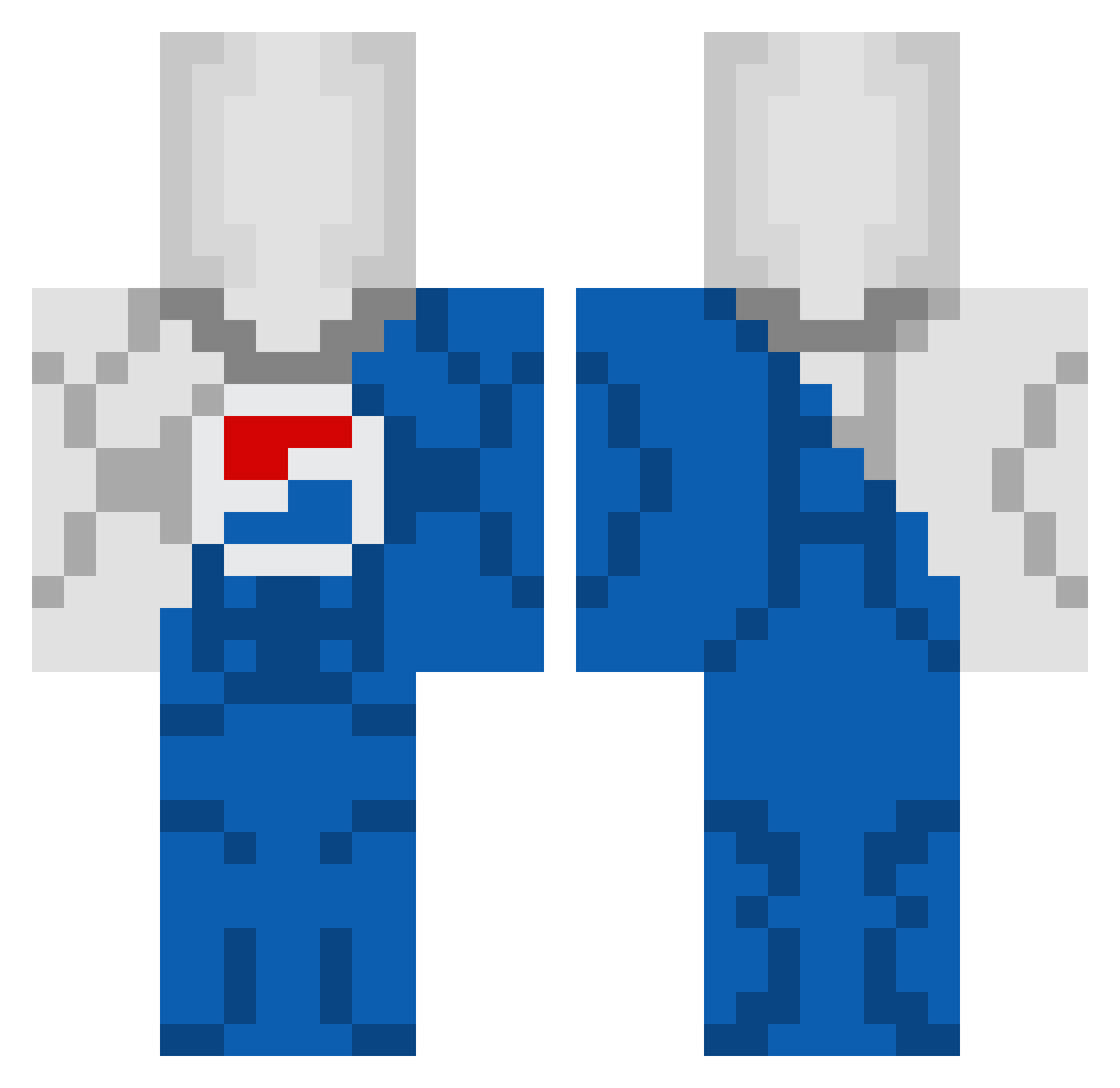
Current Minecraft skin of the player BrzEhu, loaded from the official Mojang API. Rotate the 3D model with your mouse or finger, then download the skin as a PNG file and use it in Minecraft: Bedrock Edition or Java Edition for free. When BrzEhu changes their skin, this page updates automatically and the old skin stays in the history below.
Other players with this skin (46)
BrzEhu was the 25th player we have seen with this skin, first spotted on 14.09.2026. The same skin was seen on these players. Open a nickname to see their current skin and skin history.
 Trainslayerjr CaganCTN43 itsMD_ pichi123 carlfrankletin Elation_II BRAY6001 jmco13 Astrial3w Freepuccio ds32bm27 33Bubs33 Dalti990 JinkieMingus WENS_04
 BrocTheRock NSR_Blitz BigWilk Miki3569 HolaSoyAlexd 3Jlou_DarK2 Ramiro989 JoacoLocoXX RamenNoodles6677 emnl9 Niter88 Fizzziii shuzzup CHIMKYTEMBYS NoT1ntel Jintao CasualRad AMONGUSKID6 H7GAMER ketchupSAUCE08 educatedblueben1 siIverware revisedash90444 Lillkulan TheRabidOyster Genowrld AntitribuARG La__faucheuse_ Kheridano LeanLover42069
 ZXT_X0
More Soda Minecraft skins
How to install the BrzEhu skin
- Press the Download button above to save the skin as a PNG file.
- Minecraft: Bedrock Edition (PE): open the Dressing Room from the main menu (or tap your character → Edit Character), go to Classic Skins → Owned, press the + (new skin) button, choose the downloaded PNG and pick the Classic (Steve) model. Works on PC and mobile; consoles cannot import custom skins.
- Minecraft: Java Edition: open the Minecraft Launcher, go to the Skins tab, click New Skin, load the PNG, pick the Classic (Steve) model and press Save & Use. You can also upload it at minecraft.net → Profile → Change Skin.
The skin does not show up after import - what should I do?
Restart Minecraft and open the Dressing Room again - imported skins sometimes appear only after a restart. Also make sure you selected the imported skin and picked the Classic (Steve) model.
Which model should I choose, Classic or Slim?
This skin is designed for the Classic (Steve) model. If you pick the wrong model, the arms of the skin will look stretched or squeezed.
Is the skin of BrzEhu free to download?
Yes. Press Download, save the PNG file and use it in Minecraft: Bedrock Edition or Java Edition - no payment or registration needed. The skin also works on multiplayer servers and Realms.
More skins
Looking for more? Go back to all Minecraft skins and check the top skins of the week, month and all time, or find any player's skin by nickname.