
BeardBoss96 - Minecraft Skins & Skin History
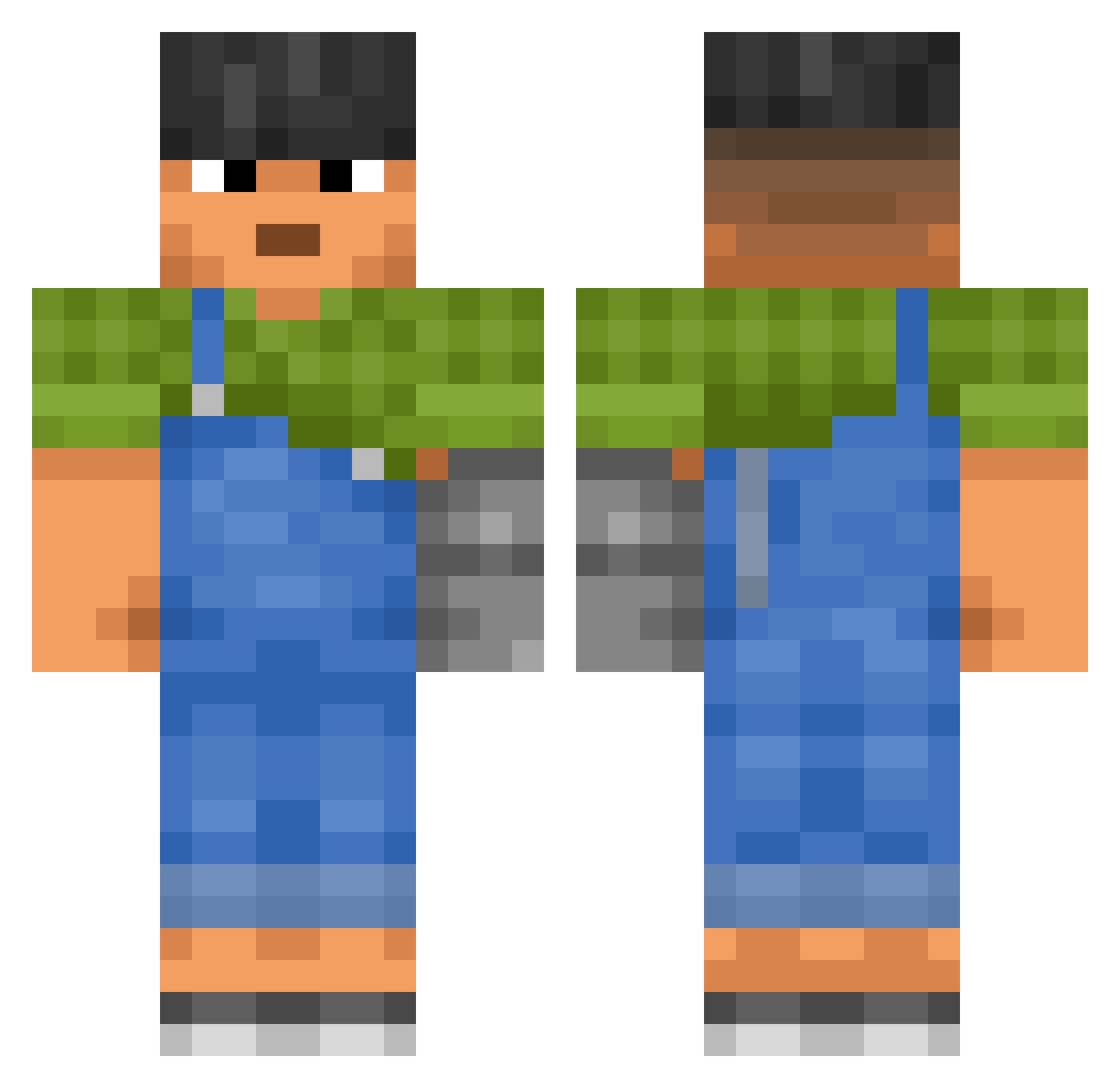
Current Minecraft skin of the player BeardBoss96, loaded from the official Mojang API. Rotate the 3D model with your mouse or finger, then download the skin as a PNG file and use it in Minecraft: Bedrock Edition or Java Edition for free. When BeardBoss96 changes their skin, this page updates automatically and the old skin stays in the history below.
Other players with this skin (3300)
BeardBoss96 was the 2361st player we have seen with this skin, first spotted on 16.10.2026. The same skin was seen on these players. Open a nickname to see their current skin and skin history.
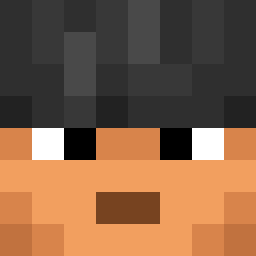 getreckednob tensock Oliwiab7 GrilloJF Aedyria ReLaX1338 Johhnny EHIX blazink EmirBilgili cluki99 Floressence Mata93 Informando AUGHBAR Tal194 Dosa123 Dankali nacho13112012 HektoPaskale Lianaxhhh Player_Pro12 Fattmane Jarzd Eaters dorsaljag530 scorbute Askaro88 Papa_Tu_Chinz RD80PING2612 LuckiestJoestar DrippeyP taro0119 koldyn1978 Heggstacy Froxsty dogangang henryisnotreal julianeatspeas ZombieJake9236 sukmin16 TinyDude ENGL abnegates Rufine JaeBowl VBjorn MrNachoTaco Kuikkuu Diminus44 Juaaaaaaaaan mclaaronsito DalpangE MareanTauru Primaquine provost BigChunkyyy CHIKENMEN Dwarffs JOAR_DY
More Prosthetic Arm Minecraft skins
See all 78 Prosthetic Arm skins
How to install the BeardBoss96 skin
- Press the Download button above to save the skin as a PNG file.
- Minecraft: Bedrock Edition (PE): open the Dressing Room from the main menu (or tap your character → Edit Character), go to Classic Skins → Owned, press the + (new skin) button, choose the downloaded PNG and pick the Classic (Steve) model. Works on PC and mobile; consoles cannot import custom skins.
- Minecraft: Java Edition: open the Minecraft Launcher, go to the Skins tab, click New Skin, load the PNG, pick the Classic (Steve) model and press Save & Use. You can also upload it at minecraft.net → Profile → Change Skin.
The skin does not show up after import - what should I do?
Restart Minecraft and open the Dressing Room again - imported skins sometimes appear only after a restart. Also make sure you selected the imported skin and picked the Classic (Steve) model.
Which model should I choose, Classic or Slim?
This skin is designed for the Classic (Steve) model. If you pick the wrong model, the arms of the skin will look stretched or squeezed.
Is the skin of BeardBoss96 free to download?
Yes. Press Download, save the PNG file and use it in Minecraft: Bedrock Edition or Java Edition - no payment or registration needed. The skin also works on multiplayer servers and Realms.
More skins
Looking for more? Go back to all Minecraft skins and check the top skins of the week, month and all time, or find any player's skin by nickname.