
Aze0012 - Minecraft Skins & Skin History
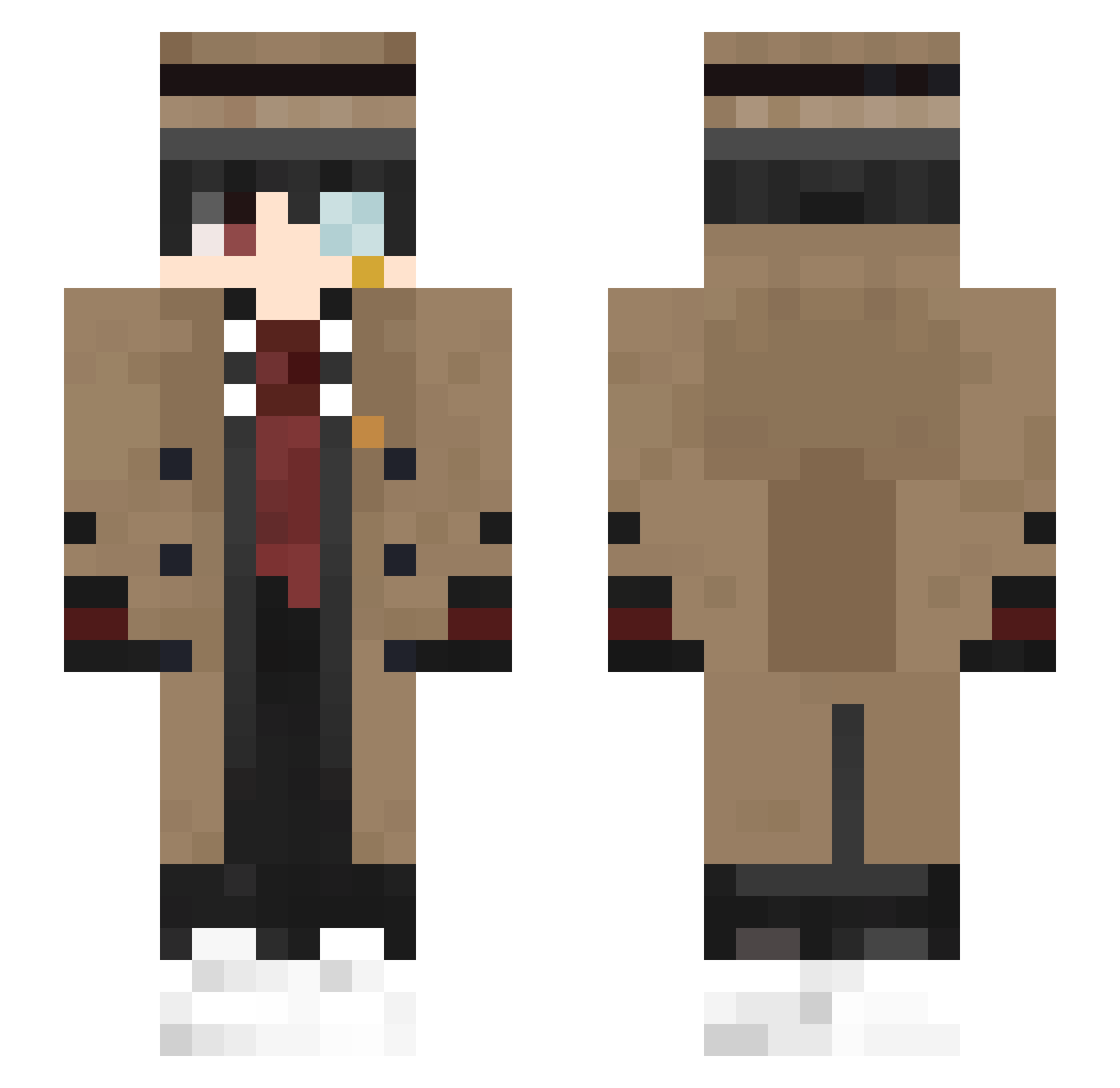
Current Minecraft skin of the player Aze0012, loaded from the official Mojang API. Rotate the 3D model with your mouse or finger, then download the skin as a PNG file and use it in Minecraft: Bedrock Edition or Java Edition for free. When Aze0012 changes their skin, this page updates automatically and the old skin stays in the history below.
Other players with this skin (509)
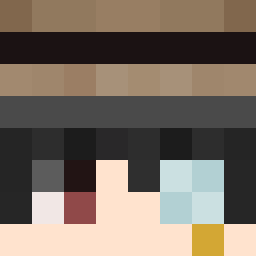
Aze0012 was the 450th player we have seen with this skin, first spotted on 27.10.2026. The same skin was seen on these players. Open a nickname to see their current skin and skin history.
 Aeroboy GodLaharl wefky 010JulianK Darmak00 MISSowa Nartinos Joan0 DexxerZ dryerrow GhostBlack01 CydonanKnight501 Kxrlos_ blue_logic25 Misdrom MagicLollipop leonse112 BarXX_ somebody9104 kimhyeon1 Musashi1603 RealHarpie CharliePE ktu7979 Chifema matrix1017 Csosila TioJobson xKotyatskiy FollowMeIfYouCan xRuyn Hattere NexusPray frederichopin PHoenixHK Maksiz GihyunE Daiv321 ZukiOwO MortizSlayer187 Puudin_ DocLoc syndicator zxarax The_Lingchen Micandi hamyzz deadperez EdmundLopez jilchuckdanny ryunbong Riqany kiryuushka hitoyarus BabyMachine69 Auqit BRICK_AND_LOSE Verzichtbares watambak YounaMew
More Yugi Amane Minecraft skins
How to install the Aze0012 skin
- Press the Download button above to save the skin as a PNG file.
- Minecraft: Bedrock Edition (PE): open the Dressing Room from the main menu (or tap your character → Edit Character), go to Classic Skins → Owned, press the + (new skin) button, choose the downloaded PNG and pick the Slim (Alex) model. Works on PC and mobile; consoles cannot import custom skins.
- Minecraft: Java Edition: open the Minecraft Launcher, go to the Skins tab, click New Skin, load the PNG, pick the Slim (Alex) model and press Save & Use. You can also upload it at minecraft.net → Profile → Change Skin.
The skin does not show up after import - what should I do?
Restart Minecraft and open the Dressing Room again - imported skins sometimes appear only after a restart. Also make sure you selected the imported skin and picked the Slim (Alex) model.
Which model should I choose, Classic or Slim?
This skin is designed for the Slim (Alex) model. If you pick the wrong model, the arms of the skin will look stretched or squeezed.
Is the skin of Aze0012 free to download?
Yes. Press Download, save the PNG file and use it in Minecraft: Bedrock Edition or Java Edition - no payment or registration needed. The skin also works on multiplayer servers and Realms.
More skins
Looking for more? Go back to all Minecraft skins and check the top skins of the week, month and all time, or find any player's skin by nickname.