
AutismoTheCow - Minecraft Skins & Skin History
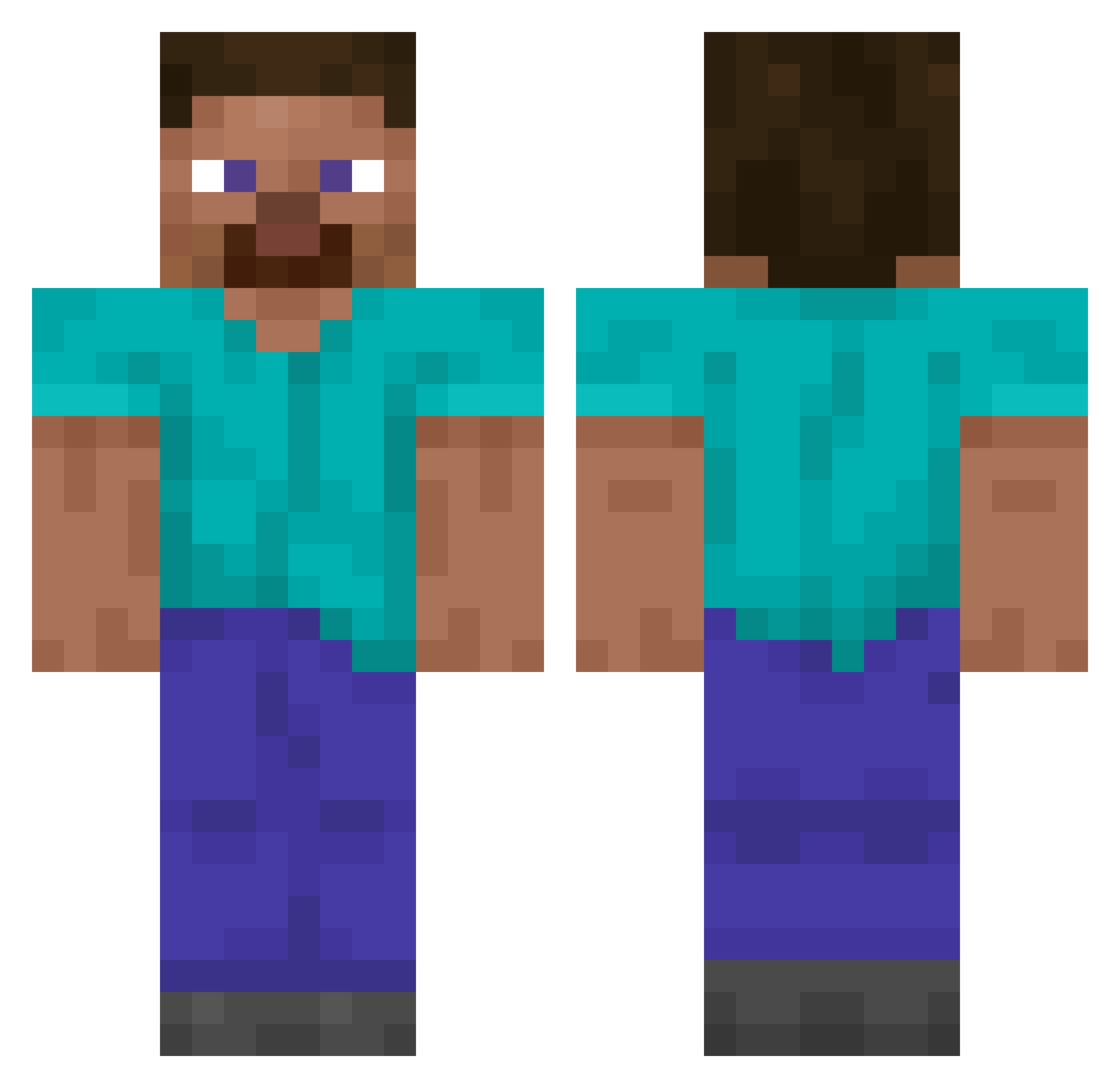
Current Minecraft skin of the player AutismoTheCow, loaded from the official Mojang API. Rotate the 3D model with your mouse or finger, then download the skin as a PNG file and use it in Minecraft: Bedrock Edition or Java Edition for free. When AutismoTheCow changes their skin, this page updates automatically and the old skin stays in the history below.
Other players with this skin (14049)
AutismoTheCow was the 13802nd player we have seen with this skin, first spotted on 04.11.2026. The same skin was seen on these players. Open a nickname to see their current skin and skin history.
 Xa_4 Ranzter RoburGasnica997 joniran HANTAIMIN Kyustic RexGamer08 iceman2041 MrStrangedarknes 02Griggs Brewu ChaseT73 akki45 rxrnokd Sphaericus Jrodd_ Rwbly kirby4670 WILLINGER bobmedpenger Leoelti12 Squallex Chocolocraft38 FelineRanger513 aandresiito Talekk HeliosHyperion Sydraic pedrao1268 xXx_b4q00b3_xXx mshsh vooneyy albatross1024 Casper_gaming LeeAria Clairebear46464 CreedHigherMP3 vinissocks superian89 Vilouis2000 SpacedMarker680 Thalacalibur ZETA_crow attonthegreat ismetefe36 ryssenIF Haweder vuhnm_ GaladhrimV9 6am9ae DirtyPalm PLFC Memernub NotVerso ZoraXIII Baldokk Arwilson52 thelittletj Zizify Cinoinwza
How to install the AutismoTheCow skin
- Press the Download button above to save the skin as a PNG file.
- Minecraft: Bedrock Edition (PE): open the Dressing Room from the main menu (or tap your character → Edit Character), go to Classic Skins → Owned, press the + (new skin) button, choose the downloaded PNG and pick the Classic (Steve) model. Works on PC and mobile; consoles cannot import custom skins.
- Minecraft: Java Edition: open the Minecraft Launcher, go to the Skins tab, click New Skin, load the PNG, pick the Classic (Steve) model and press Save & Use. You can also upload it at minecraft.net → Profile → Change Skin.
The skin does not show up after import - what should I do?
Restart Minecraft and open the Dressing Room again - imported skins sometimes appear only after a restart. Also make sure you selected the imported skin and picked the Classic (Steve) model.
Which model should I choose, Classic or Slim?
This skin is designed for the Classic (Steve) model. If you pick the wrong model, the arms of the skin will look stretched or squeezed.
Is the skin of AutismoTheCow free to download?
Yes. Press Download, save the PNG file and use it in Minecraft: Bedrock Edition or Java Edition - no payment or registration needed. The skin also works on multiplayer servers and Realms.
More skins
Looking for more? Go back to all Minecraft skins and check the top skins of the week, month and all time, or find any player's skin by nickname.