
Astro_VG - Minecraft Skins & Skin History
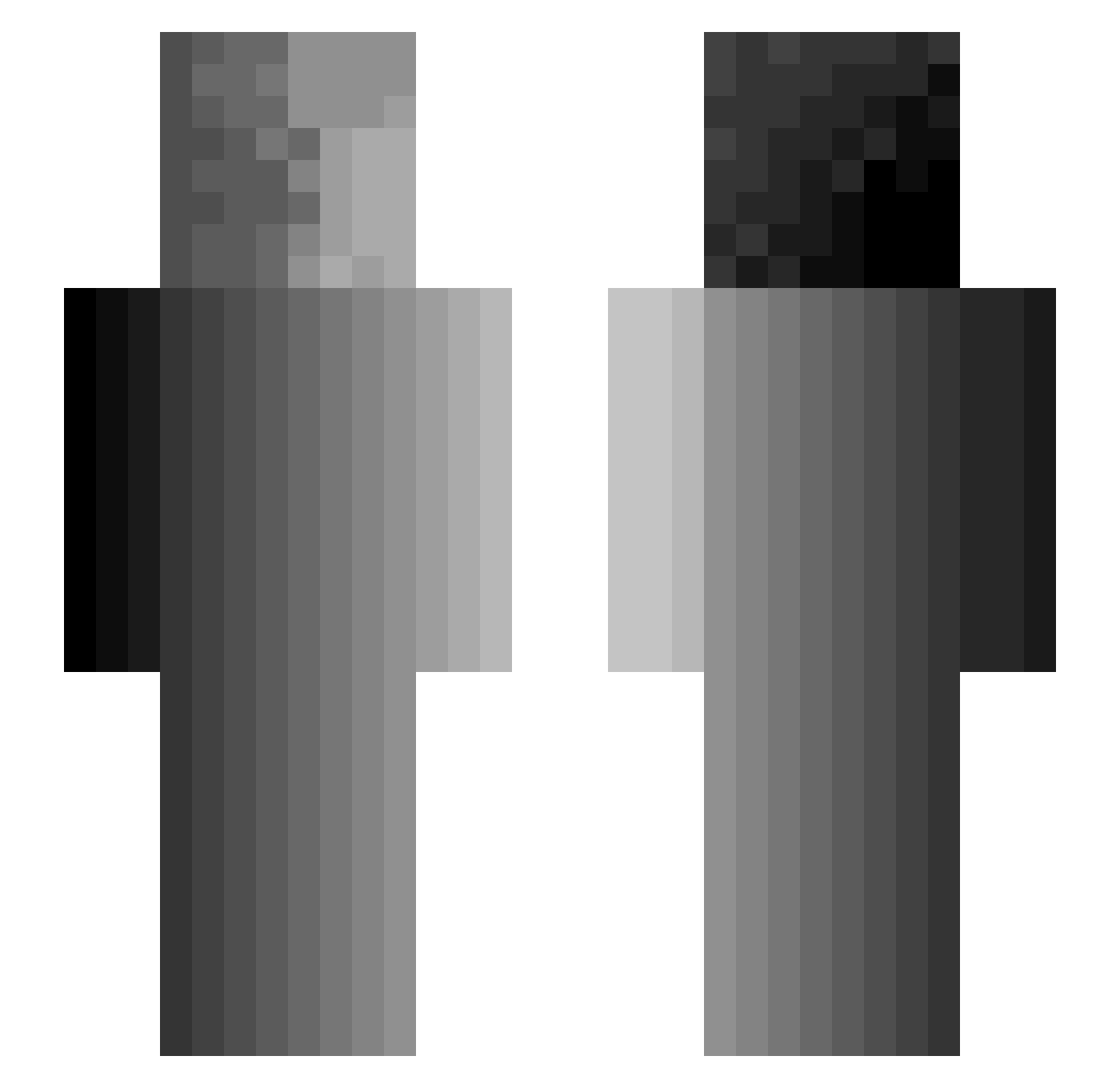
Current Minecraft skin of the player Astro_VG, loaded from the official Mojang API. Rotate the 3D model with your mouse or finger, then download the skin as a PNG file and use it in Minecraft: Bedrock Edition or Java Edition for free. When Astro_VG changes their skin, this page updates automatically and the old skin stays in the history below.
Other players with this skin (375)
Astro_VG was the 357th player we have seen with this skin, first spotted on 05.11.2026. The same skin was seen on these players. Open a nickname to see their current skin and skin history.
 LupasGange Anjigami wizardmurph Joongus SpecialAgentMW3 Borysiol Mrpyra MKS0186 SILAS1029 PirateRabbit Tschapii WebUser mosqui_ Yenskiii Yavias _Azael__ BRANLOR CIiffhanger NovaGalax cresbot Jevsejak Plum_Dog Toxinzii y012 Reazep1337 juk2286 SnapTrapers Peterusj WWinter_ y0shiGamer orangejuice_tv H_Y_D_R_O naes41091 MikeHunt106 loceh COCOYEA Daedrek1prince Heizenberg1702 r0vaD EliteCadestar Experiment_5 TheSusp3ct03 Vayhst zys123123 shaazrzv Sir62 CloudDude7 ApexRoyal Coomer___ PSasseville lilshidder zojima coppensgames dubeard SnickersBarz blackout331 Onkel_Knullings Helljumper87 RichiRitter nrzd
How to install the Astro_VG skin
- Press the Download button above to save the skin as a PNG file.
- Minecraft: Bedrock Edition (PE): open the Dressing Room from the main menu (or tap your character → Edit Character), go to Classic Skins → Owned, press the + (new skin) button, choose the downloaded PNG and pick the Slim (Alex) model. Works on PC and mobile; consoles cannot import custom skins.
- Minecraft: Java Edition: open the Minecraft Launcher, go to the Skins tab, click New Skin, load the PNG, pick the Slim (Alex) model and press Save & Use. You can also upload it at minecraft.net → Profile → Change Skin.
The skin does not show up after import - what should I do?
Restart Minecraft and open the Dressing Room again - imported skins sometimes appear only after a restart. Also make sure you selected the imported skin and picked the Slim (Alex) model.
Which model should I choose, Classic or Slim?
This skin is designed for the Slim (Alex) model. If you pick the wrong model, the arms of the skin will look stretched or squeezed.
Is the skin of Astro_VG free to download?
Yes. Press Download, save the PNG file and use it in Minecraft: Bedrock Edition or Java Edition - no payment or registration needed. The skin also works on multiplayer servers and Realms.
More skins
Looking for more? Go back to all Minecraft skins and check the top skins of the week, month and all time, or find any player's skin by nickname.