
AmarThehuman - Minecraft Skins & Skin History
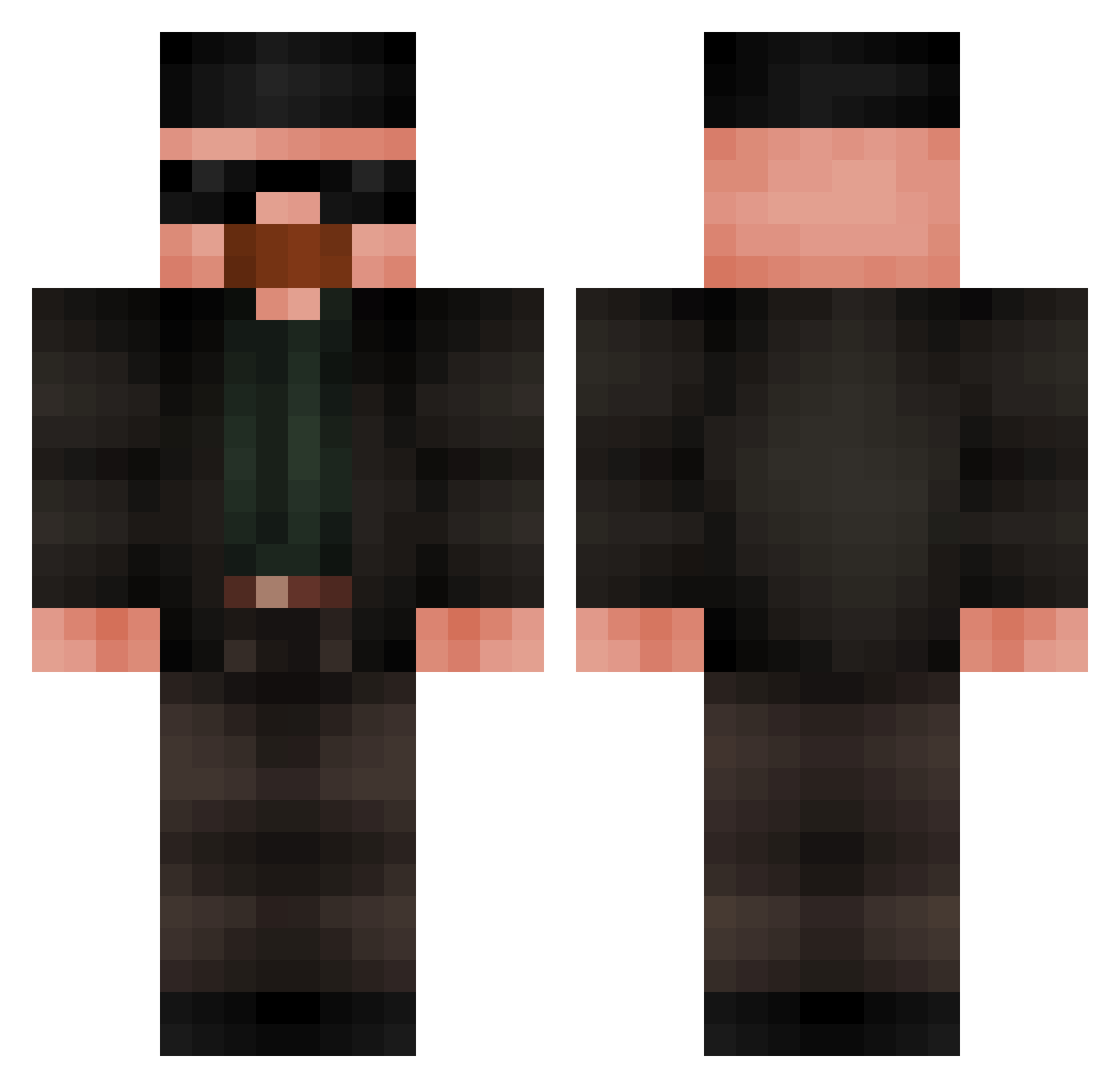
Current Minecraft skin of the player AmarThehuman, loaded from the official Mojang API. Rotate the 3D model with your mouse or finger, then download the skin as a PNG file and use it in Minecraft: Bedrock Edition or Java Edition for free. When AmarThehuman changes their skin, this page updates automatically and the old skin stays in the history below.
Other players with this skin (542)
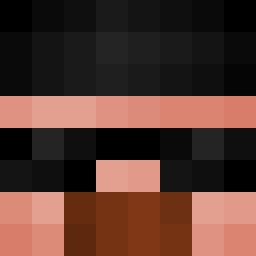
AmarThehuman was the 453rd player we have seen with this skin, first spotted on 22.10.2026. The same skin was seen on these players. Open a nickname to see their current skin and skin history.
 Midragon112 SCARFACE83 Franoo16 ItsJeffu TZGPro143 Phsilvaz Bosck619 HeizenBerge ss7n psbloescubar docasss PicoSandico MrKutalia Mc408 i_do_math Floomy__ ShoPher1447 banan_boi QusiMan umutbabaaa MRlaundroe dunordgr OneSauce67 Meister3009 jojo_die_banane Mef5iu D31D4R4 _Jezoslavv Perargil Sealtrick Legion1605 ArgosSpart McStany77 MuST30 ALFATHENI manurox GrandGhost33 MarakabaIchi No_Wifi2187 Luglad TilDex Renf1ch_ Plixterz freiremiami2 Vneesz LUDO12 bbeeeeesss SemImmortal ProGamer84 DEMONxxxxxxxxxxx BruhPsyduck Ouzun38 Crxz27 Schleppson KentChannel tutuarthur179 BarronCrow DeadLine56 wahab8 21mozik
More Heisenberg Minecraft skins
How to install the AmarThehuman skin
- Press the Download button above to save the skin as a PNG file.
- Minecraft: Bedrock Edition (PE): open the Dressing Room from the main menu (or tap your character → Edit Character), go to Classic Skins → Owned, press the + (new skin) button, choose the downloaded PNG and pick the Classic (Steve) model. Works on PC and mobile; consoles cannot import custom skins.
- Minecraft: Java Edition: open the Minecraft Launcher, go to the Skins tab, click New Skin, load the PNG, pick the Classic (Steve) model and press Save & Use. You can also upload it at minecraft.net → Profile → Change Skin.
The skin does not show up after import - what should I do?
Restart Minecraft and open the Dressing Room again - imported skins sometimes appear only after a restart. Also make sure you selected the imported skin and picked the Classic (Steve) model.
Which model should I choose, Classic or Slim?
This skin is designed for the Classic (Steve) model. If you pick the wrong model, the arms of the skin will look stretched or squeezed.
Is the skin of AmarThehuman free to download?
Yes. Press Download, save the PNG file and use it in Minecraft: Bedrock Edition or Java Edition - no payment or registration needed. The skin also works on multiplayer servers and Realms.
More skins
Looking for more? Go back to all Minecraft skins and check the top skins of the week, month and all time, or find any player's skin by nickname.