
AleX07_ - Minecraft Skins & Skin History
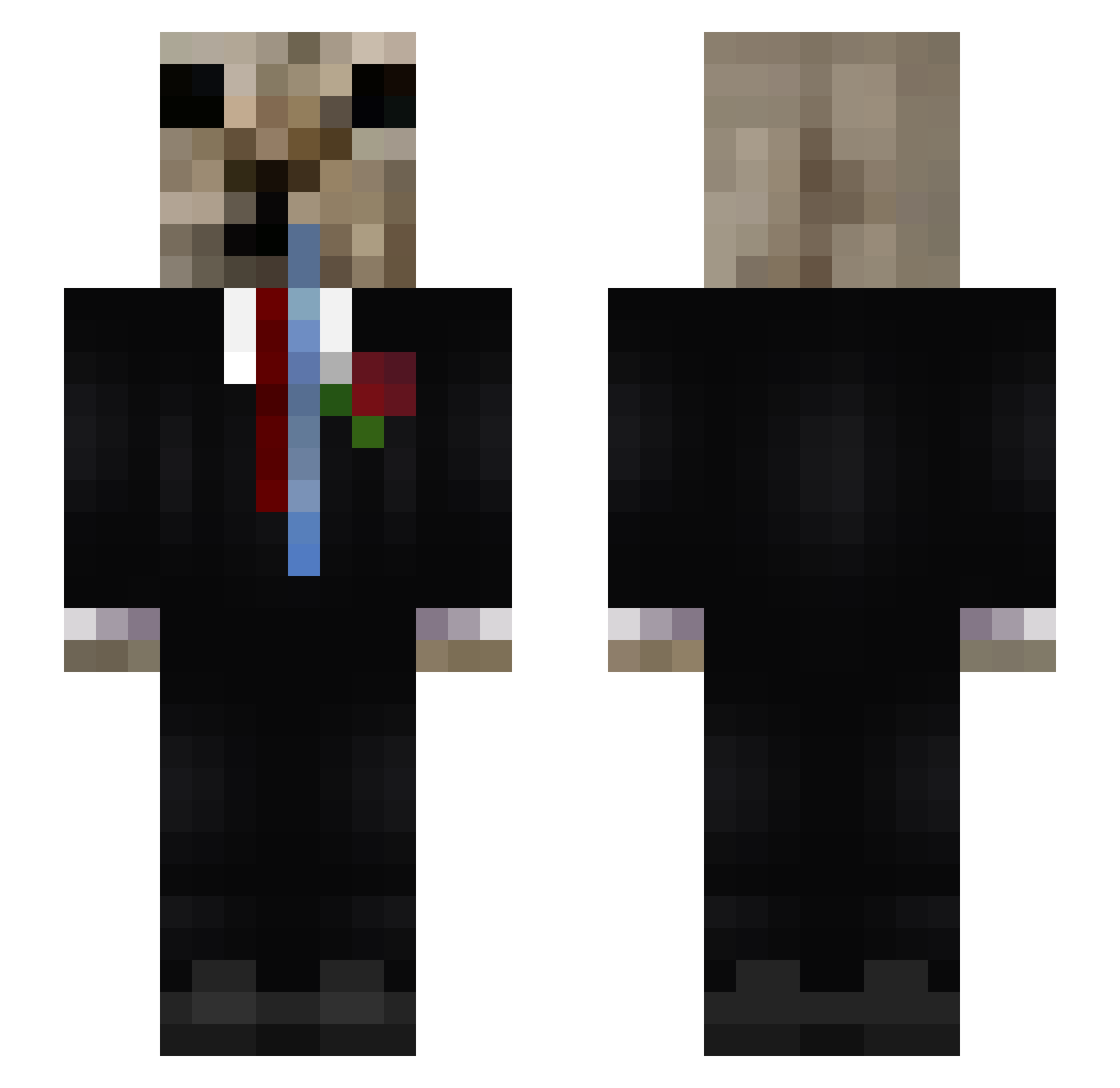
Current Minecraft skin of the player AleX07_, loaded from the official Mojang API. Rotate the 3D model with your mouse or finger, then download the skin as a PNG file and use it in Minecraft: Bedrock Edition or Java Edition for free. When AleX07_ changes their skin, this page updates automatically and the old skin stays in the history below.
Other players with this skin (86)
AleX07_ was the 61st player we have seen with this skin, first spotted on 18.10.2026. The same skin was seen on these players. Open a nickname to see their current skin and skin history.
 Dustyrat123 starlo_ _7xr Ulizzez__ isa20112011 3STARMORDEKAISER Bartoszewski925 seobruu Kiyoneee_ NightKingsoul Koteueuee ke2te Kagenou_Cid FlareTedy Dako13 patriuwu7 SimbaKatze Munchlax511 PadiQv vpwd D4SSHI SO2019PABa FnJz Edwarudo_ RnzPc Driuzzz thelittleharold lk0a SantacruzDmD xXempanaditasXx_ zxcr1me Meison_TzZ JERRY473 ArbysJanitor pelado_ Rzmijael TryYourSkill Feyza Mytteer02 Ibenoonproop D1dr Cheylito Mepicanloskokito WaterHeart24 benkakaka grze66 L0men_ Cruciatus1337 Veelo__b Gawster CoRezZ1 Arantrix Jago112233 K_Kaczkq Suddzywet __100 rawer_12 xX_JMWIN2013_Xx _Numb1 LateHourss
More Doge Minecraft skins
How to install the AleX07_ skin
- Press the Download button above to save the skin as a PNG file.
- Minecraft: Bedrock Edition (PE): open the Dressing Room from the main menu (or tap your character → Edit Character), go to Classic Skins → Owned, press the + (new skin) button, choose the downloaded PNG and pick the Slim (Alex) model. Works on PC and mobile; consoles cannot import custom skins.
- Minecraft: Java Edition: open the Minecraft Launcher, go to the Skins tab, click New Skin, load the PNG, pick the Slim (Alex) model and press Save & Use. You can also upload it at minecraft.net → Profile → Change Skin.
The skin does not show up after import - what should I do?
Restart Minecraft and open the Dressing Room again - imported skins sometimes appear only after a restart. Also make sure you selected the imported skin and picked the Slim (Alex) model.
Which model should I choose, Classic or Slim?
This skin is designed for the Slim (Alex) model. If you pick the wrong model, the arms of the skin will look stretched or squeezed.
Is the skin of AleX07_ free to download?
Yes. Press Download, save the PNG file and use it in Minecraft: Bedrock Edition or Java Edition - no payment or registration needed. The skin also works on multiplayer servers and Realms.
More skins
Looking for more? Go back to all Minecraft skins and check the top skins of the week, month and all time, or find any player's skin by nickname.