
AirToast4211 - Minecraft Skins & Skin History
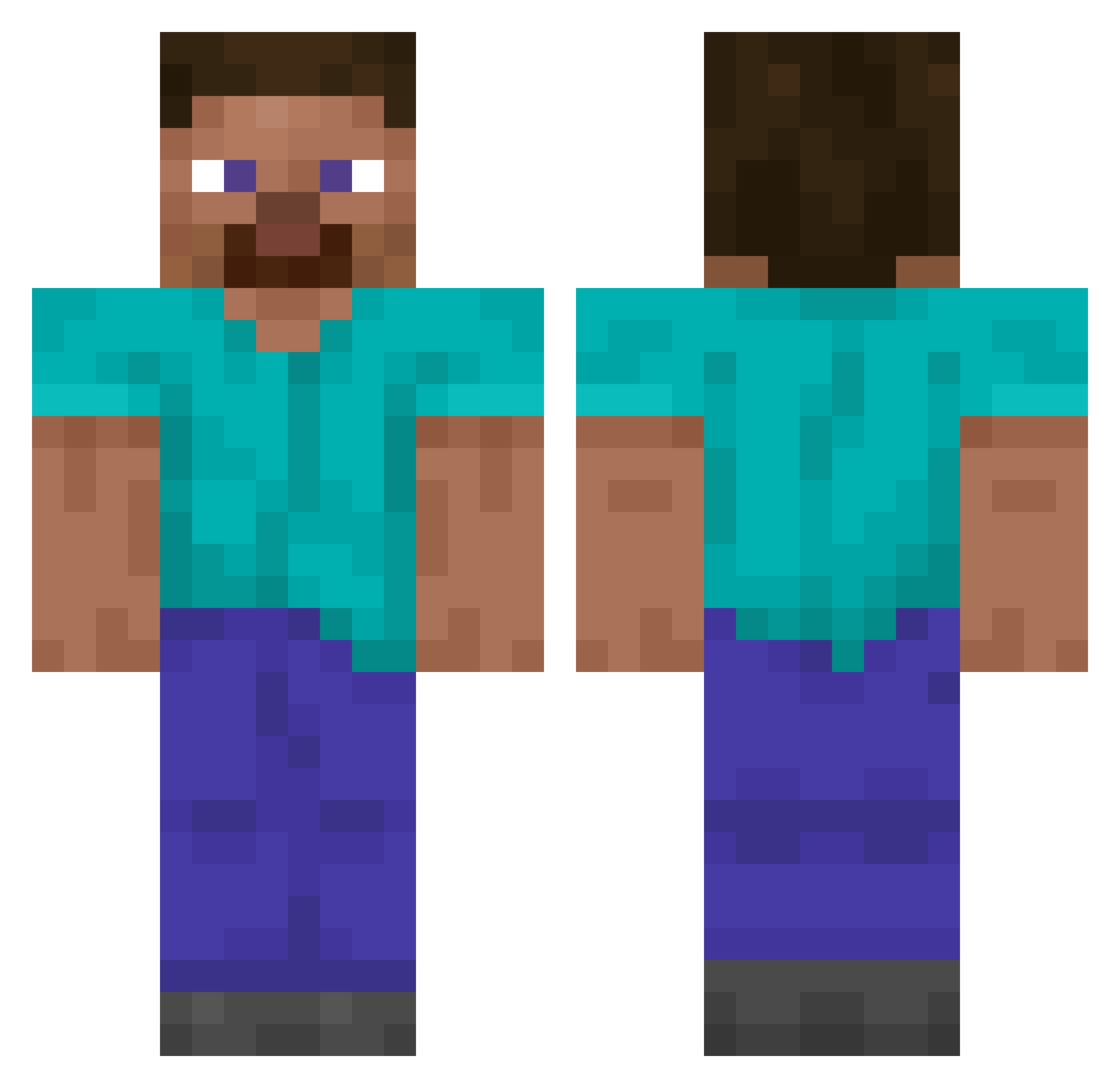
Current Minecraft skin of the player AirToast4211, loaded from the official Mojang API. Rotate the 3D model with your mouse or finger, then download the skin as a PNG file and use it in Minecraft: Bedrock Edition or Java Edition for free. When AirToast4211 changes their skin, this page updates automatically and the old skin stays in the history below.
Other players with this skin (14857)
AirToast4211 was the 11459th player we have seen with this skin, first spotted on 20.10.2026. The same skin was seen on these players. Open a nickname to see their current skin and skin history.
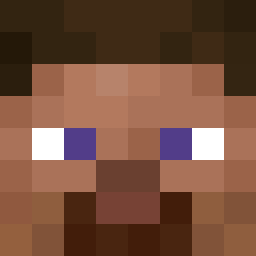 HakkuHeikki Talwyen HSHMOM SkipperDuke Ryder_exe SenjuJonah BigDaddyZeus21 a1var20 MythicMatriix Isapar furrycon2014 poppakristof chun ladek321 ryusaku1523 Oniesk lobo707 CommandoRage Azeriteee Kaizo2018 PaulGamerDe soondubu_ kimchanyeong0528 bestfortniter Tobusces92 Dimple16 balisticsa Sh1zyy WeaponControls Bonq28 RomanCY byPumba Darknnes franbro teamnice01 JPHulk3000 karwanisko TheTrueClintKill HardBolts HKG_Shing CharlesPiter nacho_001 mosmanmenace visneuyu TwoMav nightowl374 Salatti NeJos Kathi_Craft MichleJordan LEDELUGE ssabaljeoc MoggyMN Keelia ScaryCake488 M3MonsterD hidoxy issics Jasonwolf18 RockClimberGG
How to install the AirToast4211 skin
- Press the Download button above to save the skin as a PNG file.
- Minecraft: Bedrock Edition (PE): open the Dressing Room from the main menu (or tap your character → Edit Character), go to Classic Skins → Owned, press the + (new skin) button, choose the downloaded PNG and pick the Classic (Steve) model. Works on PC and mobile; consoles cannot import custom skins.
- Minecraft: Java Edition: open the Minecraft Launcher, go to the Skins tab, click New Skin, load the PNG, pick the Classic (Steve) model and press Save & Use. You can also upload it at minecraft.net → Profile → Change Skin.
The skin does not show up after import - what should I do?
Restart Minecraft and open the Dressing Room again - imported skins sometimes appear only after a restart. Also make sure you selected the imported skin and picked the Classic (Steve) model.
Which model should I choose, Classic or Slim?
This skin is designed for the Classic (Steve) model. If you pick the wrong model, the arms of the skin will look stretched or squeezed.
Is the skin of AirToast4211 free to download?
Yes. Press Download, save the PNG file and use it in Minecraft: Bedrock Edition or Java Edition - no payment or registration needed. The skin also works on multiplayer servers and Realms.
More skins
Looking for more? Go back to all Minecraft skins and check the top skins of the week, month and all time, or find any player's skin by nickname.